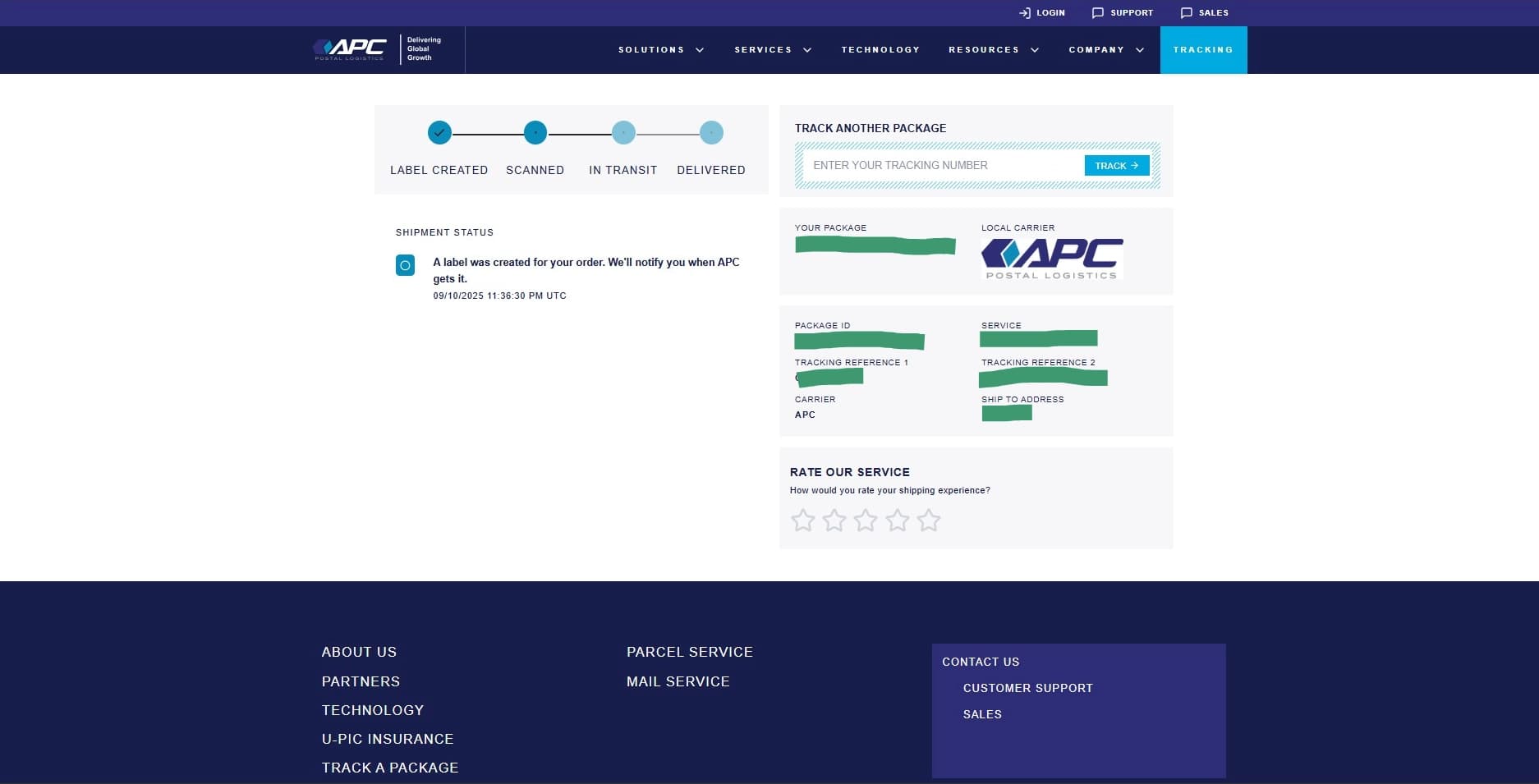
How to View the Web Tracking Page
This guide will show you how to view the parcel tracking page.
1. Navigate to the Tracking page https://app.apc-pli.com/tracking
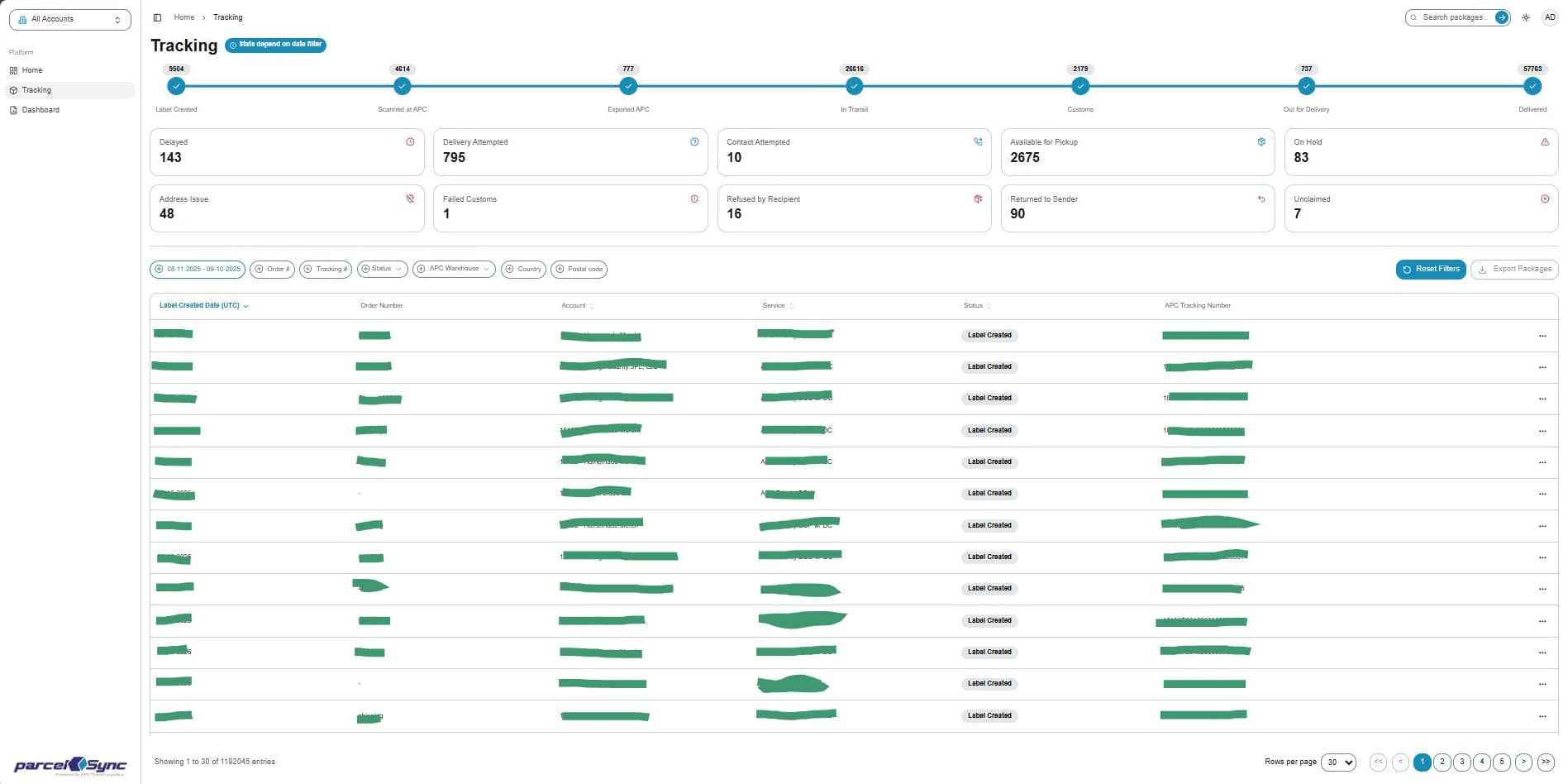
2. Details menu
In the tracking table, locate the parcel you want to view and click on the three dots ("...") on the right
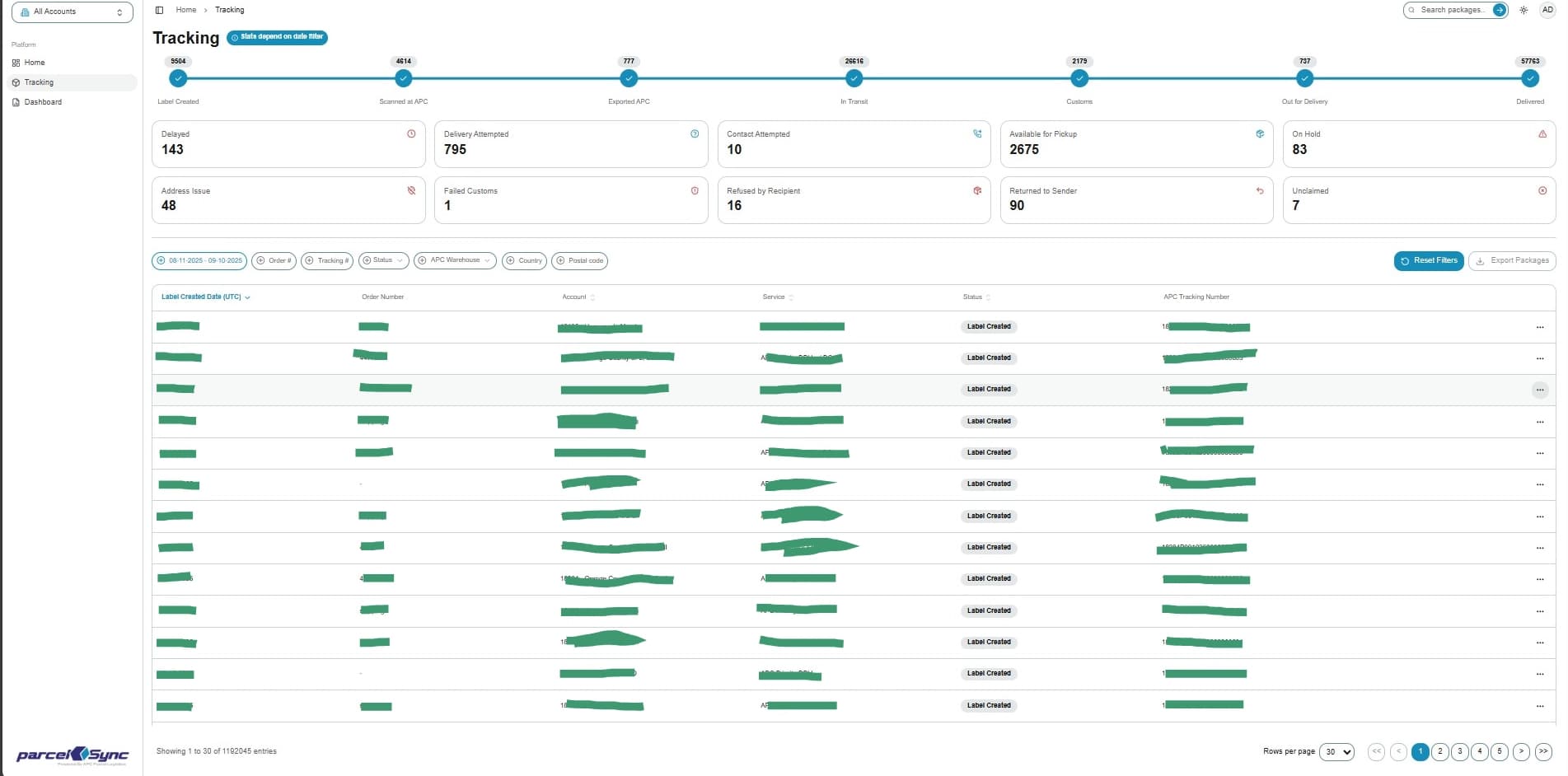
3. Select "Web Tracking"
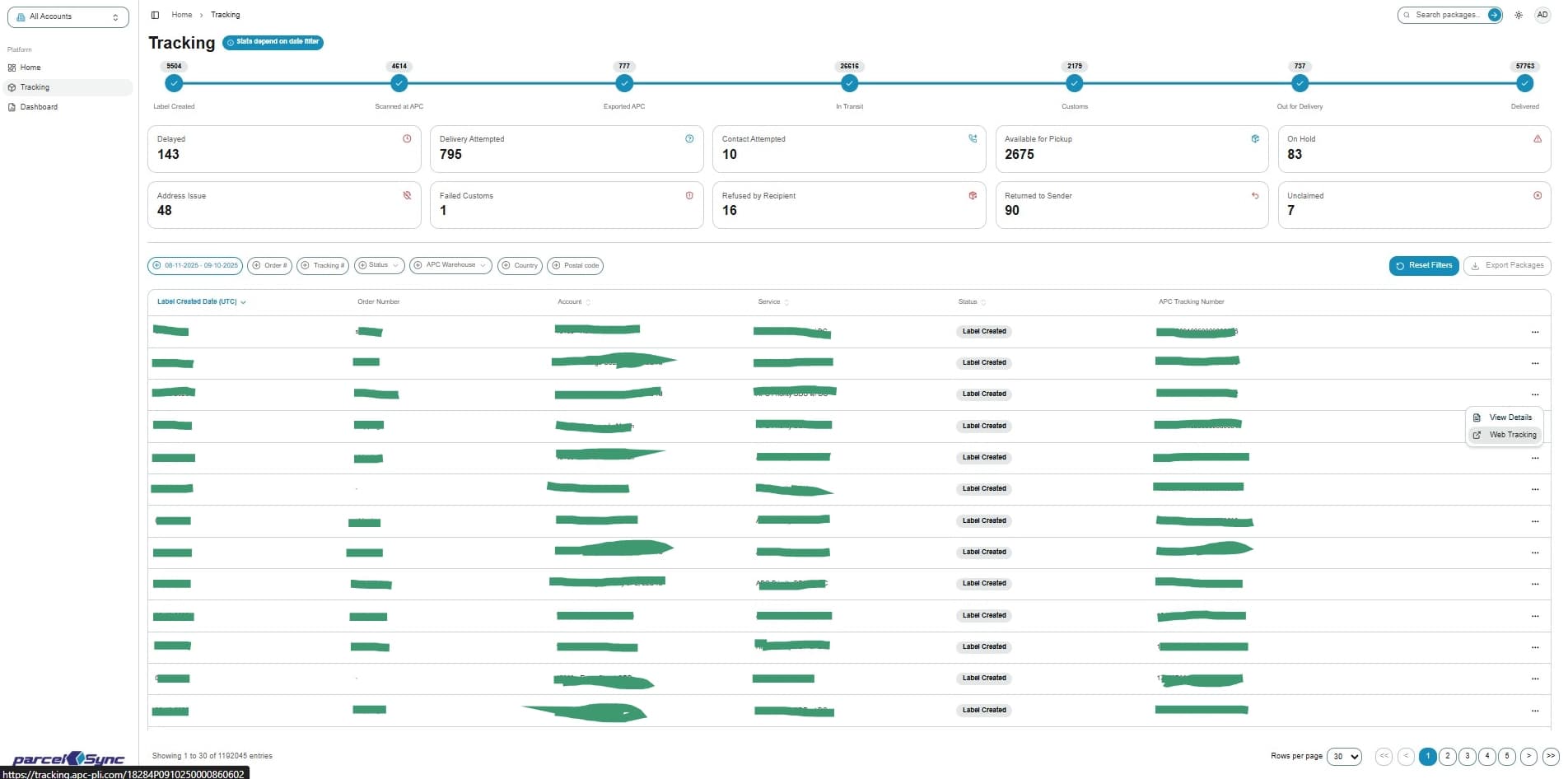
4. Web tracking
A new tab will open with the Web Tracking page, showing the parcel's most recent tracking events and history on APC's website