
How to Read Shipment Metrics Summary
This guide helps you get to know the filters aviable to you in reading the shipment metrics summary.
1. Home page
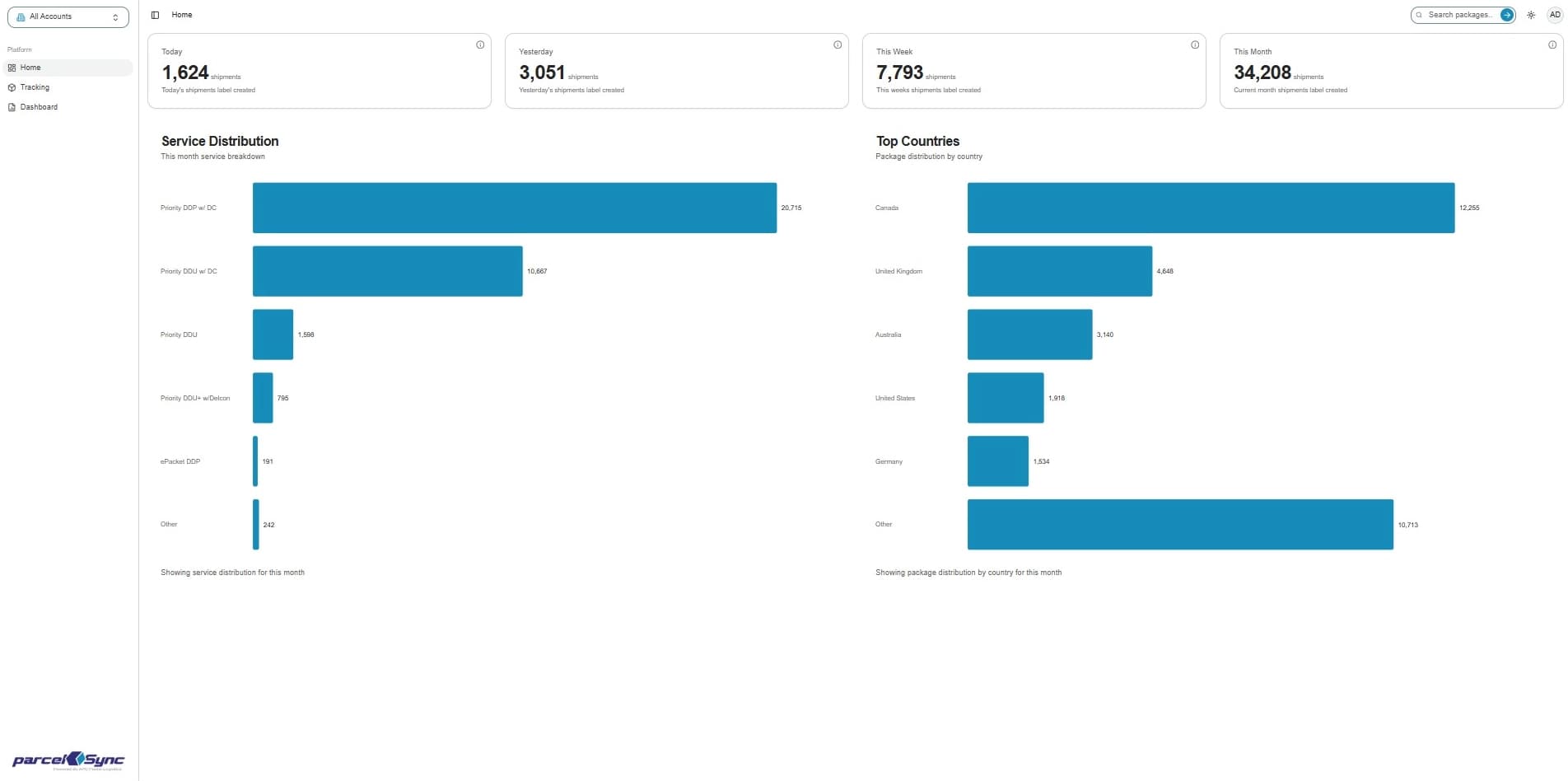
Log in to parcelSync. You will be redirected to the Home Page (or click Home in the left sidebar)
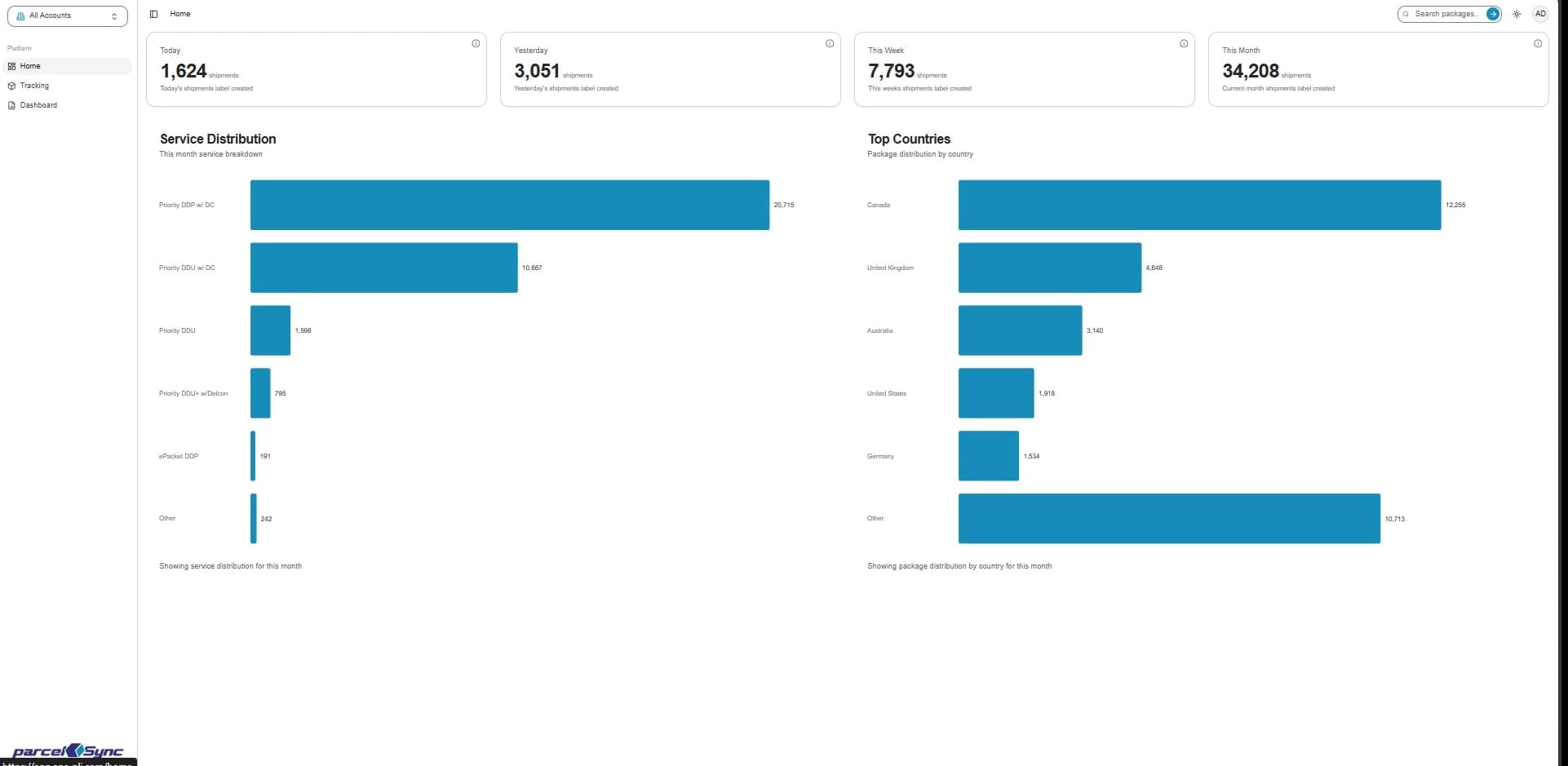
2. Today filter
Check the “Today” card to see the number of shipments created so far today
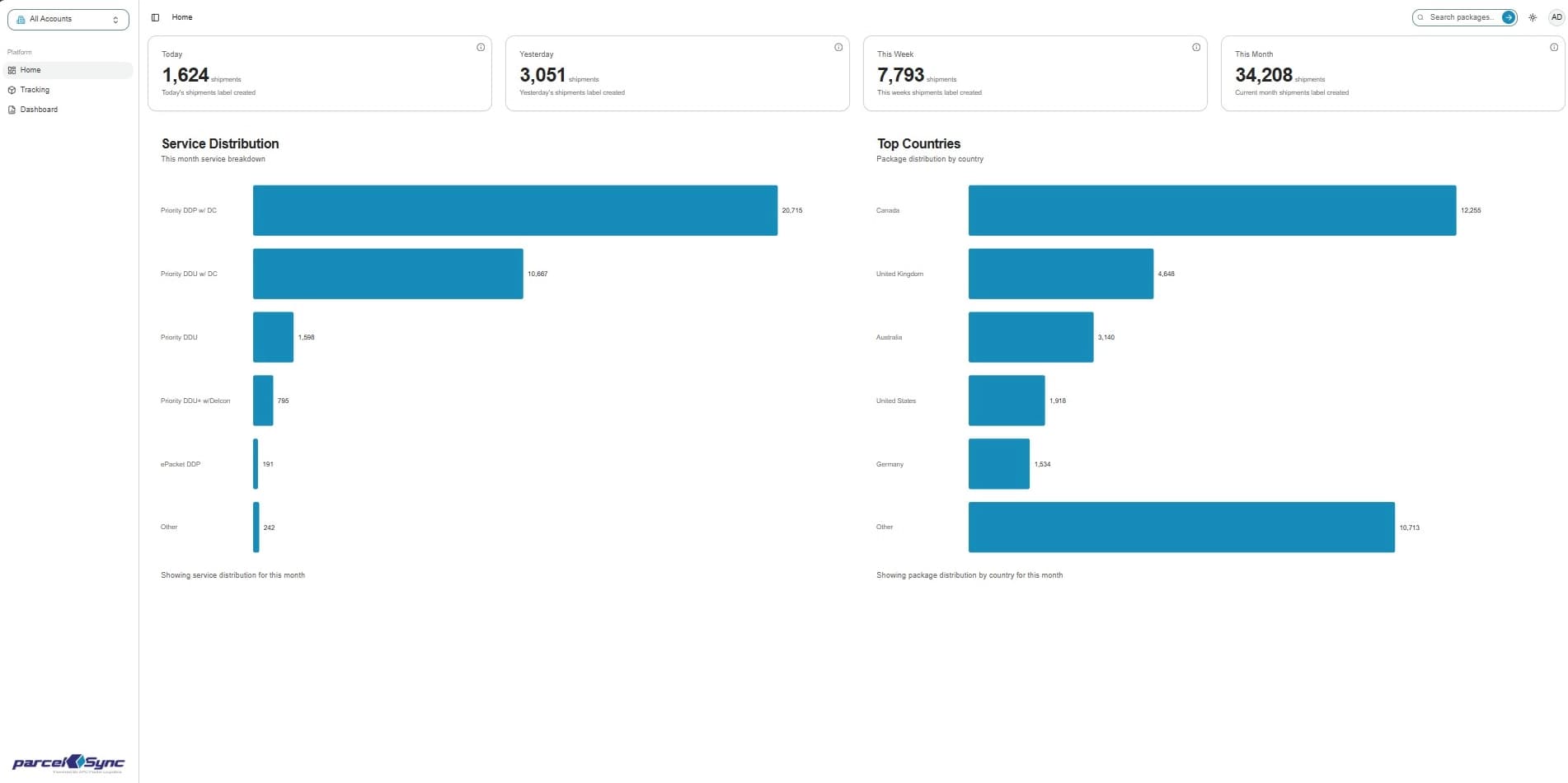
3. Yesterday filter
Check the “Yesterday” card to compare against the prior day’s shipment activity
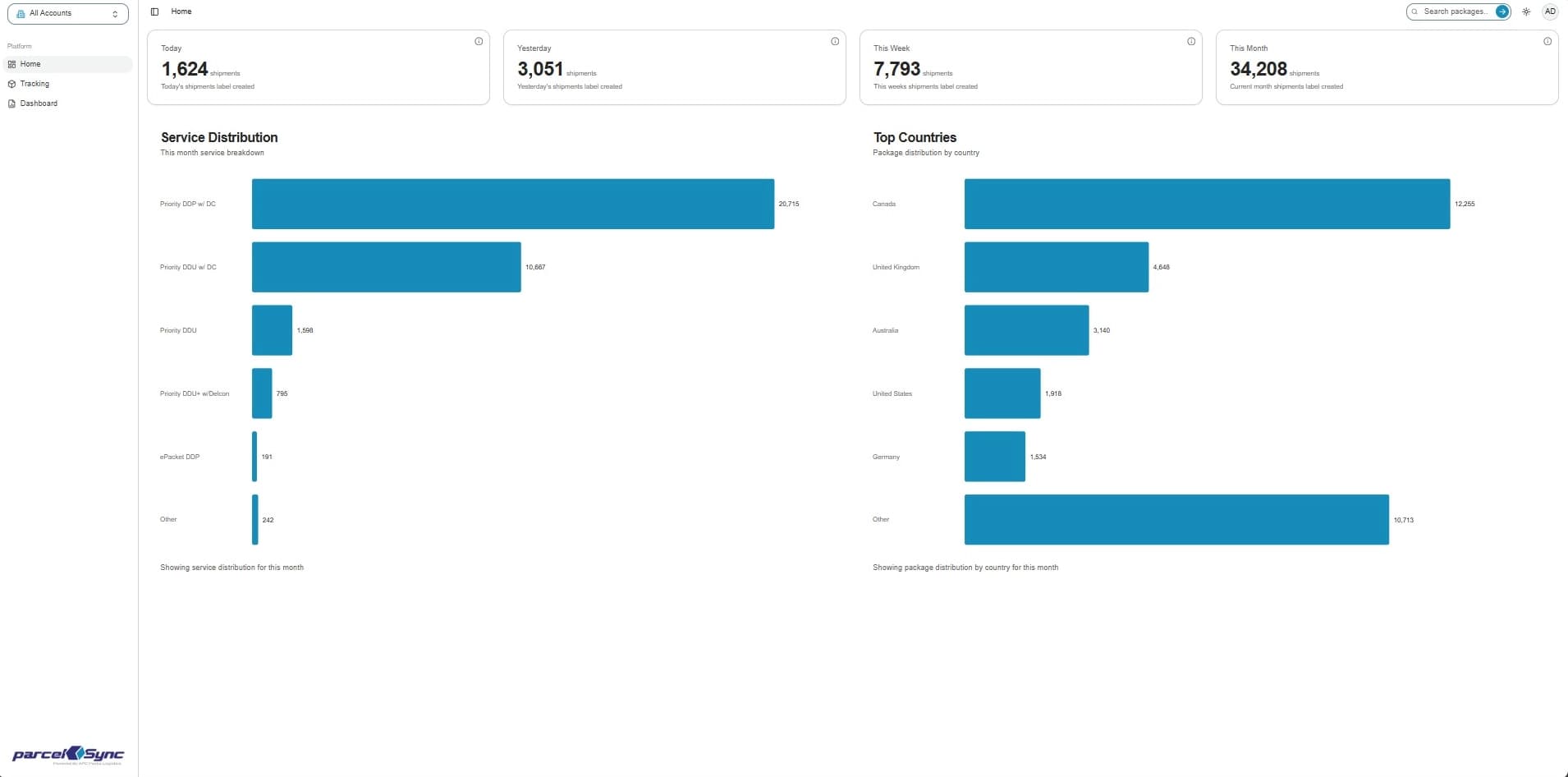
4. This week filter
Check the “This Week” card to track cumulative volume for the current week (starting on Monday)
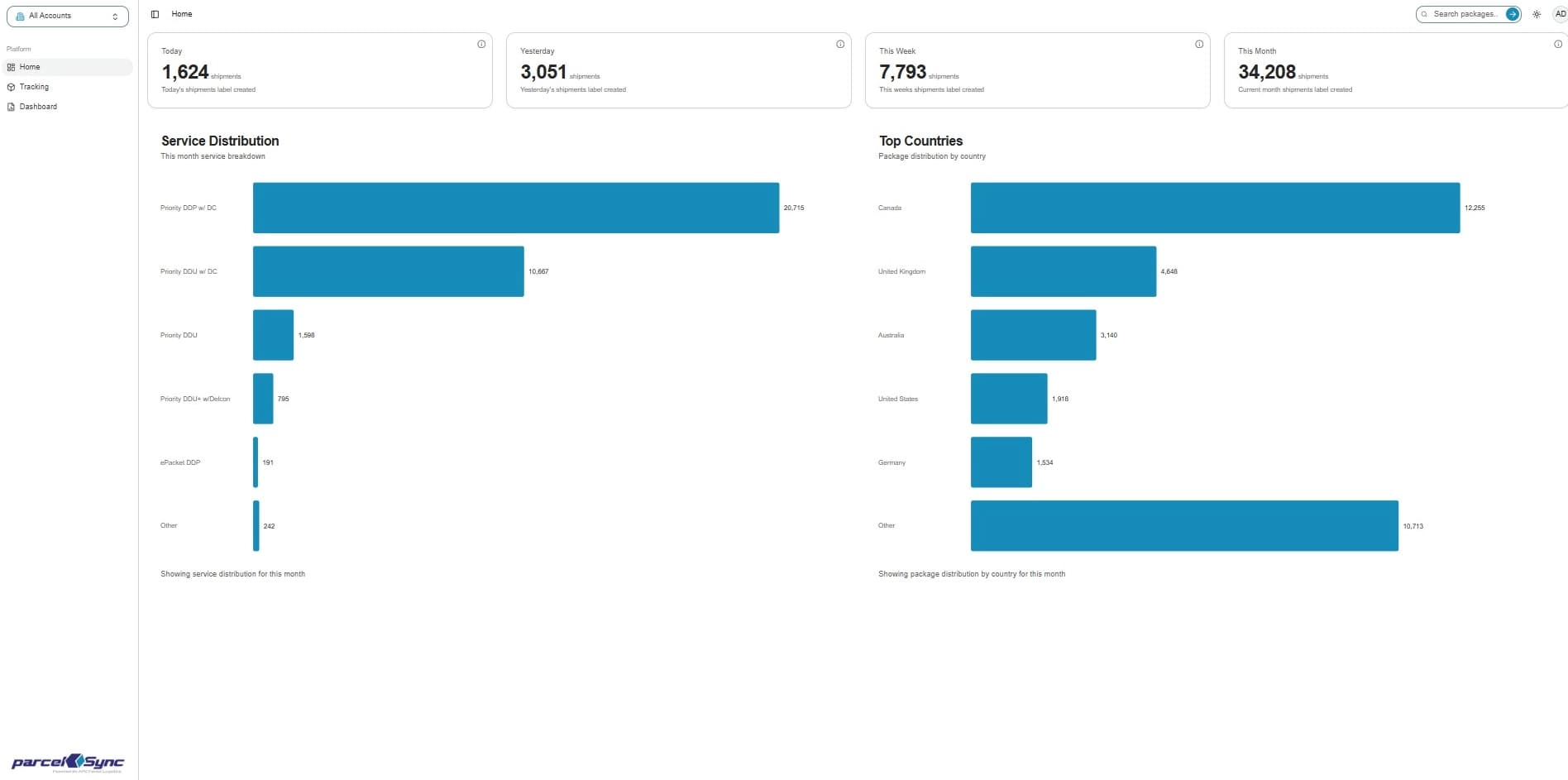
5. This month filter
Check the “This Month” card to review overall monthly shipping trends (starting on the 1st of each month)
Notes:
- Use the four cards together to quickly spot shipment patterns, growth, and changes