
How to Log In to the Customer Portal
This guide will walk you through the steps to log in to the customer portal.
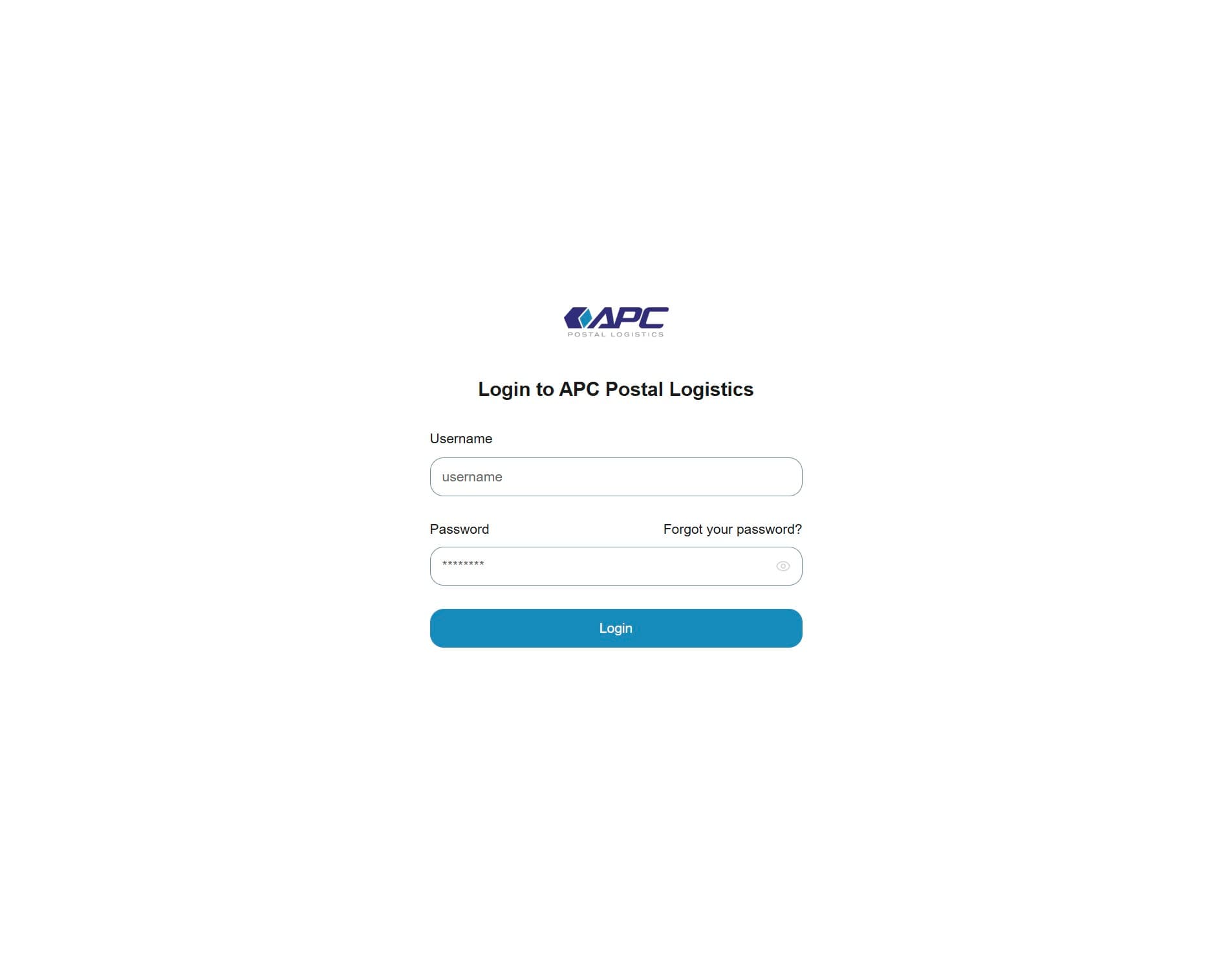
1. Navigate to the login page
Open your web browser and go to the login page.
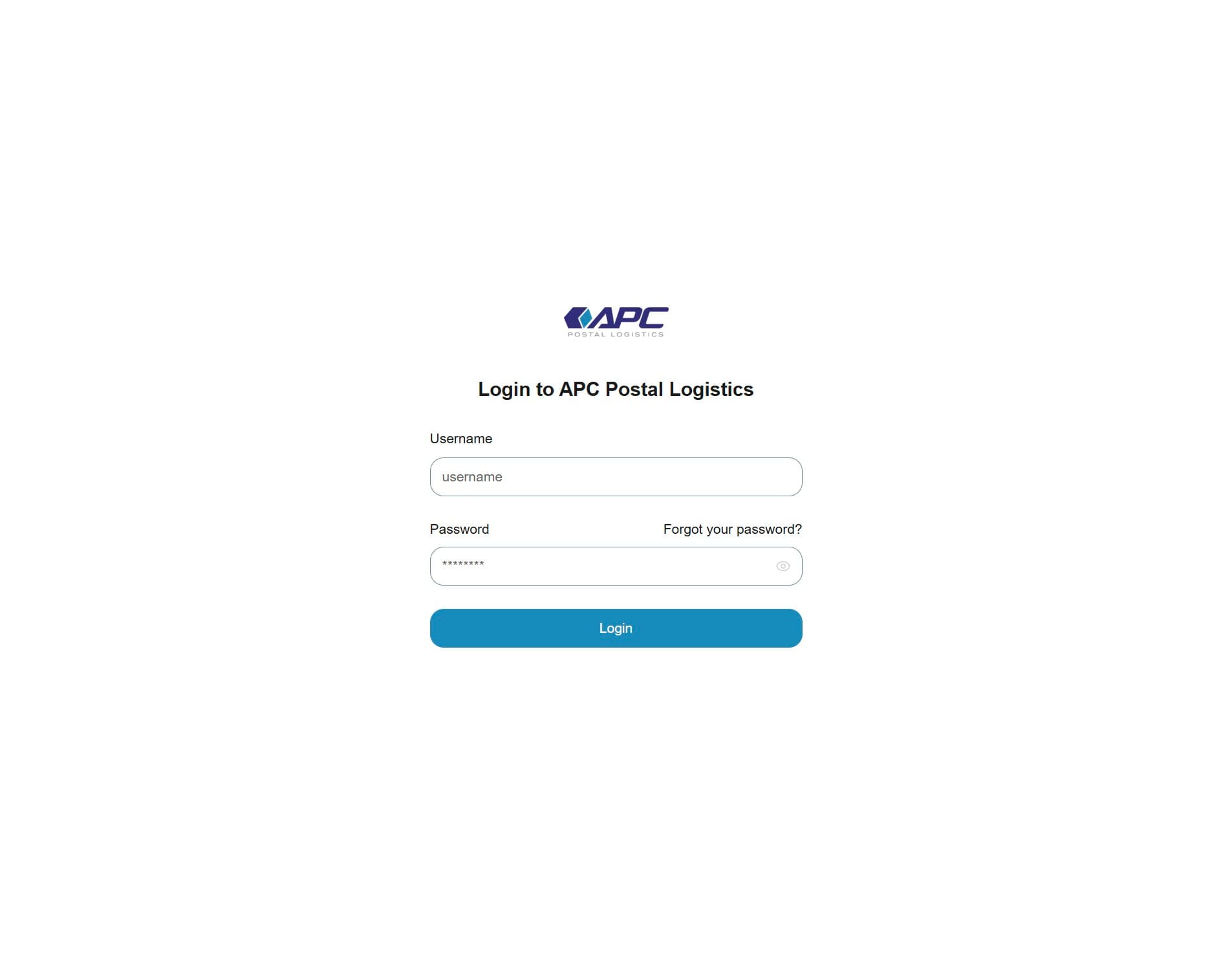
2. Enter your username
Click on the "Username" field and type in your assigned username.
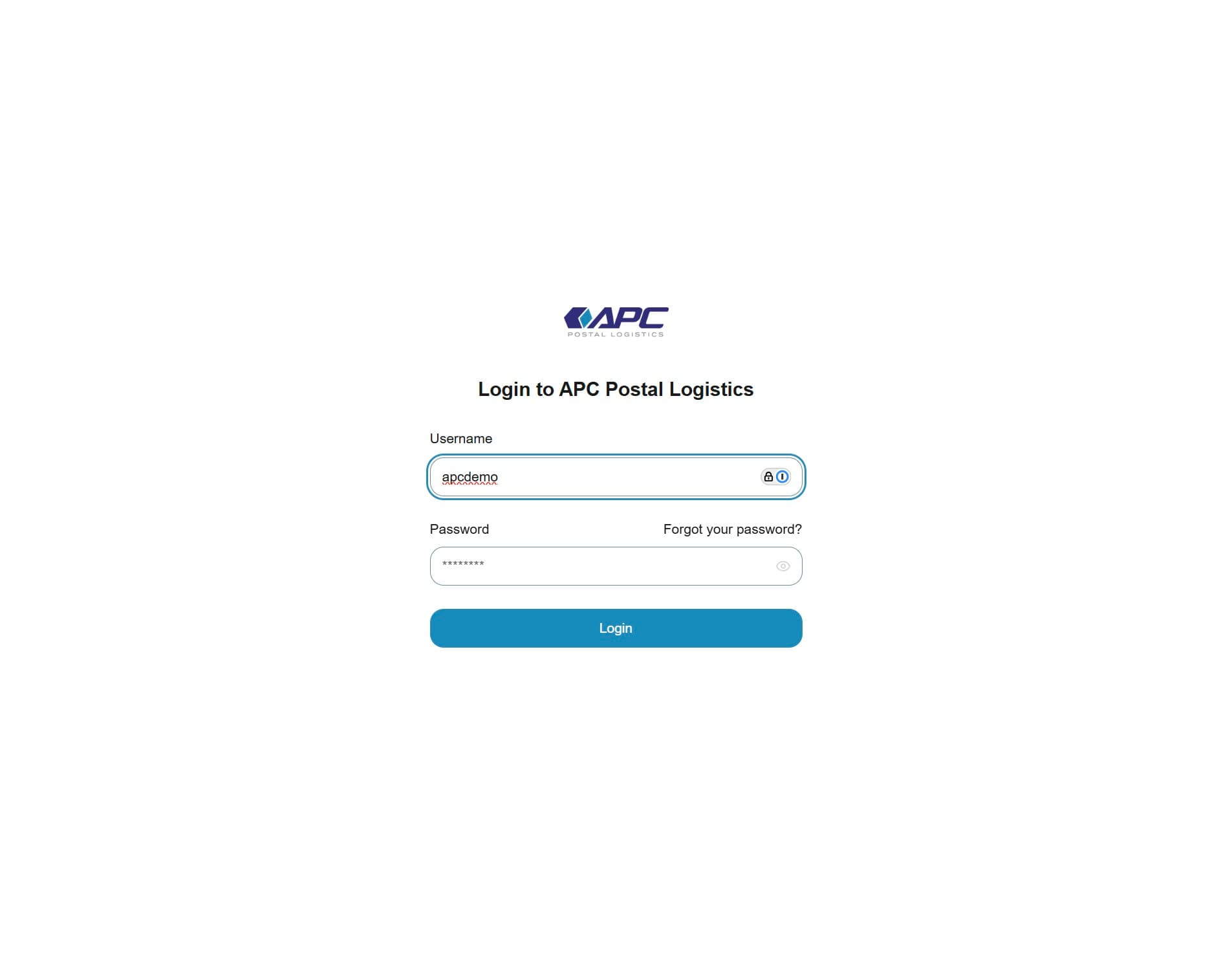
3. Enter your password
Click on the password field and enter your password.
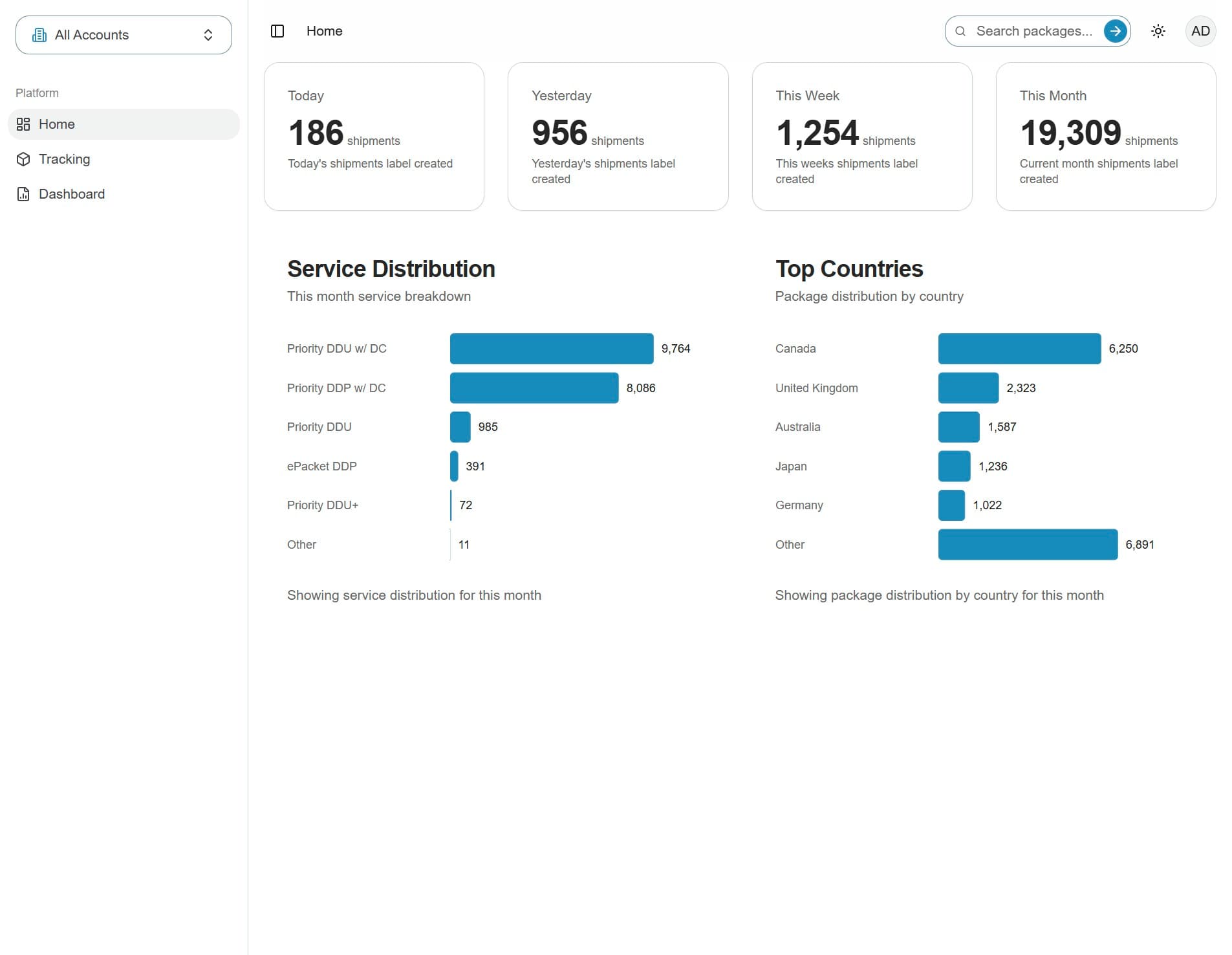
4. You are logged in
After logging in, you will see the homepage.
Troubleshooting Login Issues
- Incorrect username or password? Double-check for typos and ensure Caps Lock is off.
- Forgot your password?Use the "Forgot Password" link on the login page to reset it.