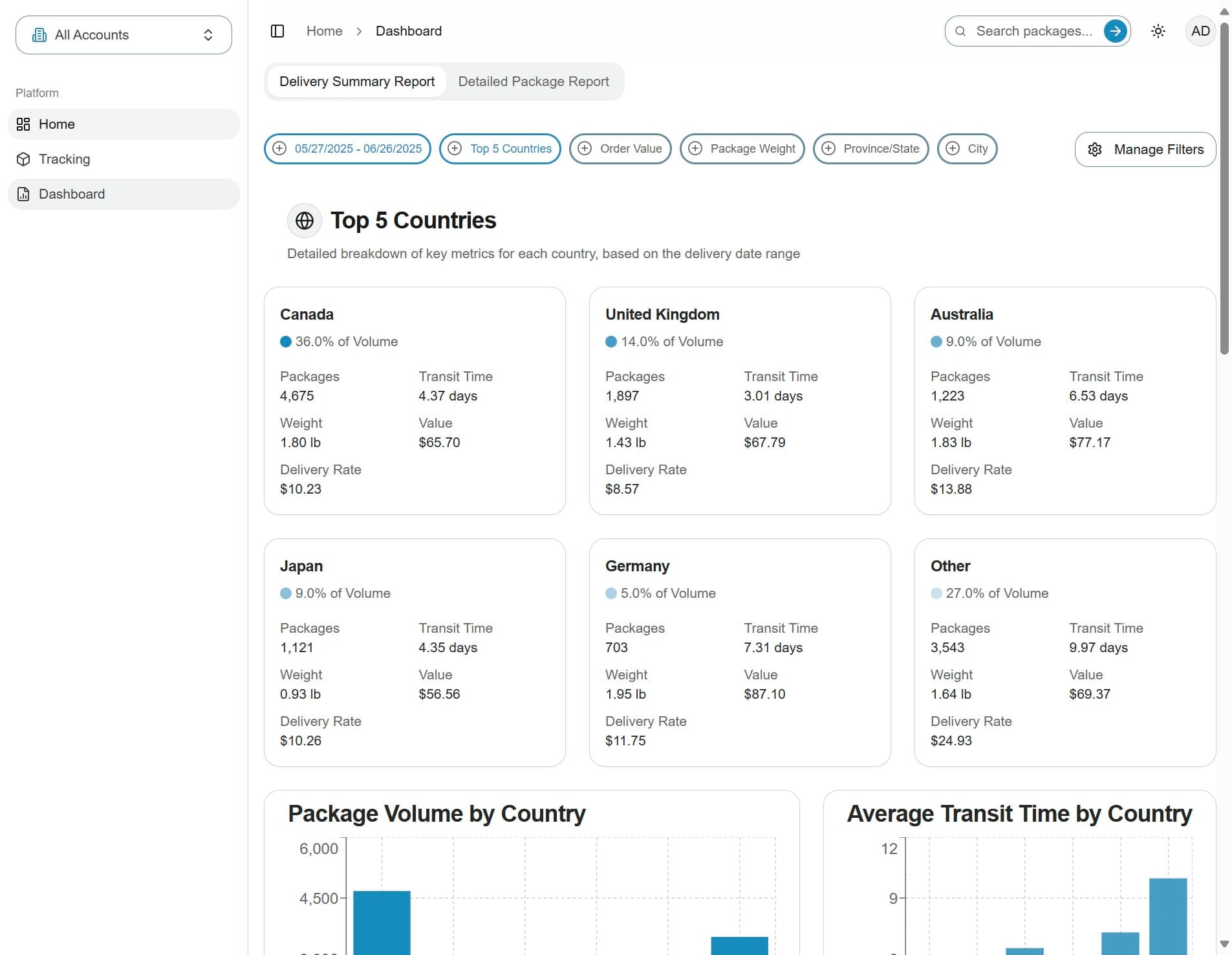
How To Navigate Between Home, Tracking, and Dashboard Pages
This guide will walk you through the navigation on the parcelSync application.
1. Side menu
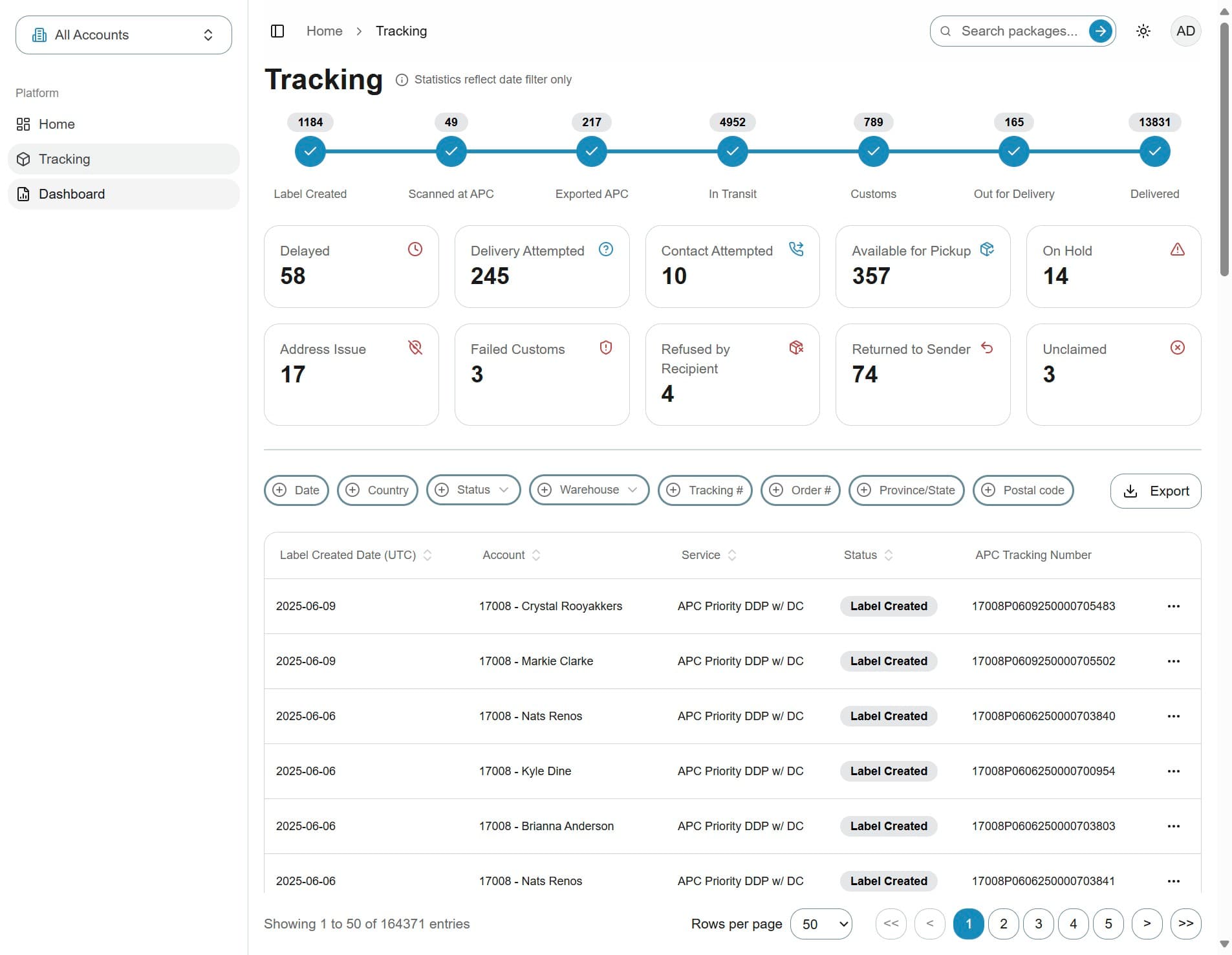
To navigate through the portal, use the left-hand sidebar, where you'll see three main navigation options
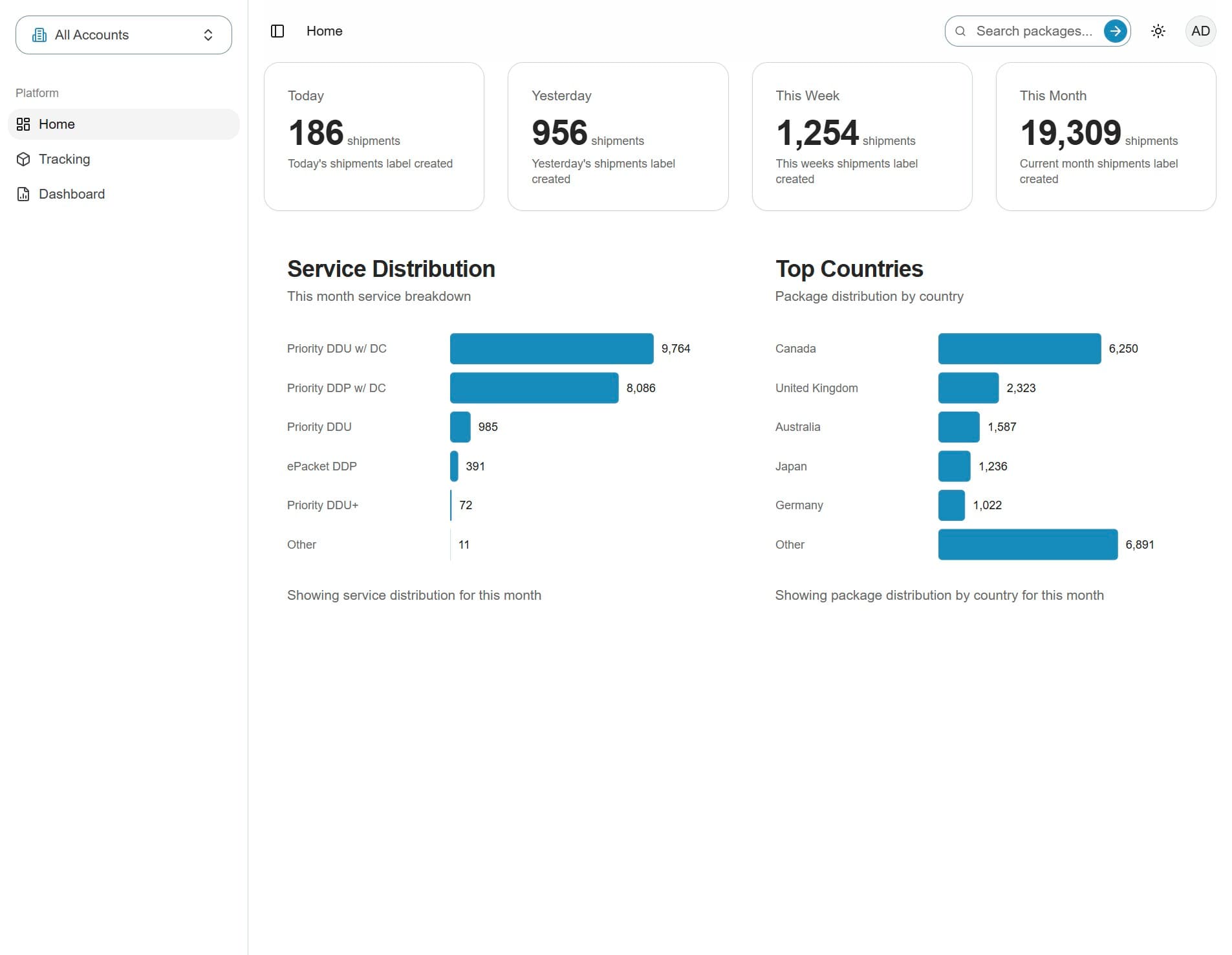
2. Selected page
The currently selected page is highlighted in dark gray. For example, if Home is selected, it will appear darker
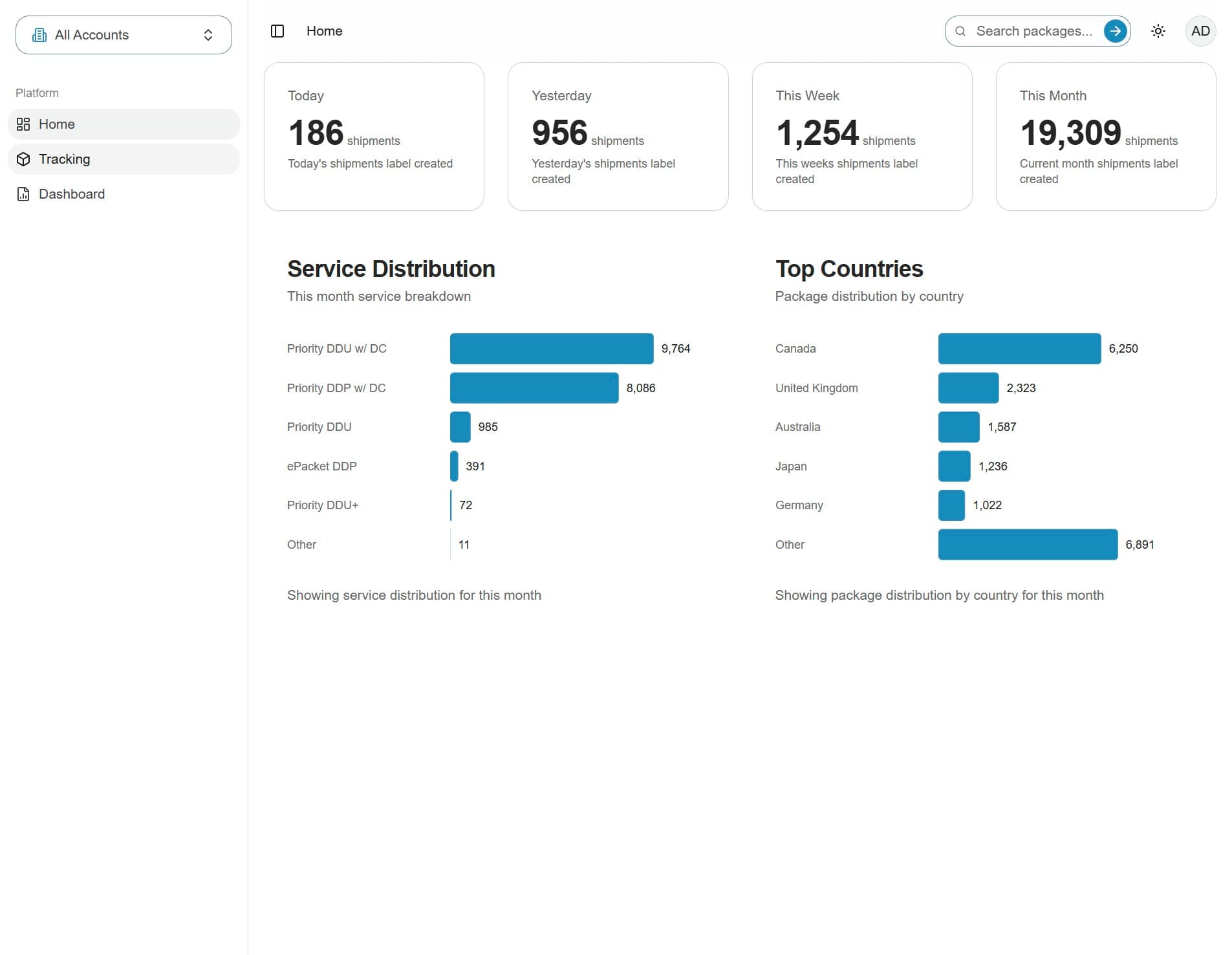
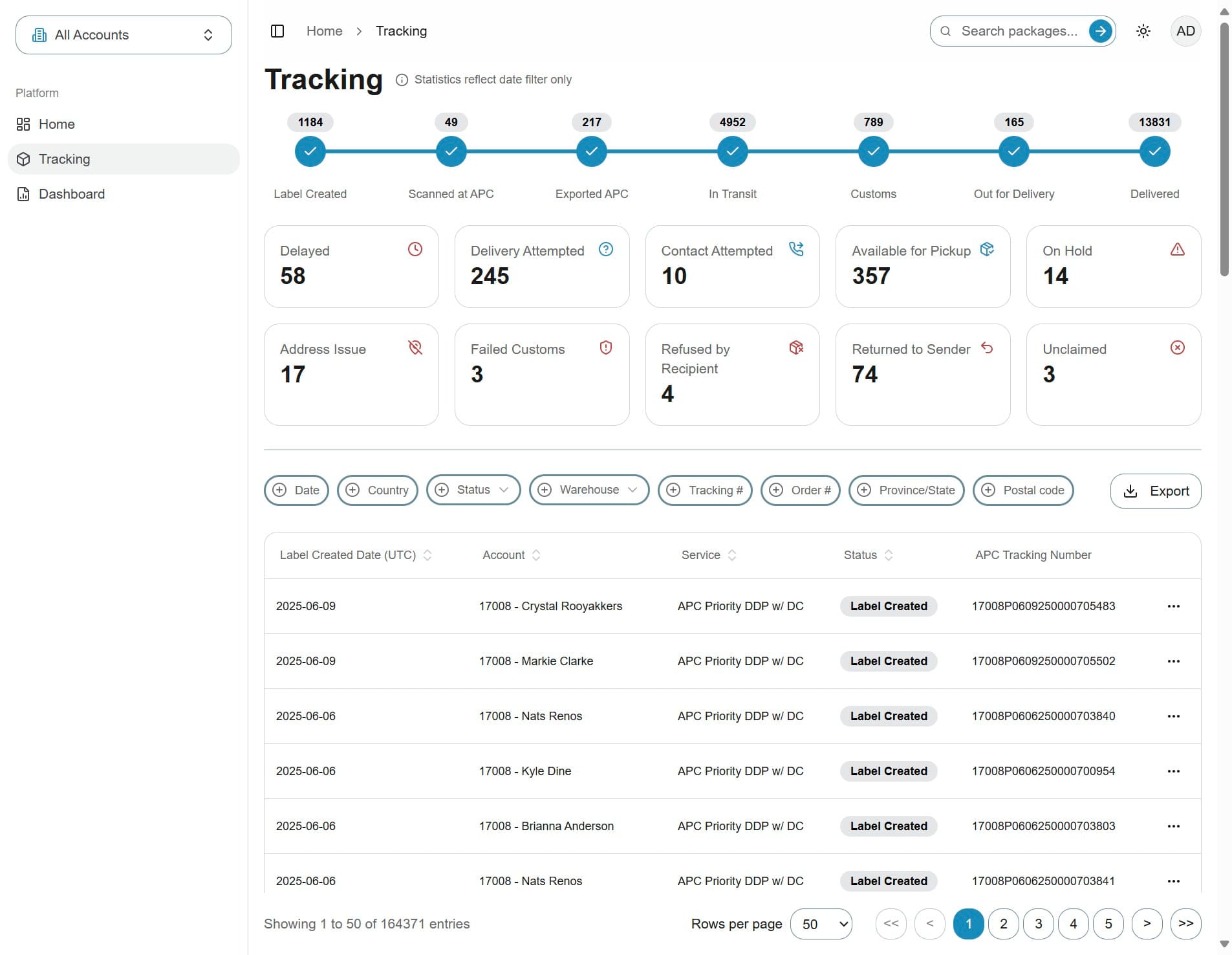
3. Click Tracking to go to the tracking page
4. Click Dashboard to open the dashboard view
5. Home page
You can return to the Home page at any time by clicking Home in the sidebar