Accessing and Updating Profile Settings
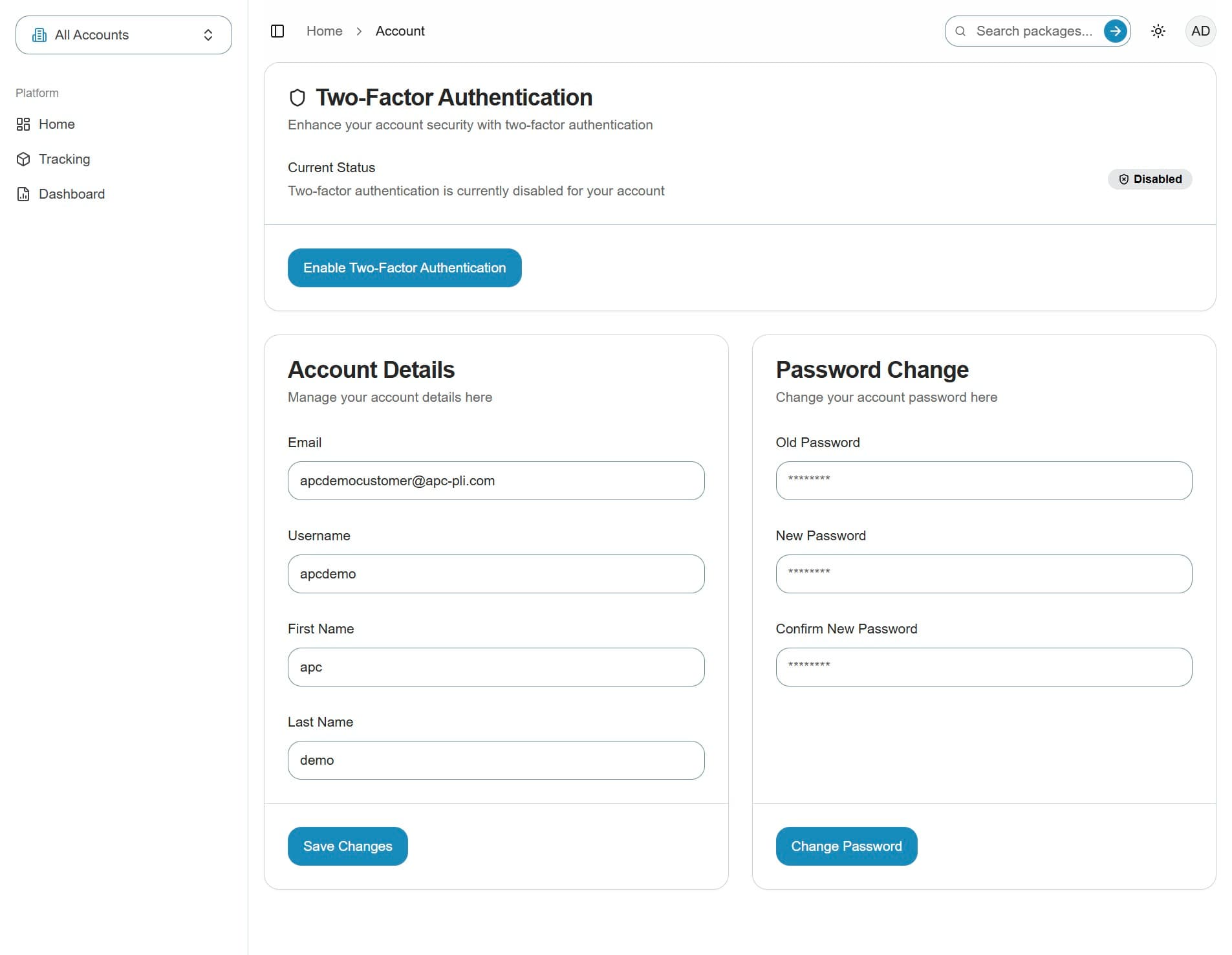
This guide will walk you through the navigation to and aviable options of the Profile Settings.
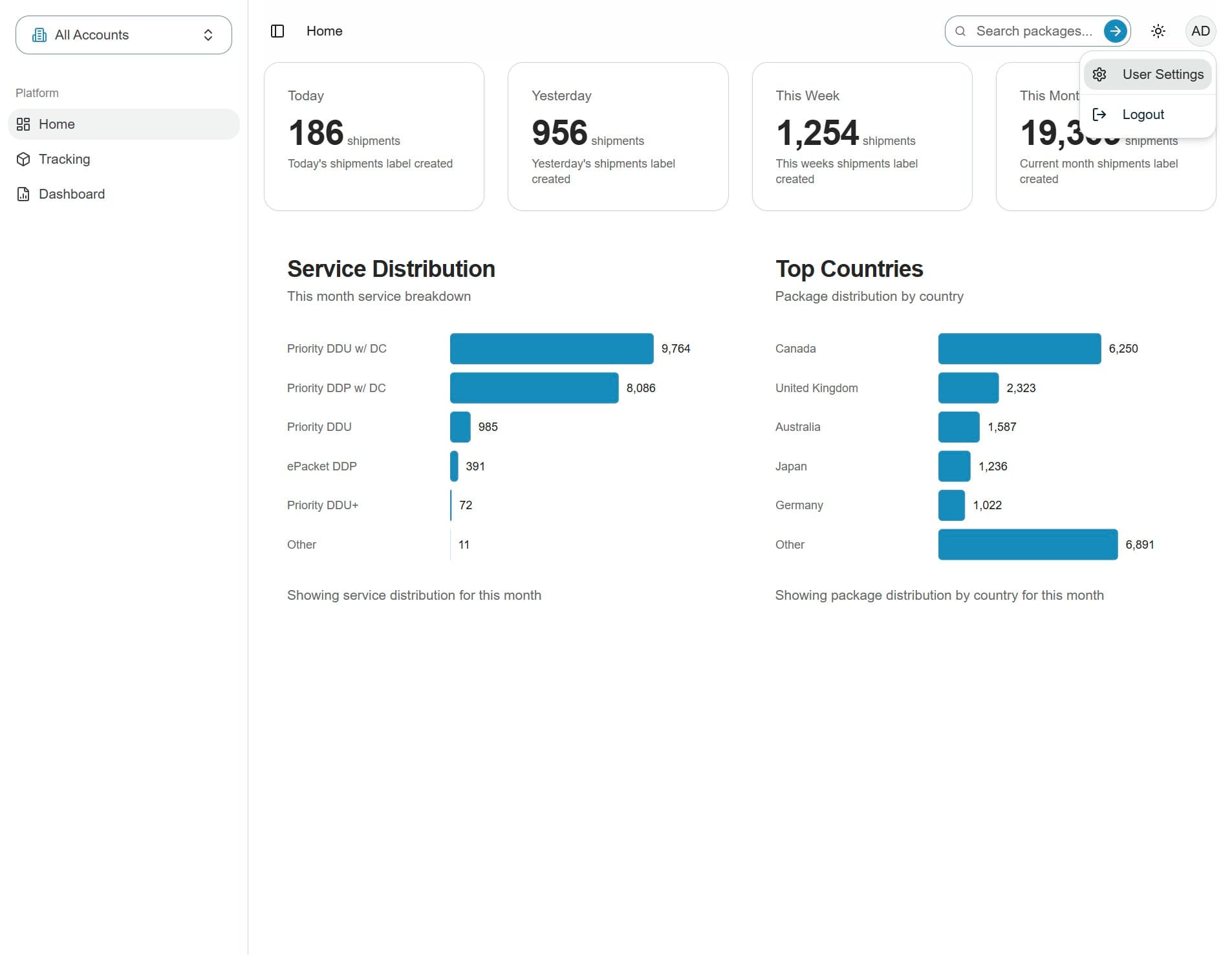
1. Initials menu
To update your user settings, click your initials in the top-right corner of the portal, then select User Settings.
2. User settings
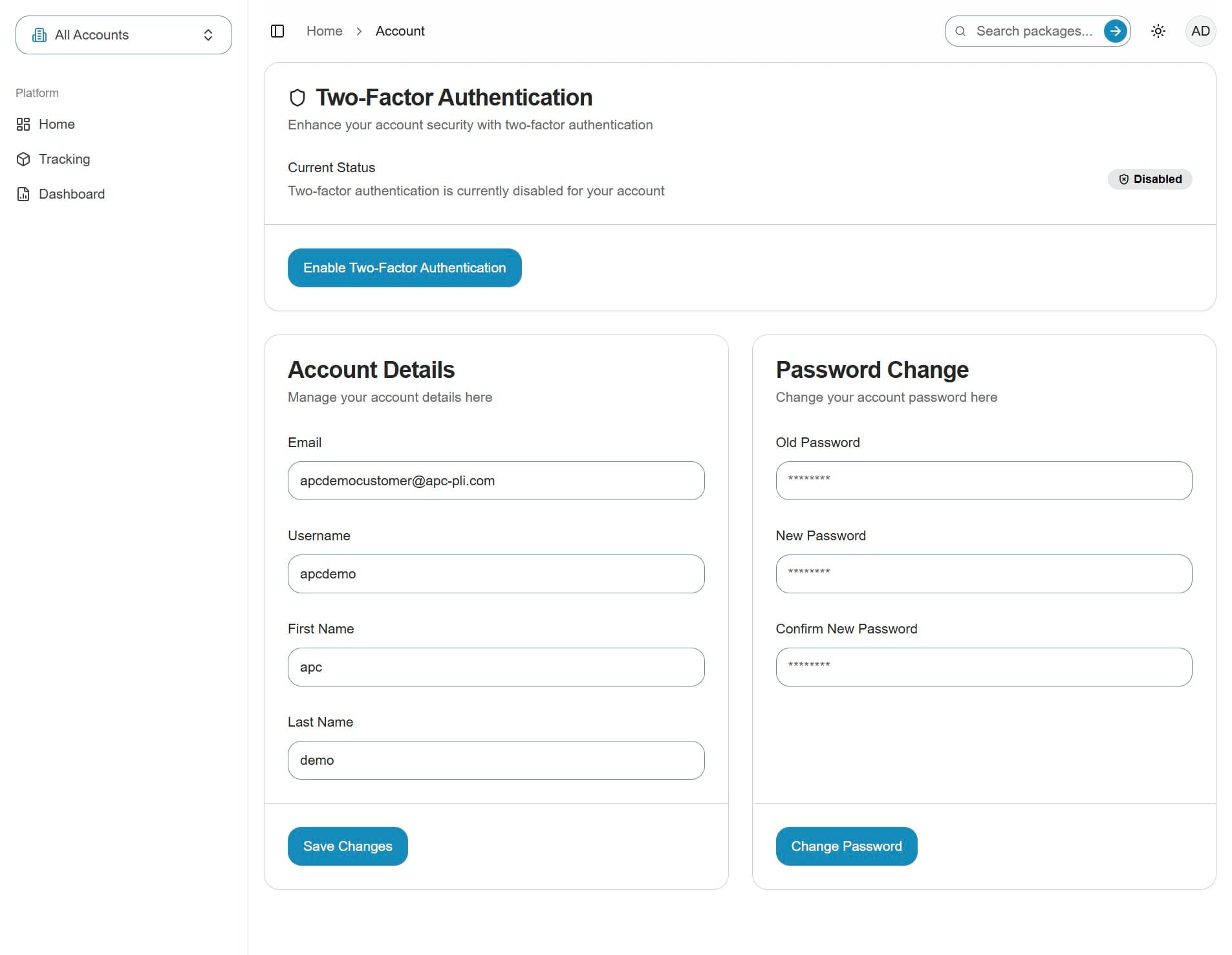
On the User Settings screen, you'll see three main options.
3. Available options
You can enable two-factor authentication, update your email, username, first name, and last name
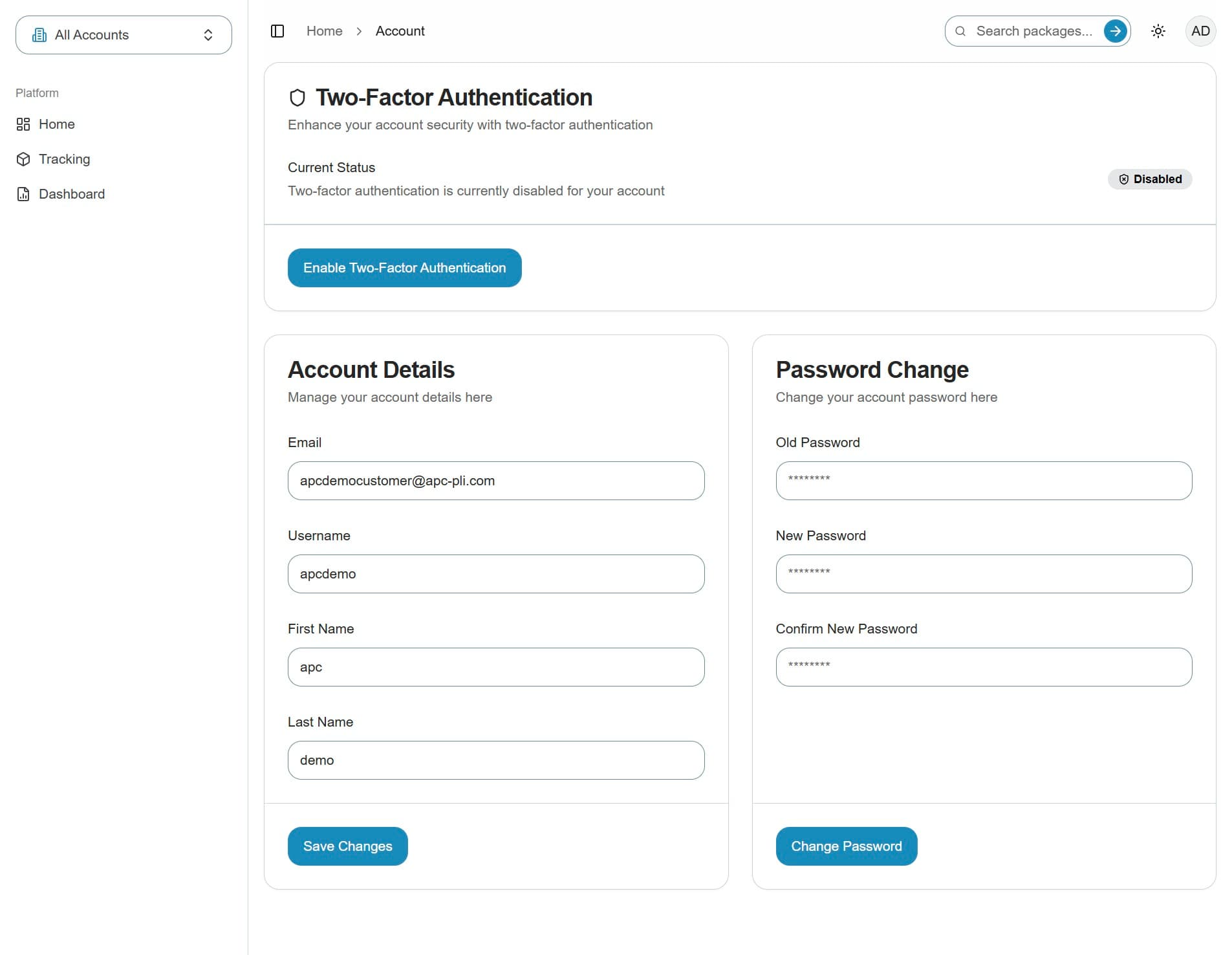
4. Password change
You can also change your password using the option shown here.