
How to Access and Use the Delivered Package Report
This guide will help you get to know how to navigate the delivered package reports.
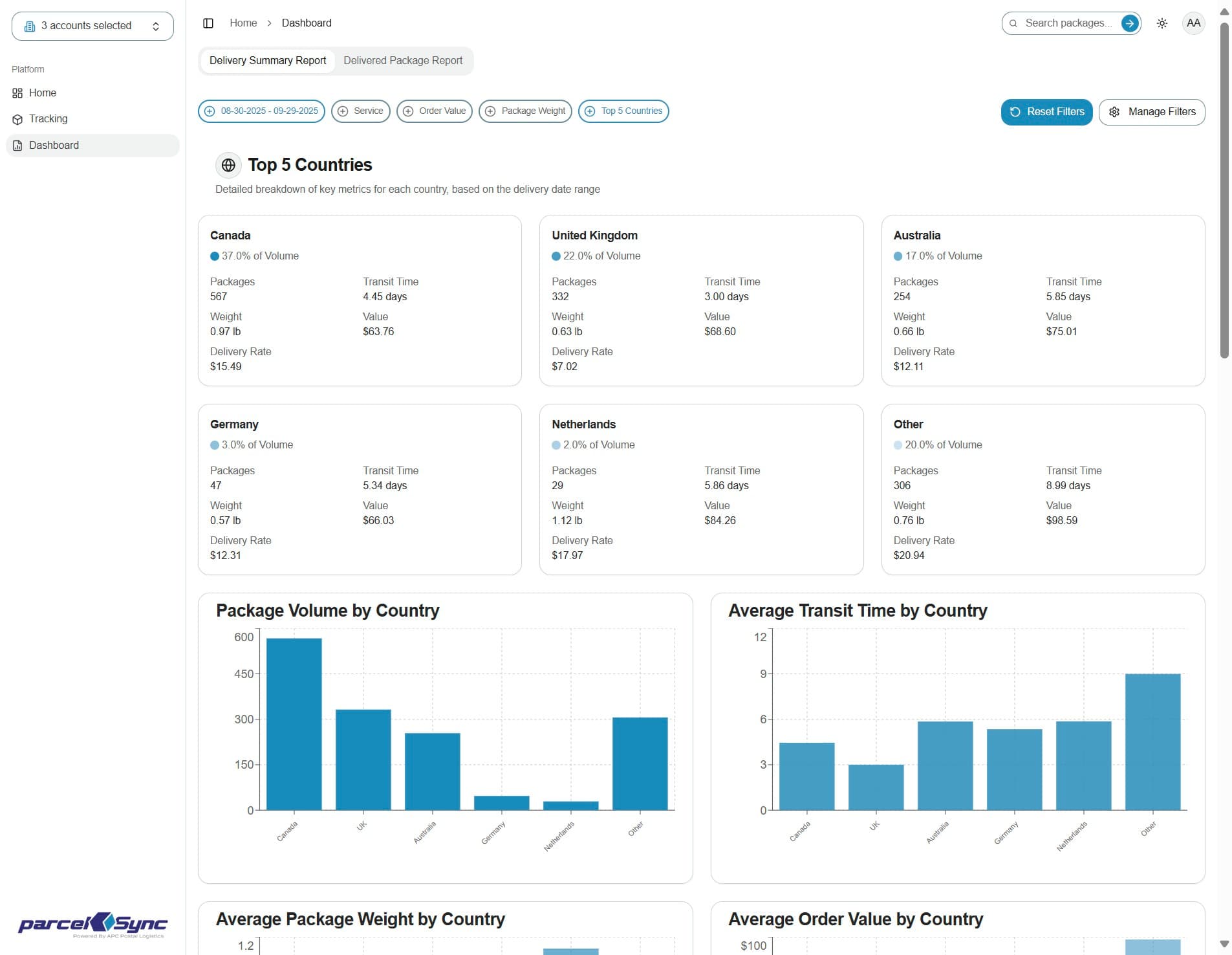
1. Navigate to the Dashboard page https://app.apc-pli.com/dashboard
Click the "Delivered Package Report" button in the top-left section of the screen
2. Using the filters
Use the filters at the top of the page (Delivery Date, Service, Order Value, Package Weight, & Country)
Note: Order Value & Package Weight filters allow you to set minimum and maximum values
Note: Filters automatically update the table with applicable data
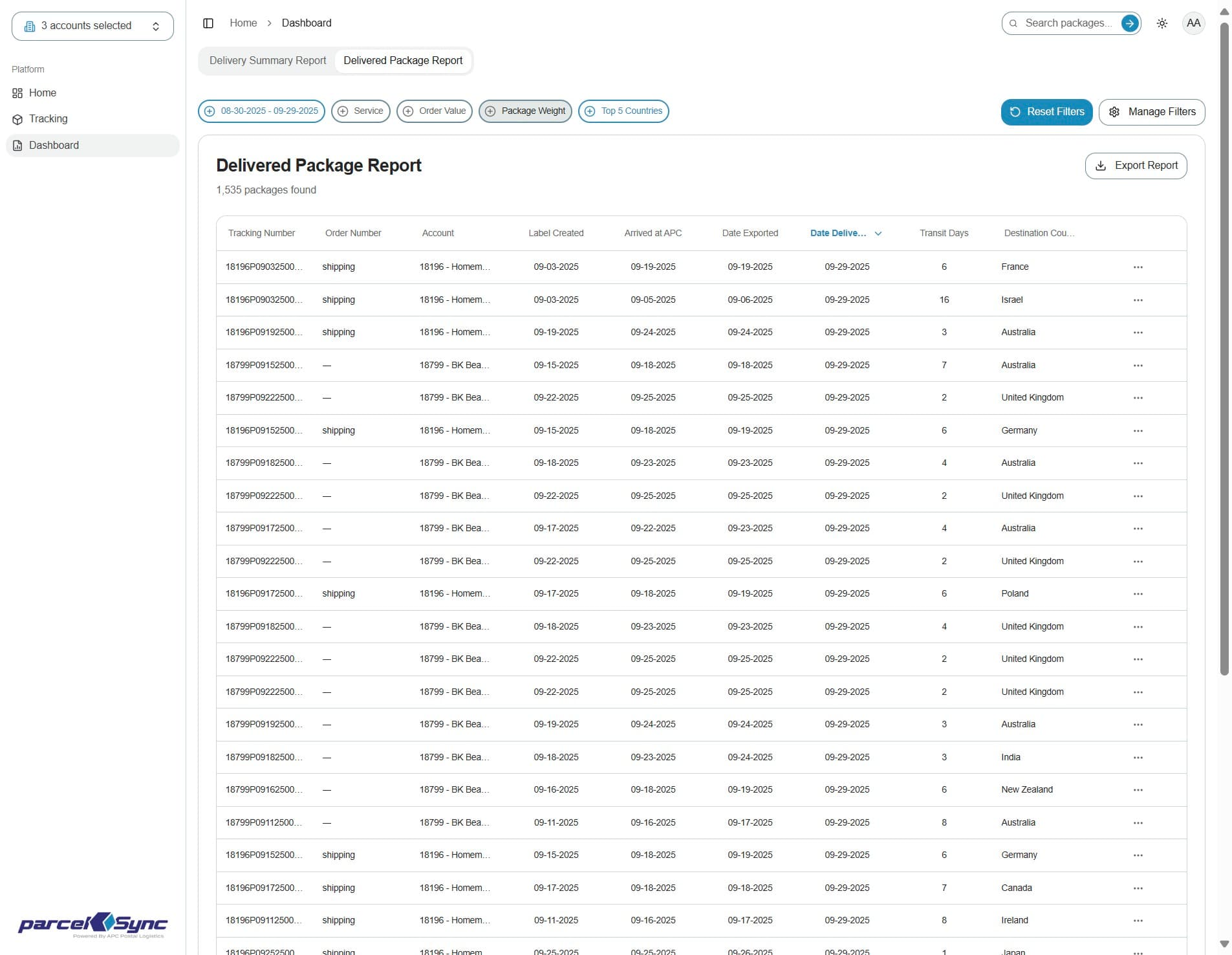
3. Review the Delivered Package Report with the applied filters
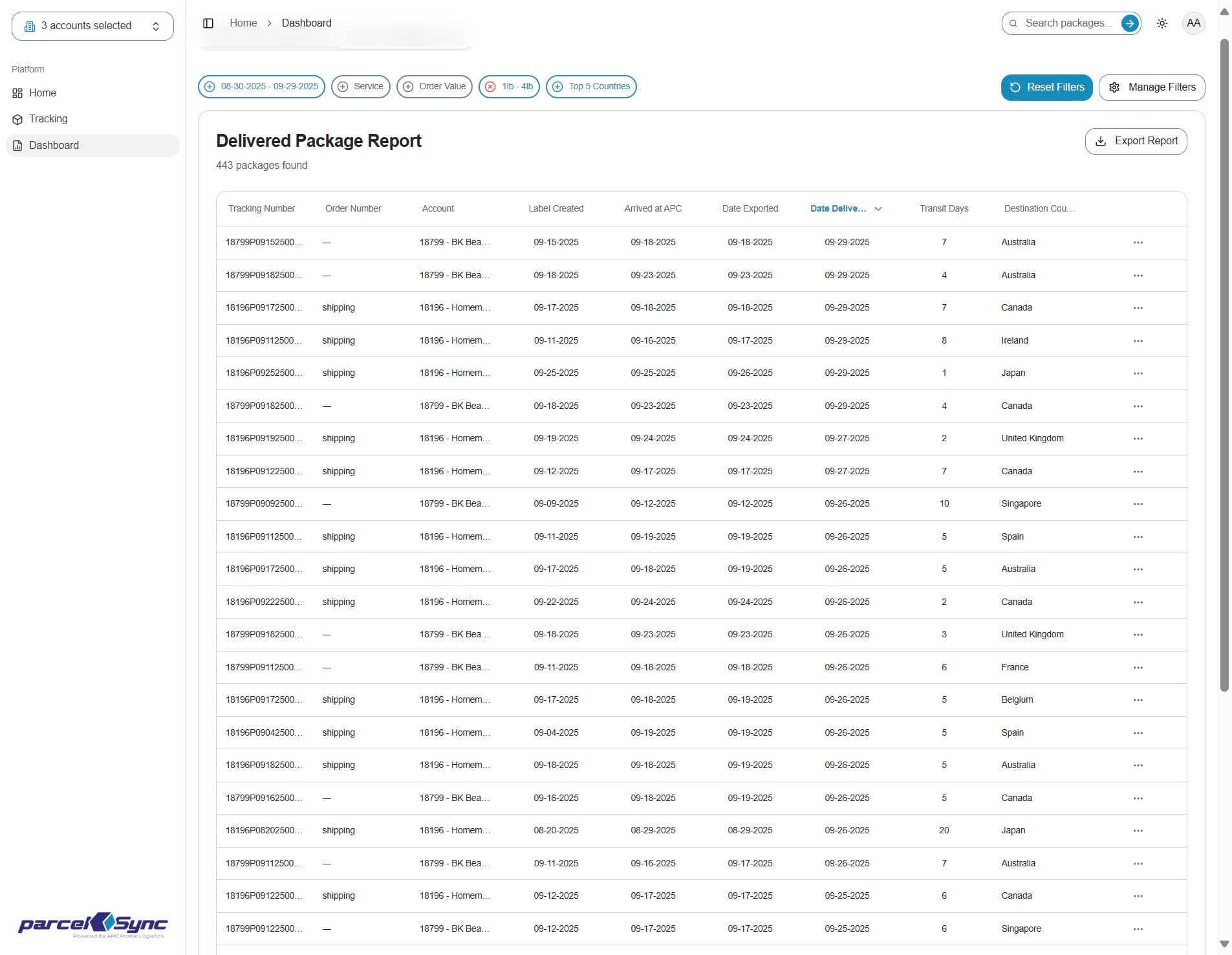
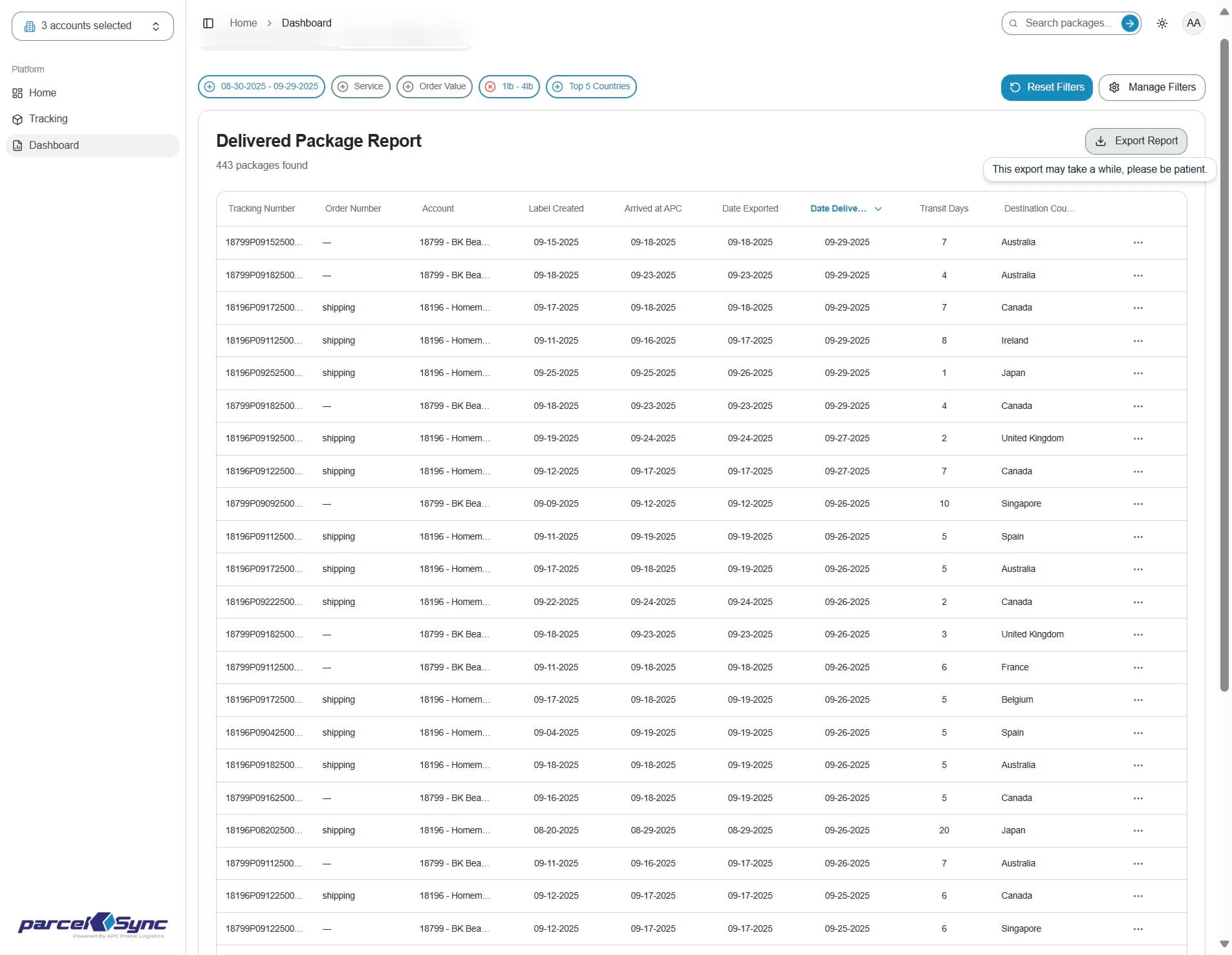
4. Click "Export Report" above the table to download the Delivered Package Report with the applied filters
Notes:
- Filters are interchangeable across the Dashboard. Any filter applied here will also carry over to the Delivery Summary Report and vice versa.
- Filtering, resetting filters, and exporting data in the Dashboard follow the same mechanics as the Tracking Page. You can reference the Tracking Page visual guides for additional support on these actions.