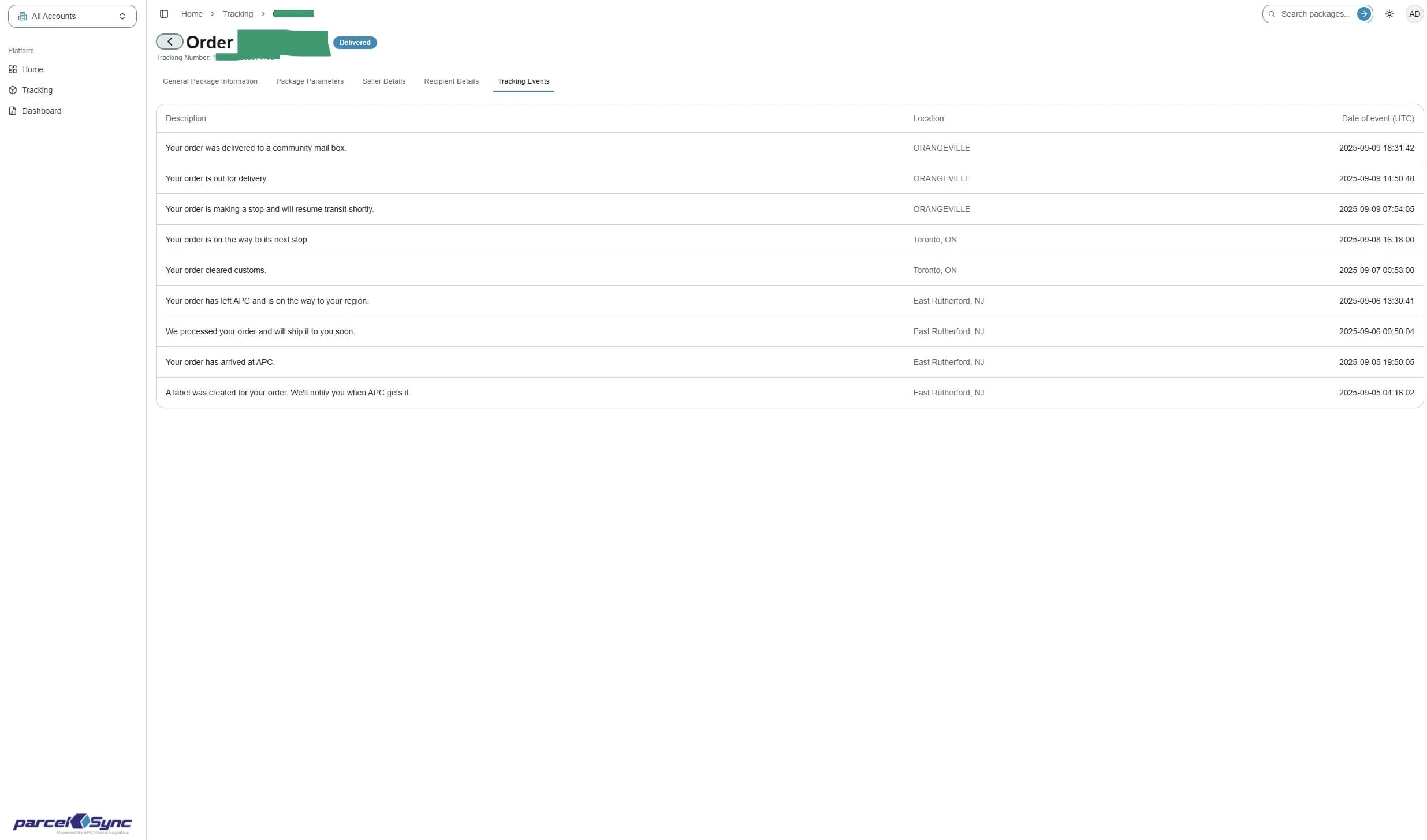
How to View Parcel Details
This guide will show you how to view various parcel details.
1. Navigate to the Tracking page https://app.apc-pli.com/tracking
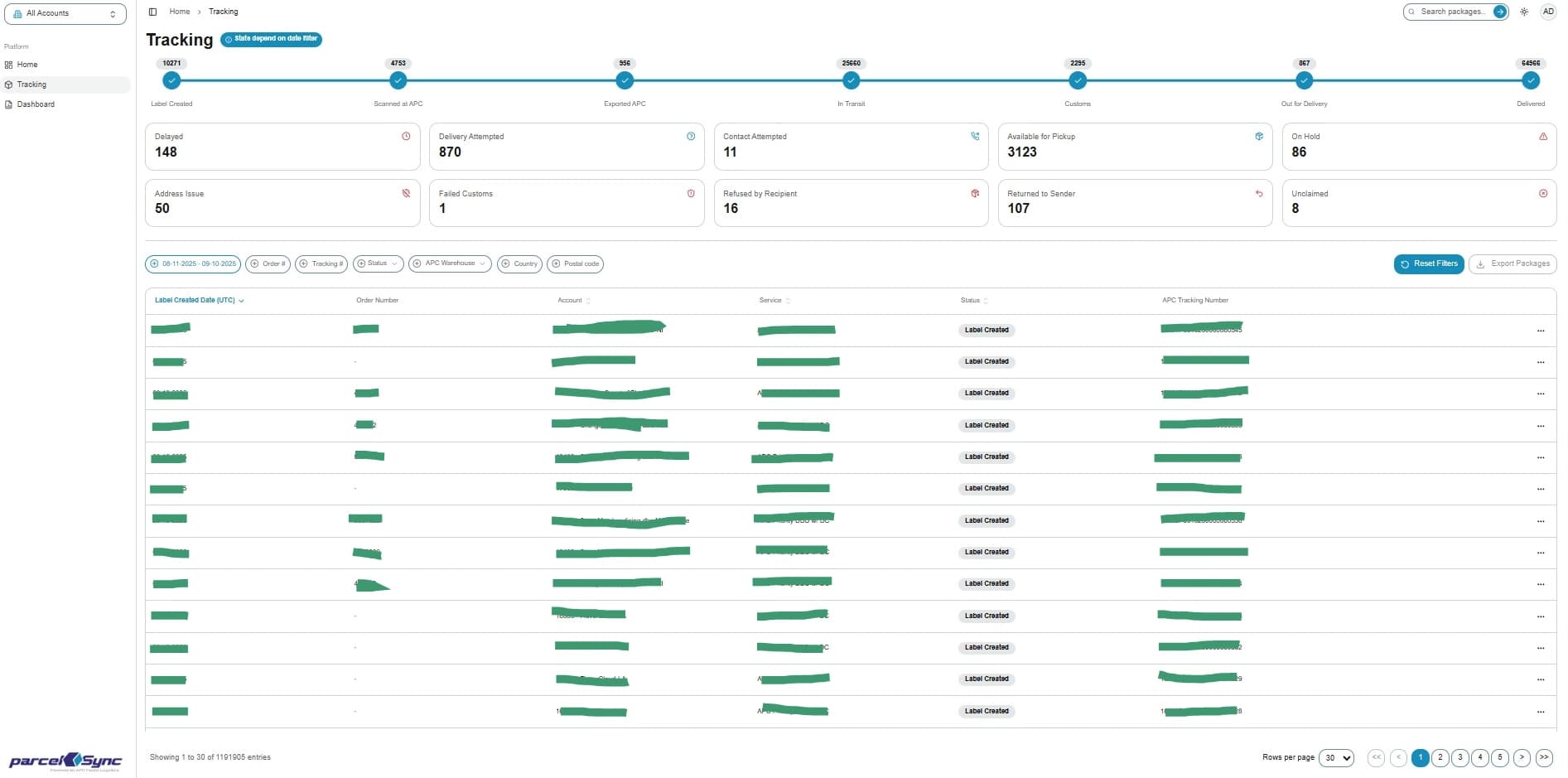
2. Details menu
In the tracking table, locate the parcel you want to view and click on the three dots ("...") on the right
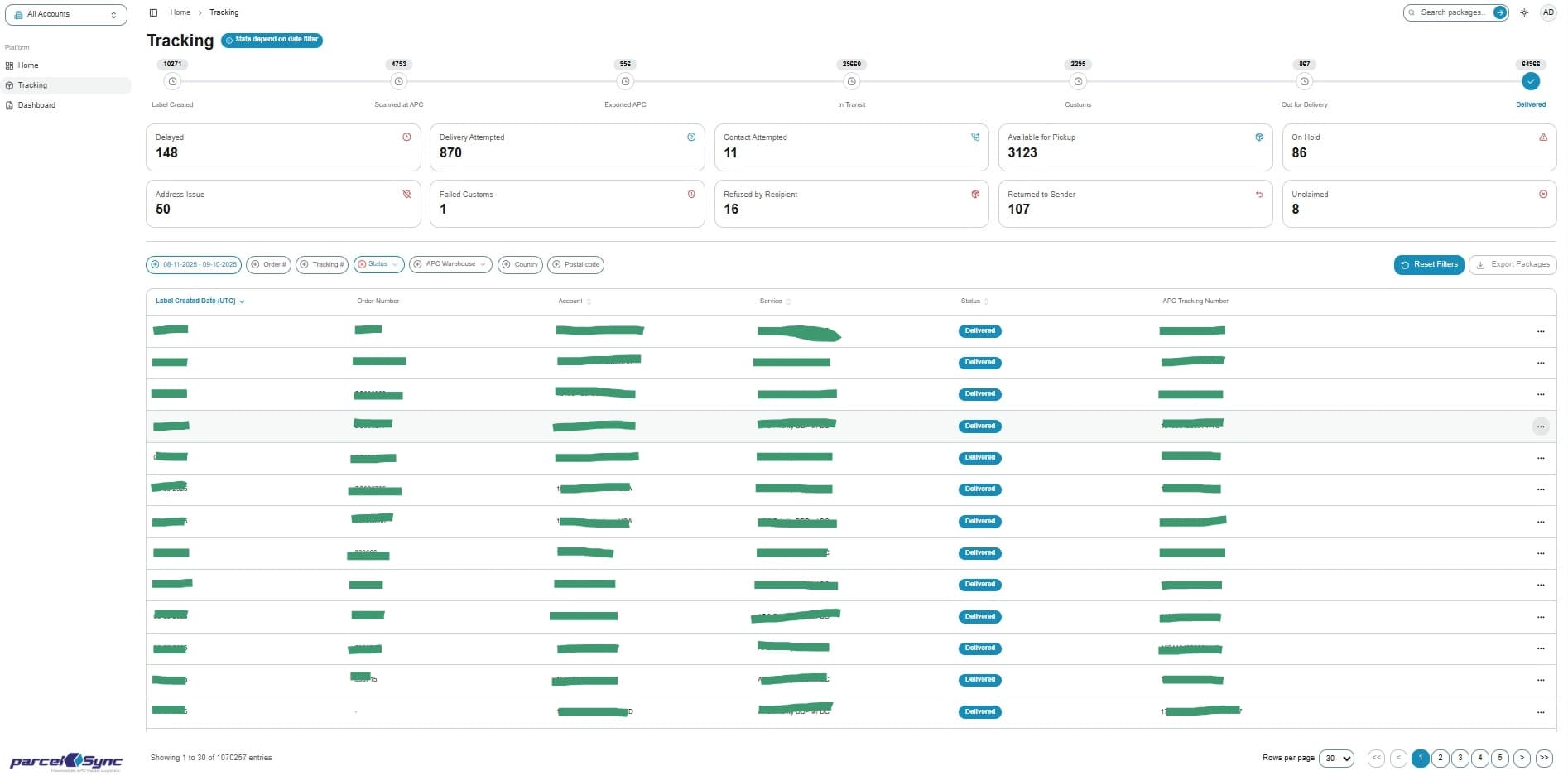
3. Select "View Details"
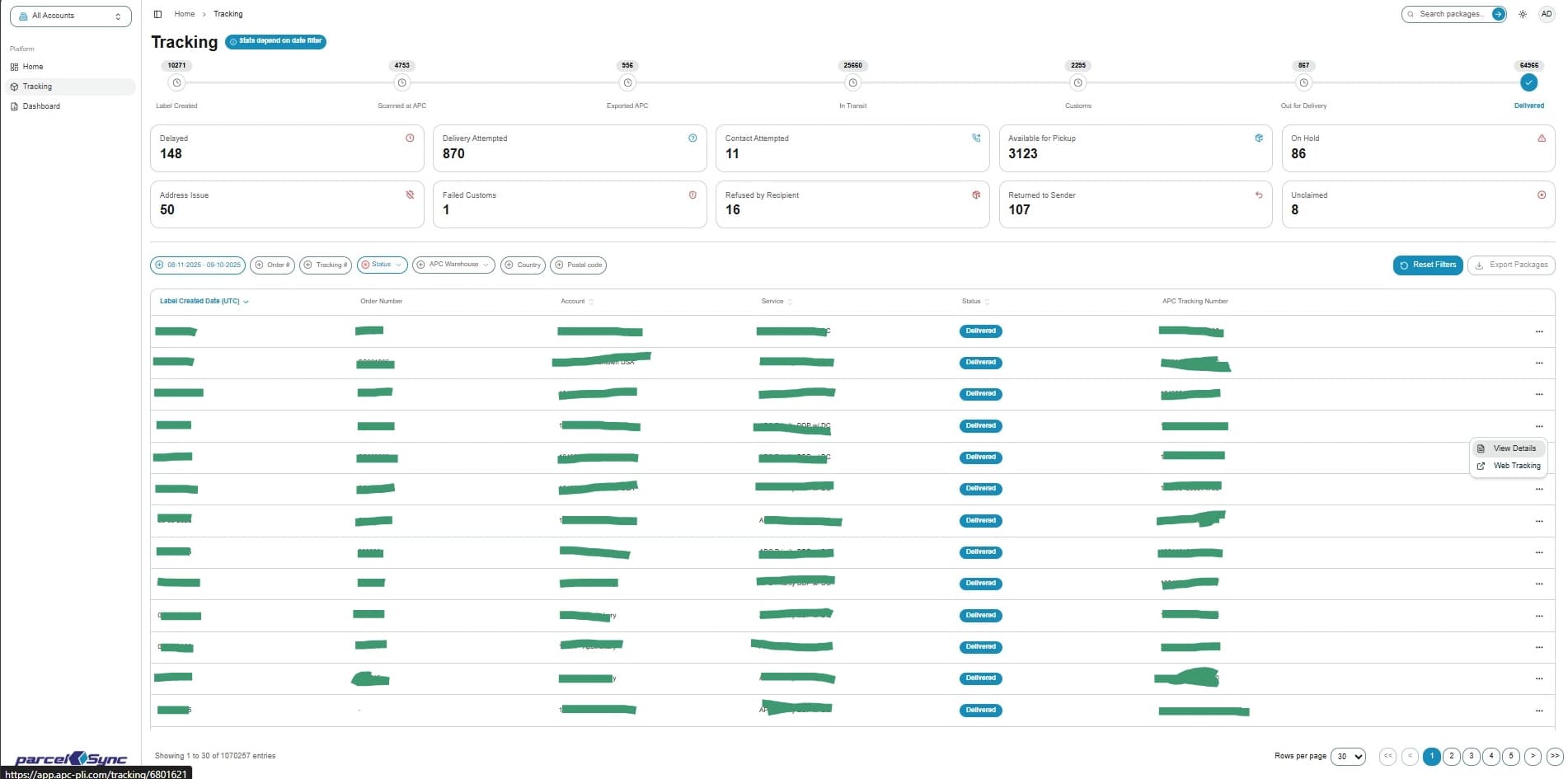
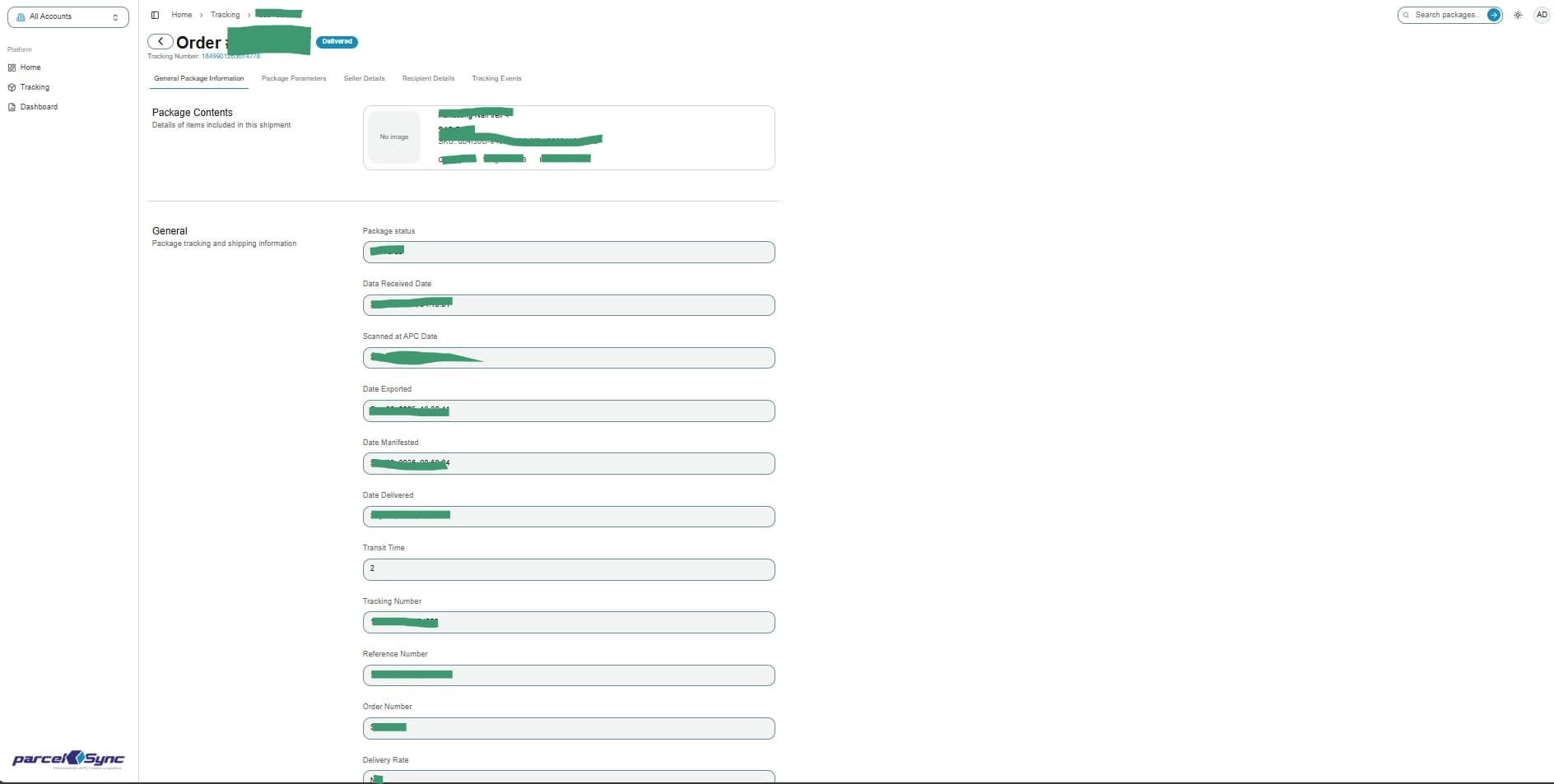
4. General package information
The Parcel Details view opens on the "General Package Information" tab. Use the tabs at the top to view additional information
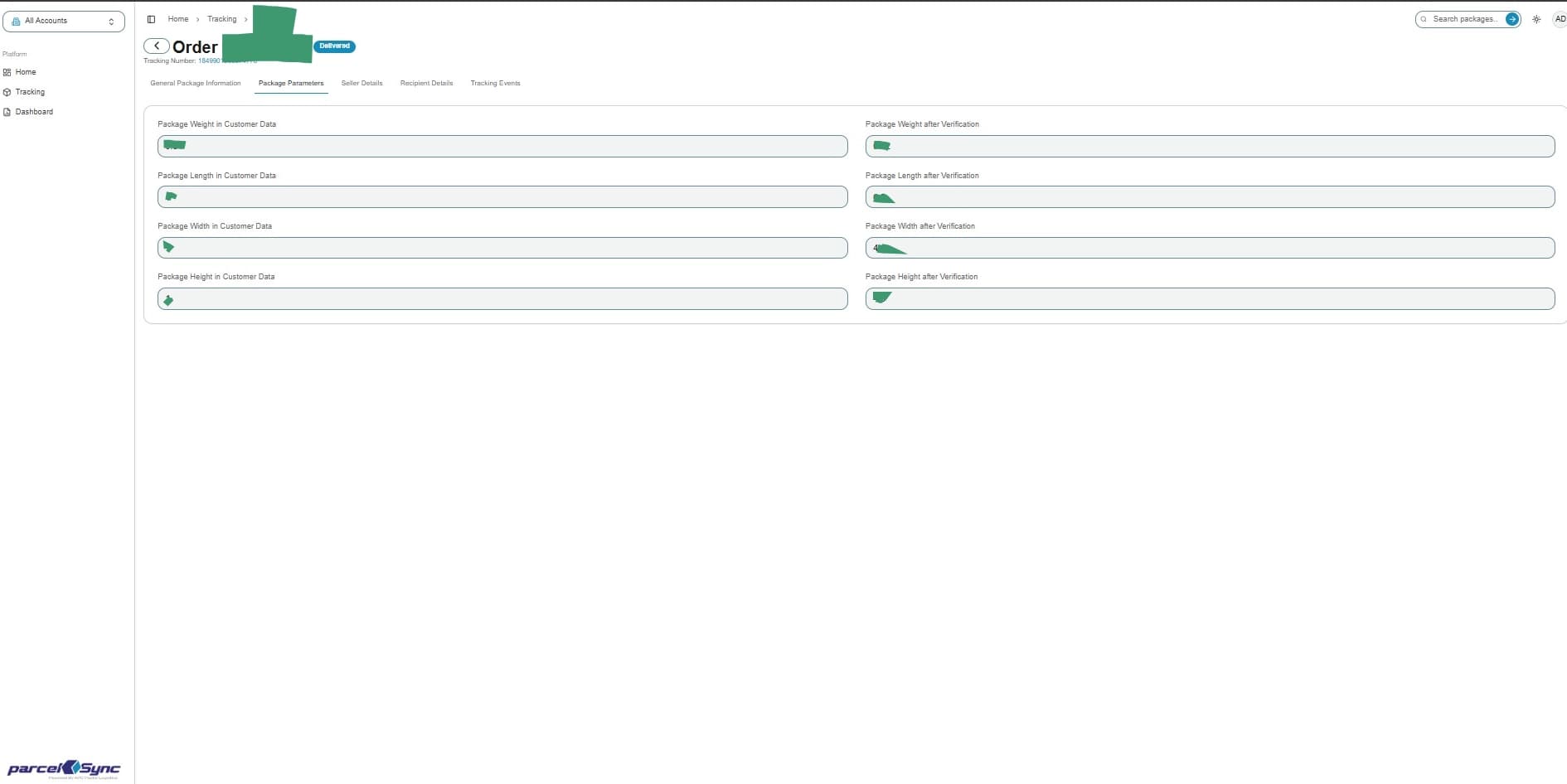
5. Click on "Package Parameters" for parcel dimensions
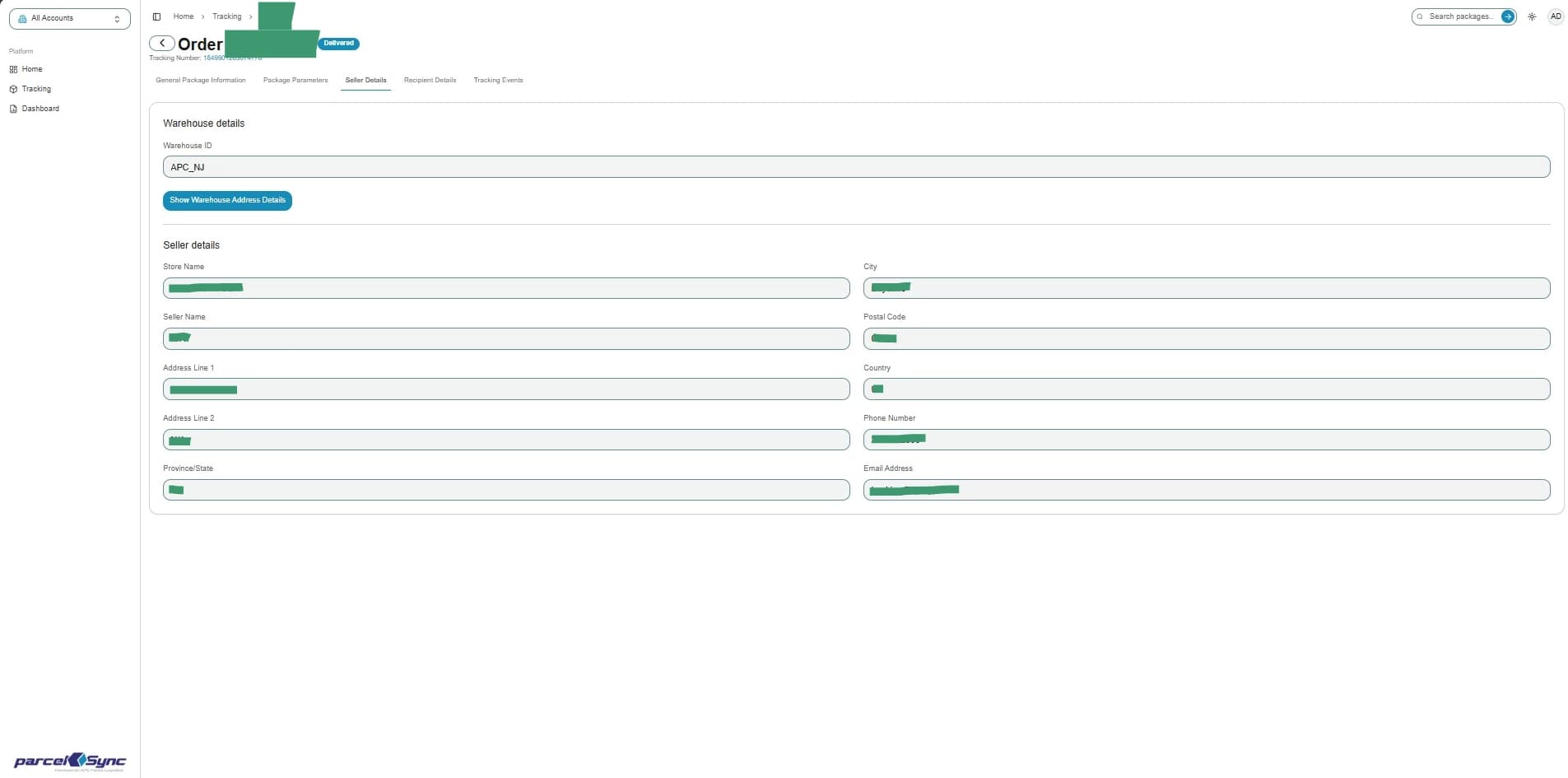
6. Click "Seller Details" for shipper information and associated APC warehouse
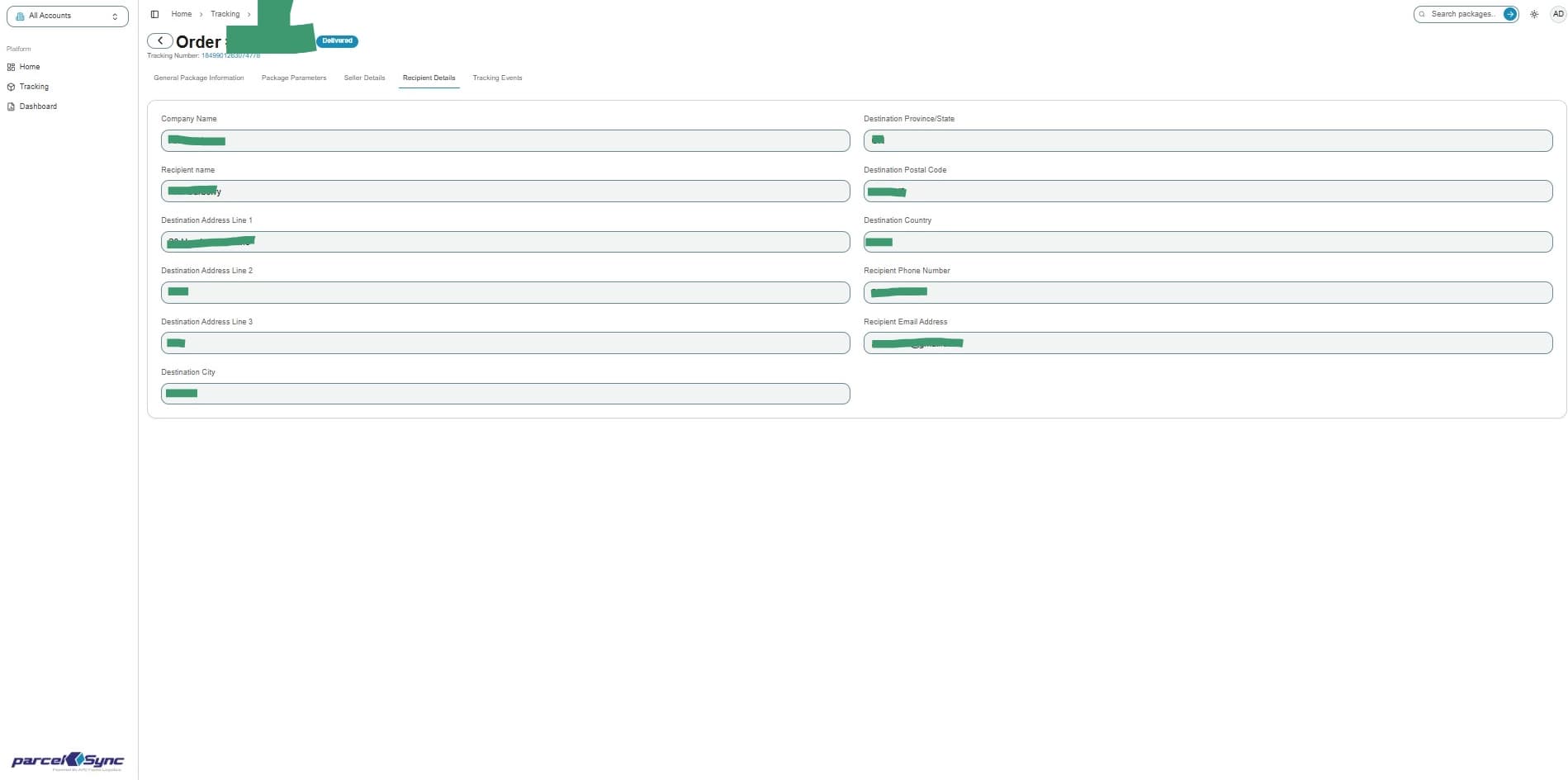
7. Click "Recipient Details" for full recipient address and contact information
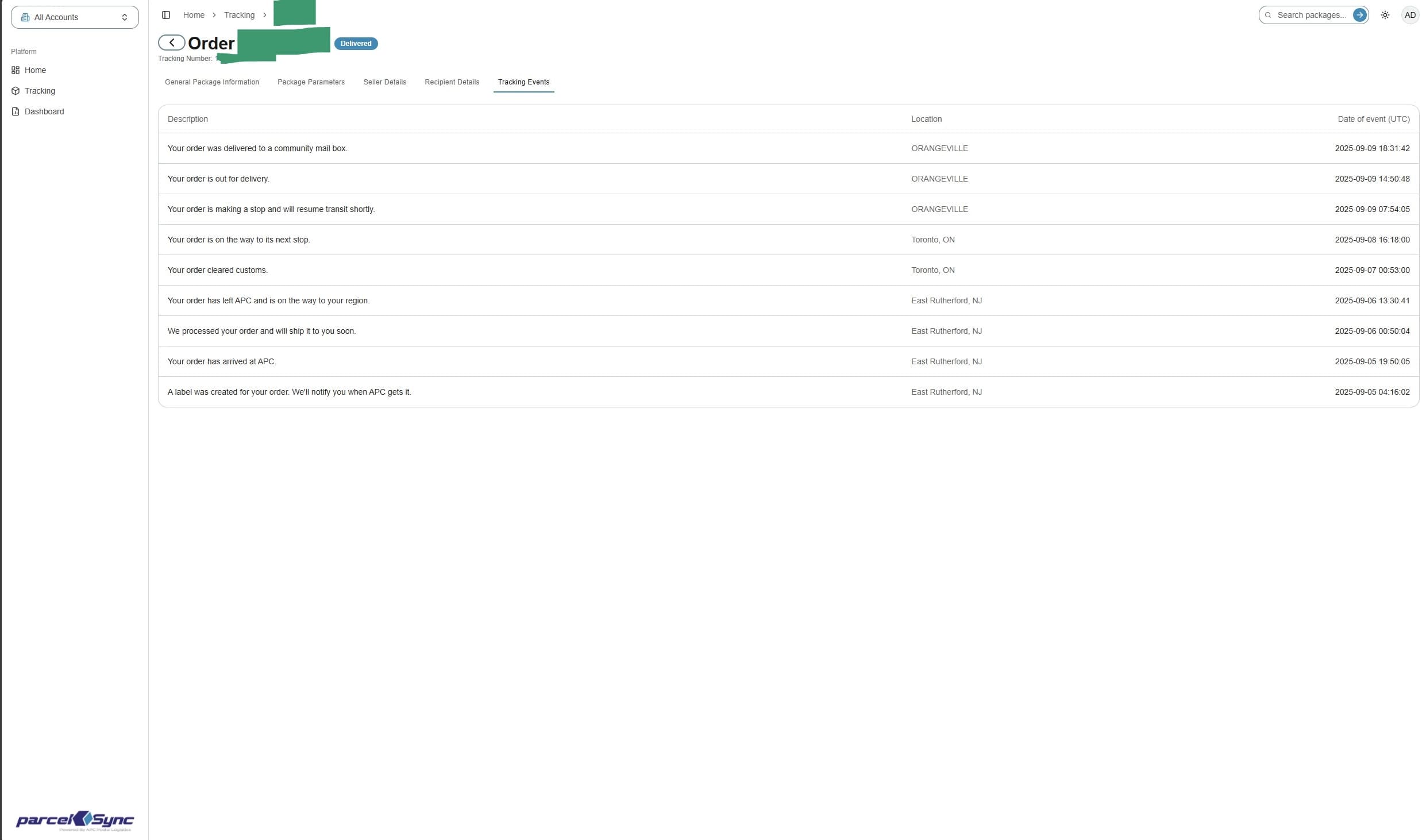
8. Click "Tracking Events" for latest scan events for the parcel
9. Click on the back arrow to return to the Tracking Table