How to Export Tracking Data
This guide will show you how to export filtered tracking data.
1. Navigate to the Tracking page https://app.apc-pli.com/tracking
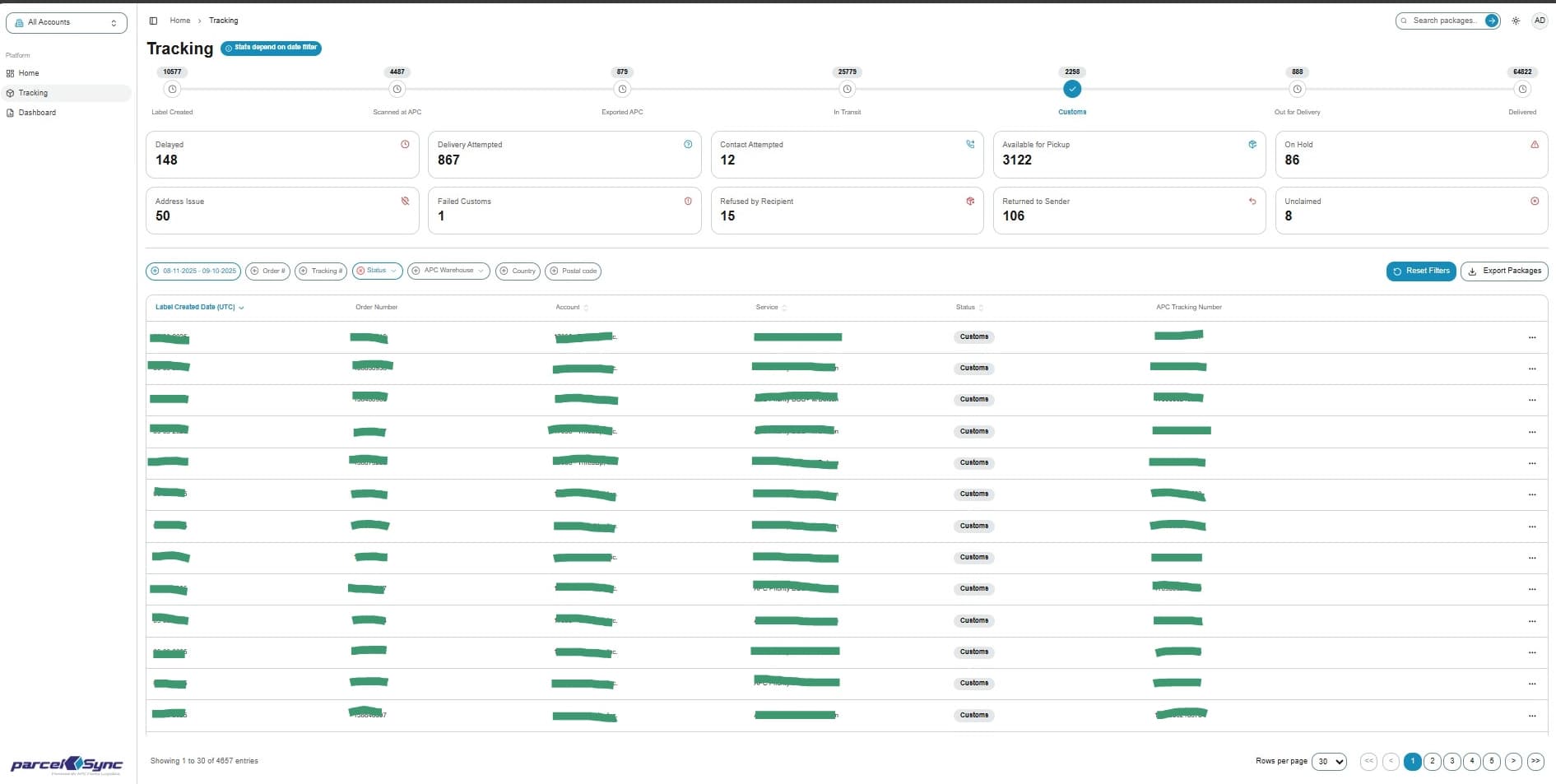
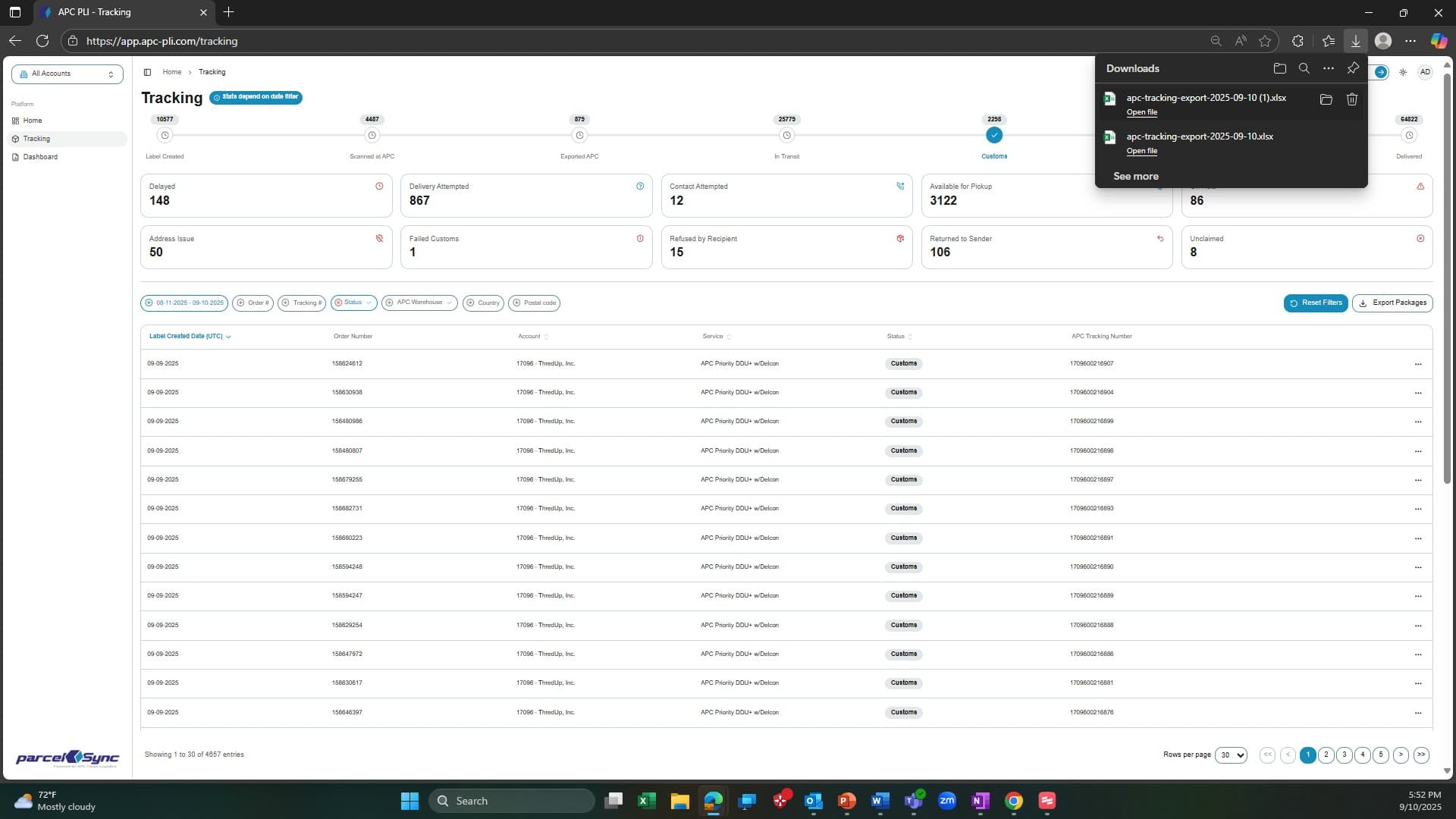
2. (Optional) Applying filters
Apply any filters to narrow the tracking table. The export will include only the records currently displayed in the table (across all pages)
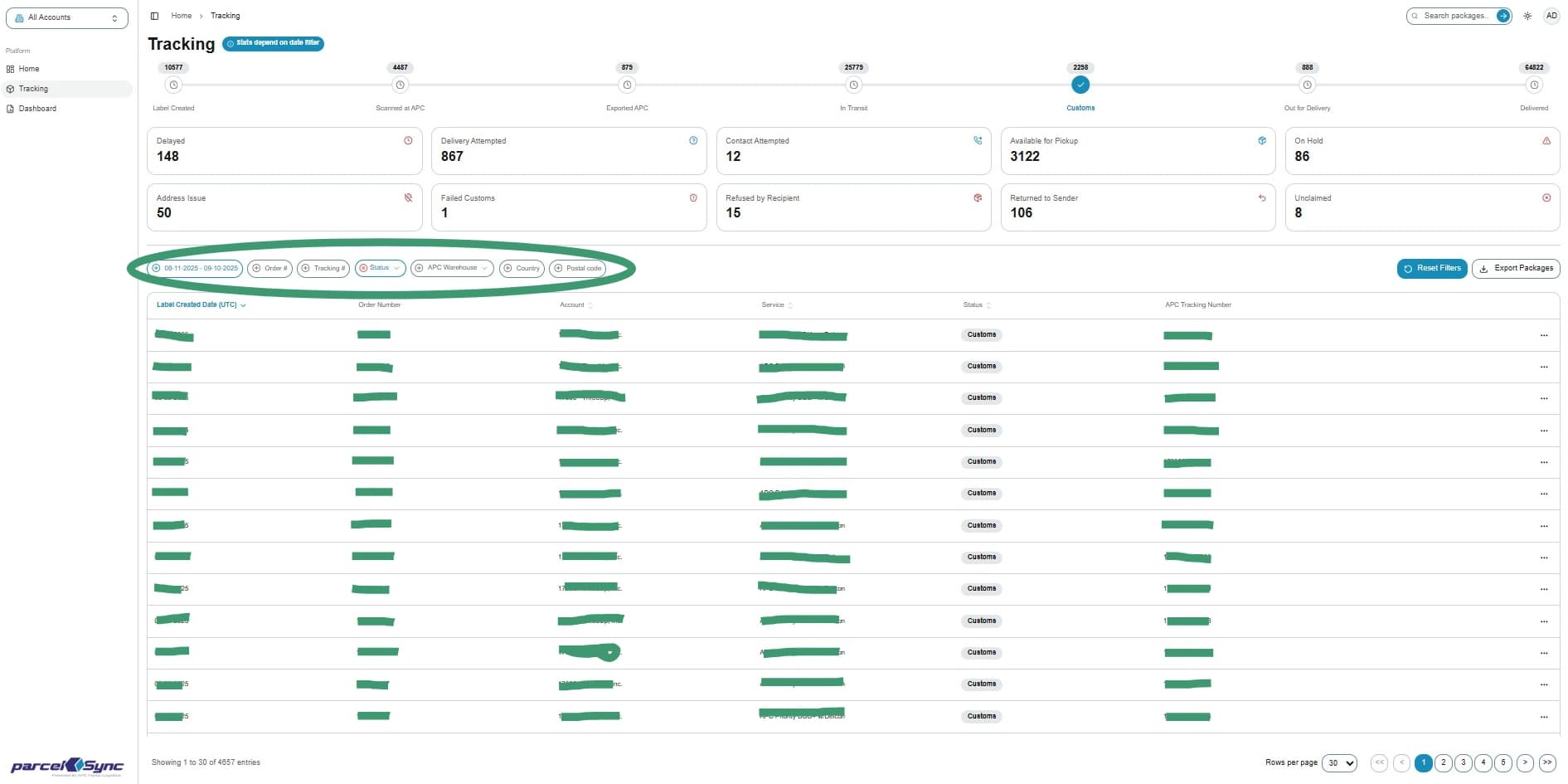
3. At the top right of the tracking table, click the "Export" button
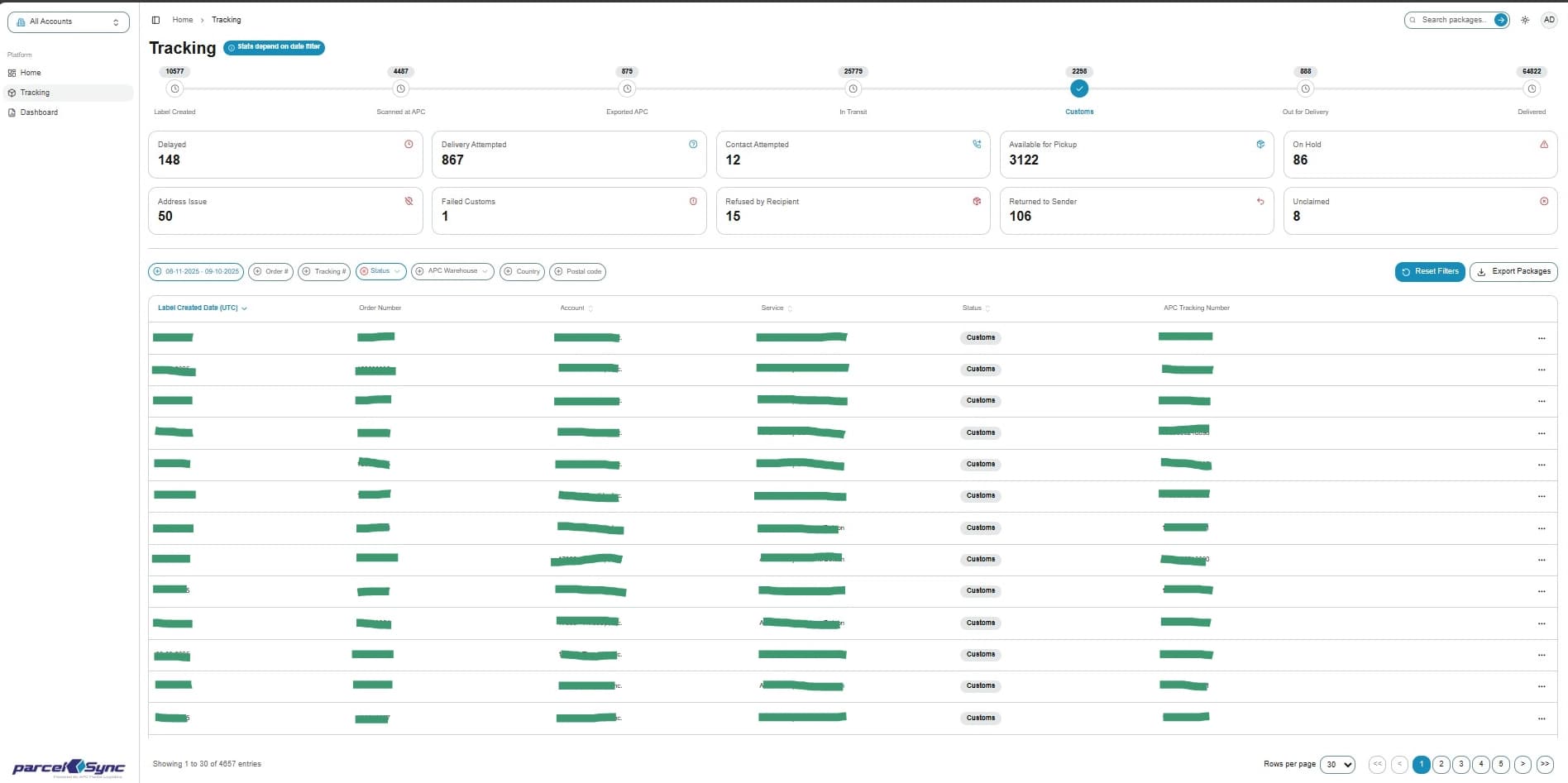
4. Downloading the file
A file will download in .xslx format, which you can open in Excel (Exports are available when the record count is under 30K records)
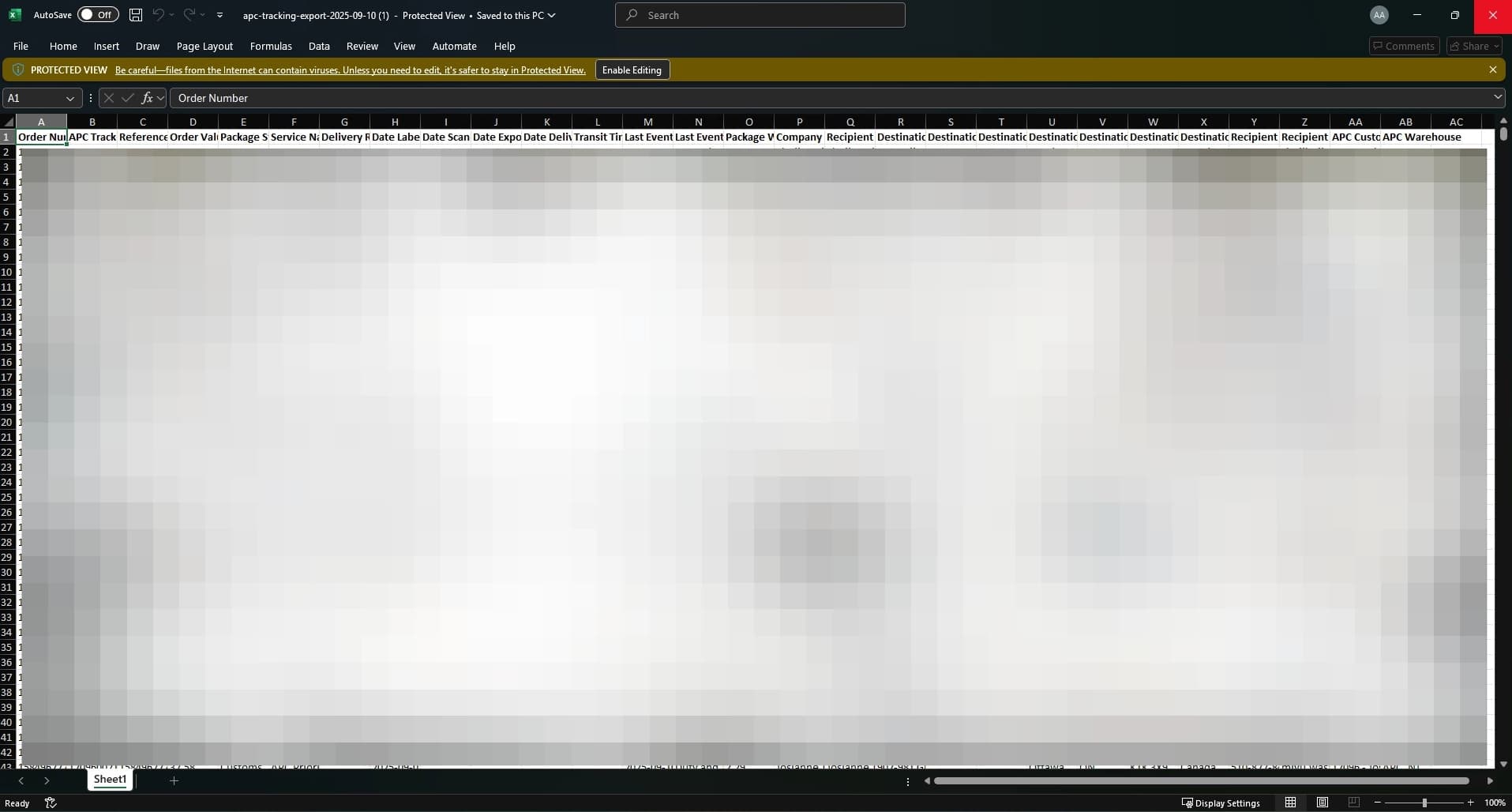
5. Exported file
The exported file includes all shipment details shown in the table, including Tracking Number, Order Number, Status, Service, Destination, and Exception information