How to Collapse and Expand the Sidebar Menu
This guide will walk you through the steps to collapse and expand the sidebar menu.
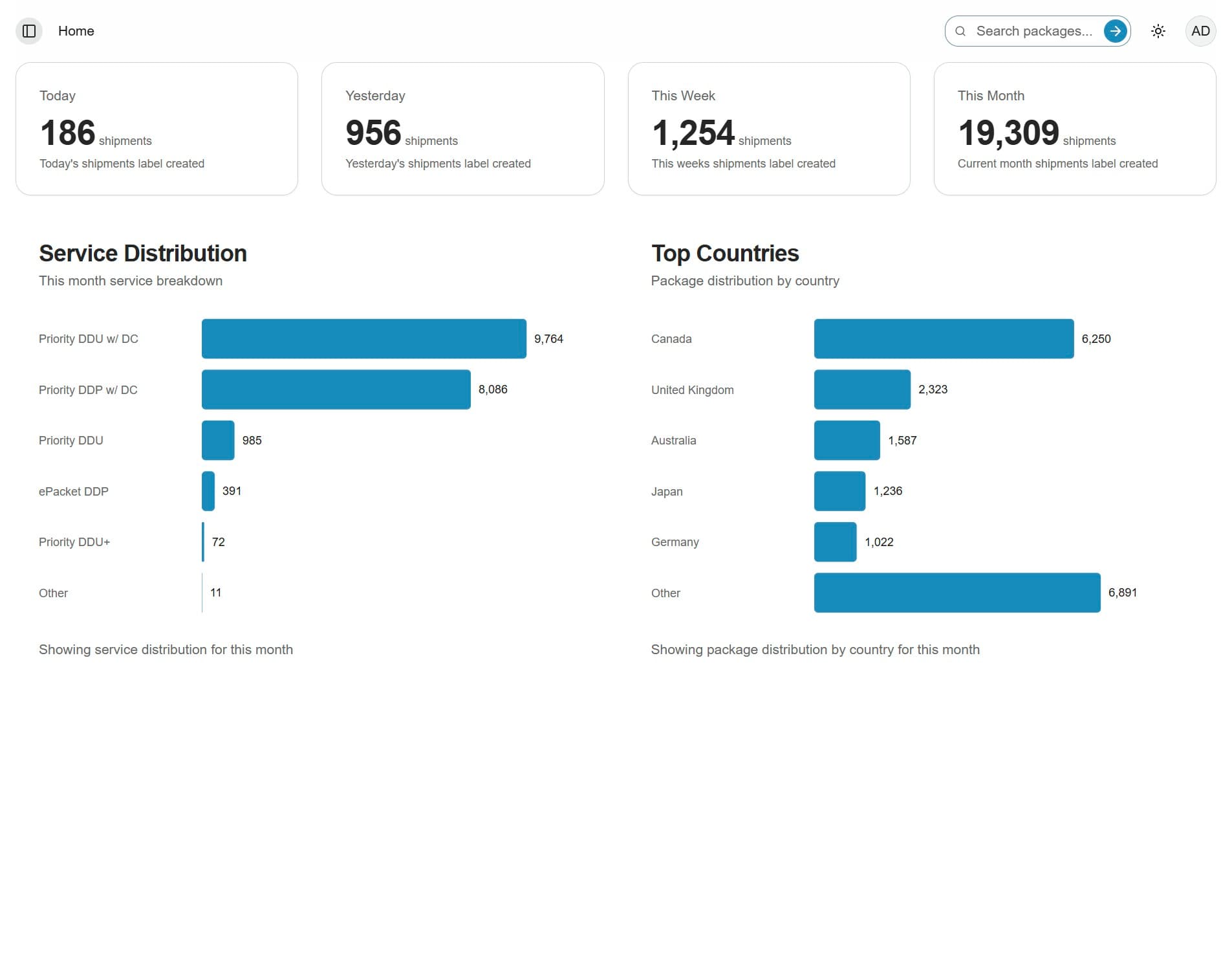
1. Click the calendar icon
Click the calendar icon in the top-left corner of the screen to expand the portal view and hide the sidebar.
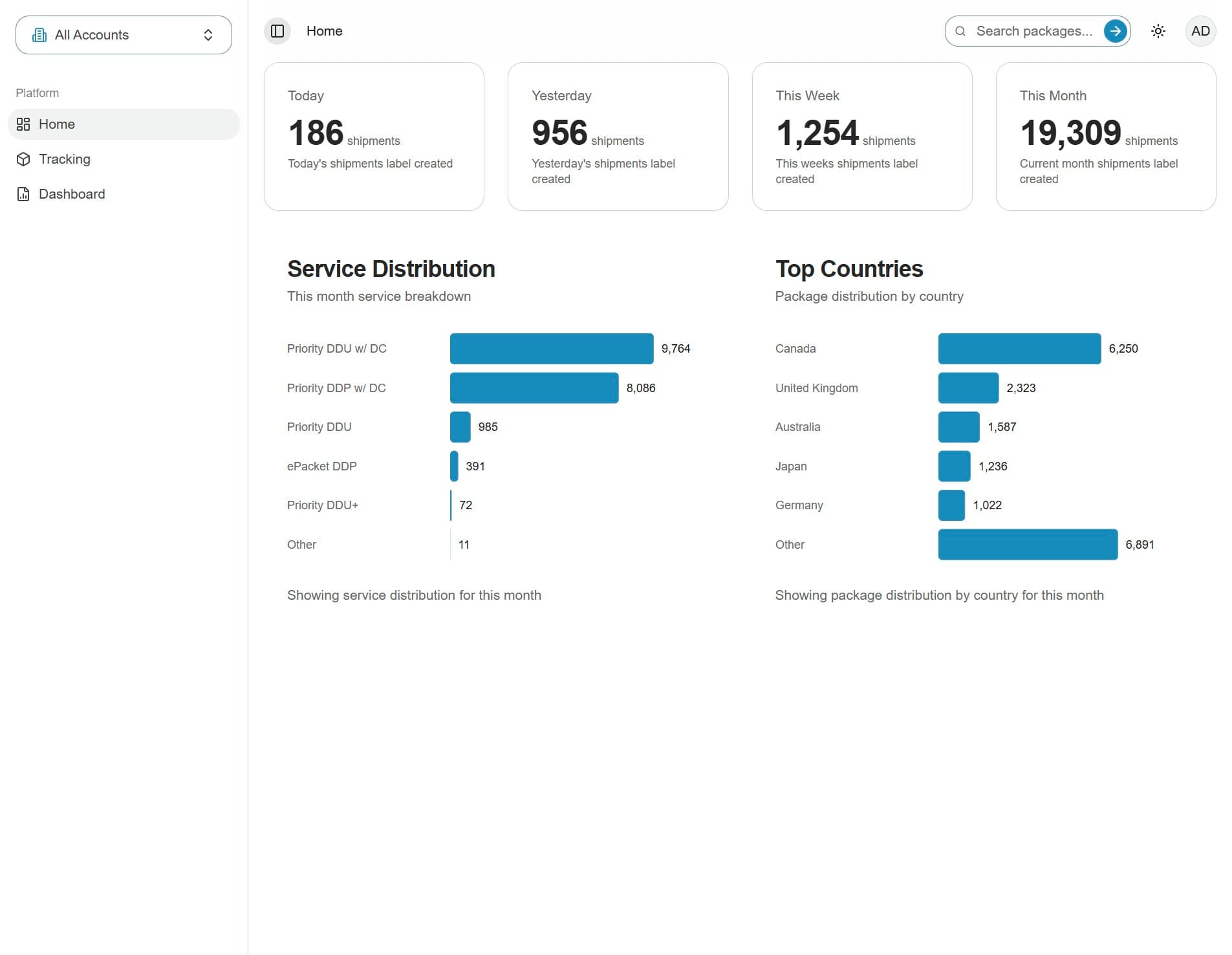
2. The menu is now collapsed
The portal view will expand, giving you more screen space.
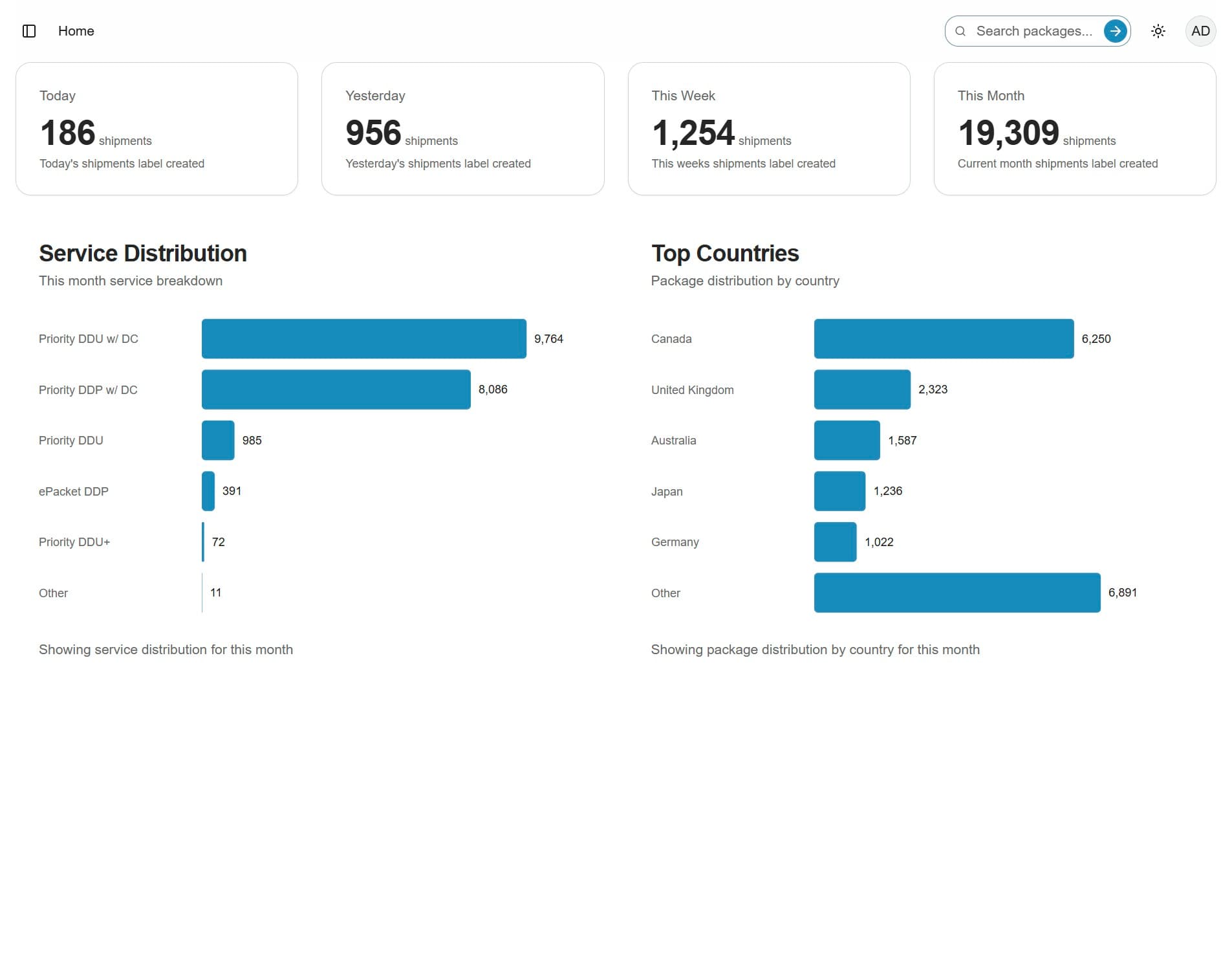
3. Click the calendar icon again
Click the calendar icon again to restore the sidebar and return to the standard view.