Using the Search Bar to Track a Package
This guide will walk you through the steps to use the search bar feature for tracking packages.
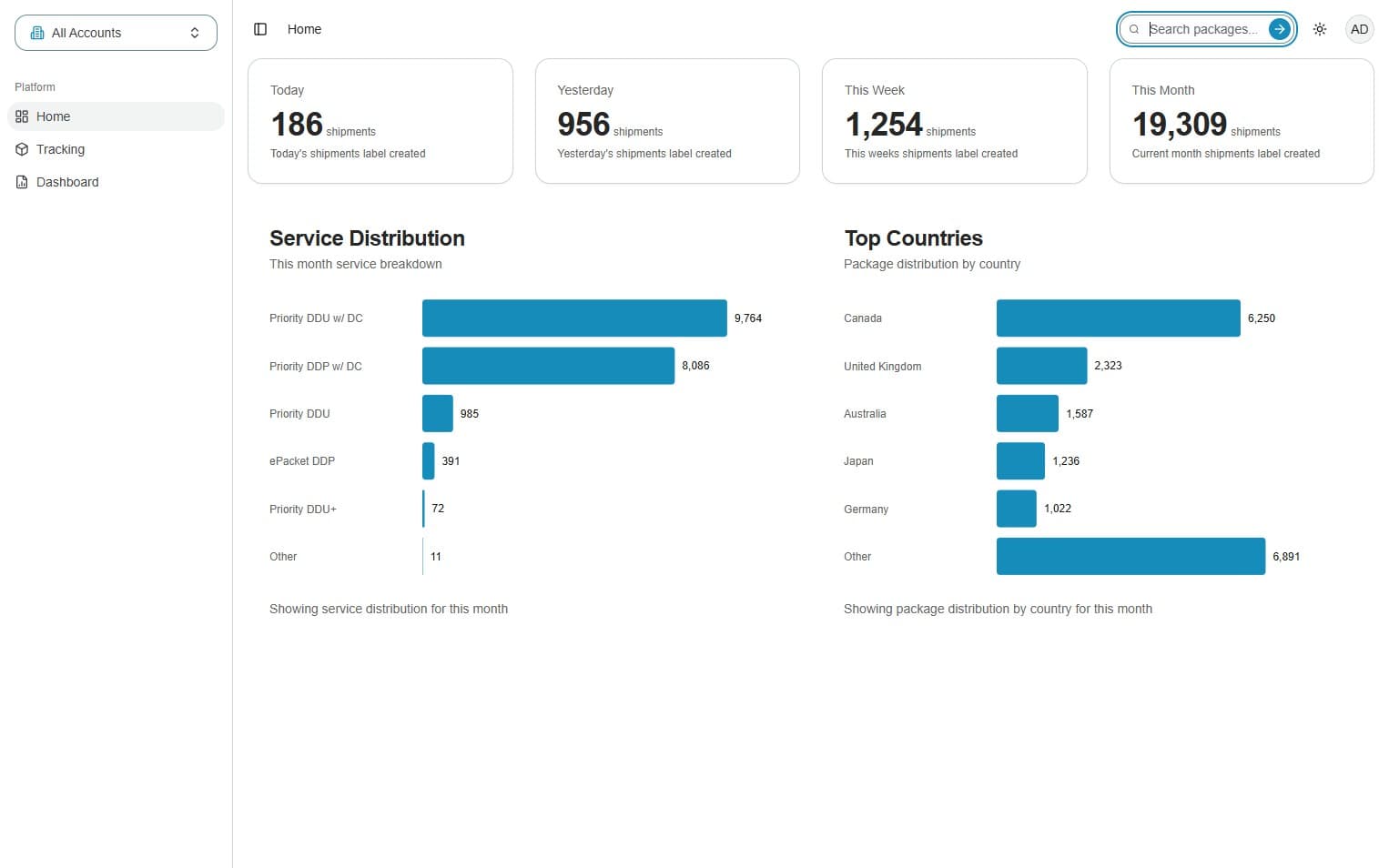
1. Click the search packages button
To search for a package, use the 'Search Packages' button in the top-right corner of the portal. This tool is accessible from any page.
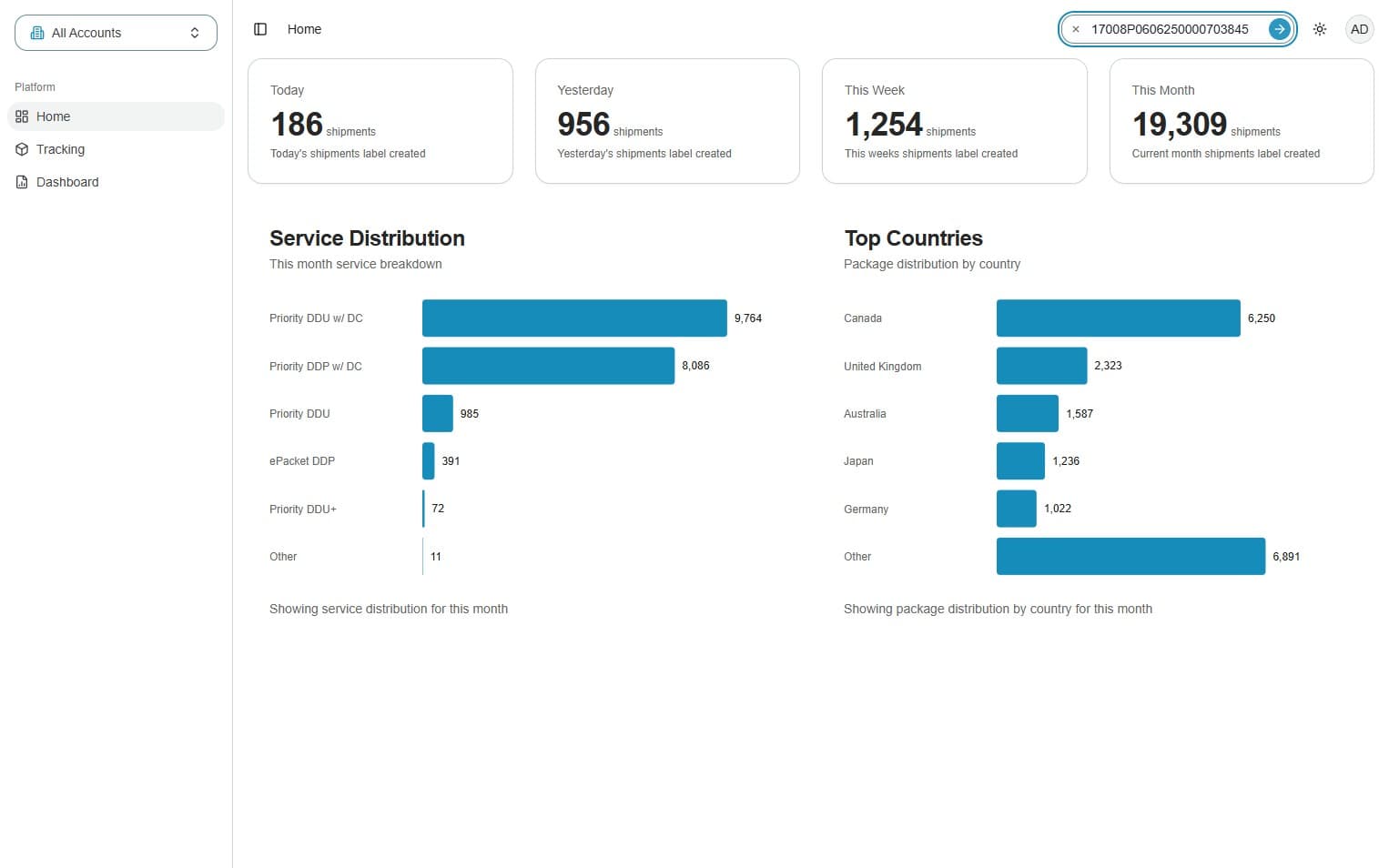
2. Input the tracking number
Type or paste your tracking number(s), then click the blue arrow button to search.
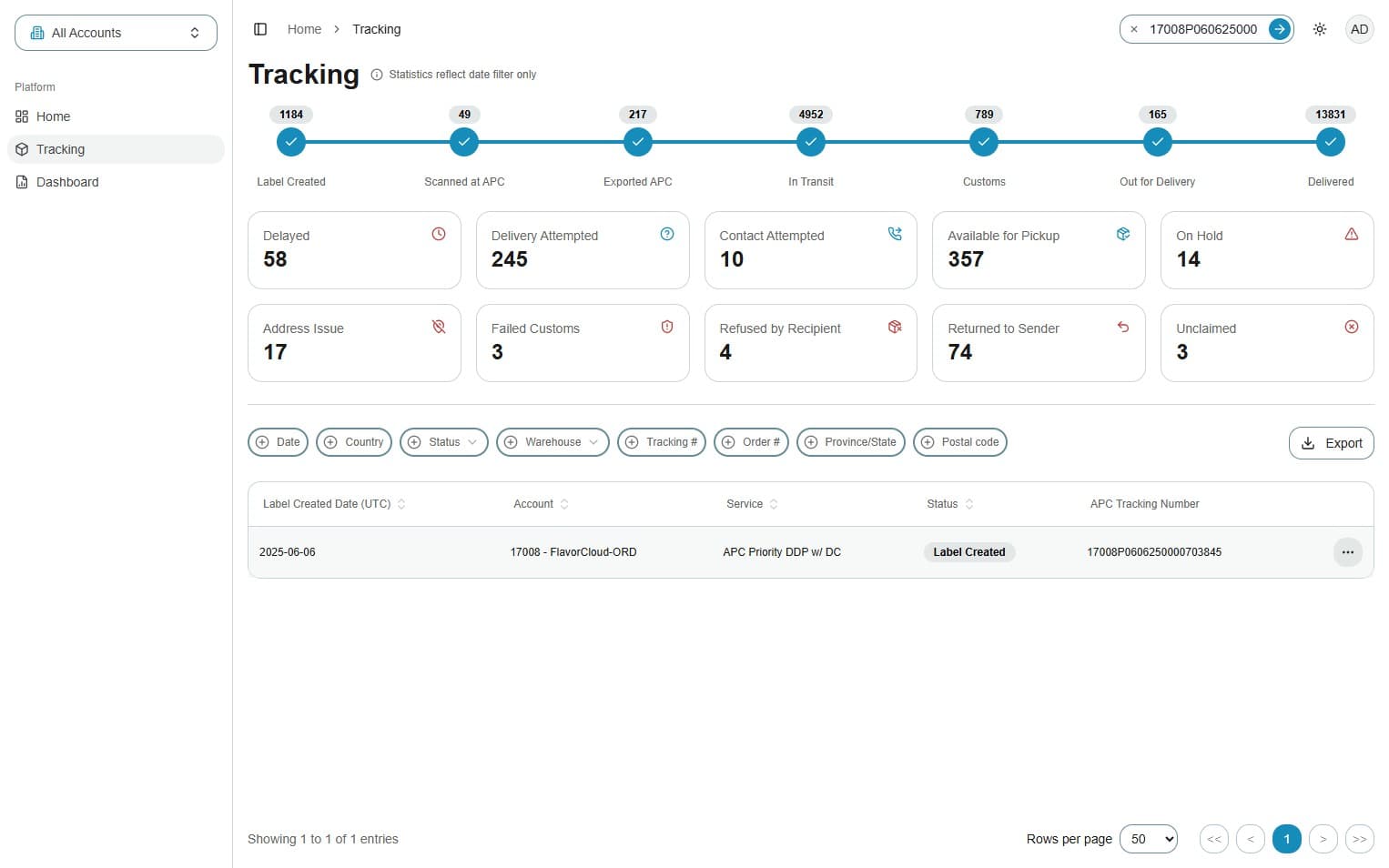
3. Click the three dots icon
You’ll be automatically taken to the tracking results page. From there, you can click the three dots for additional options.
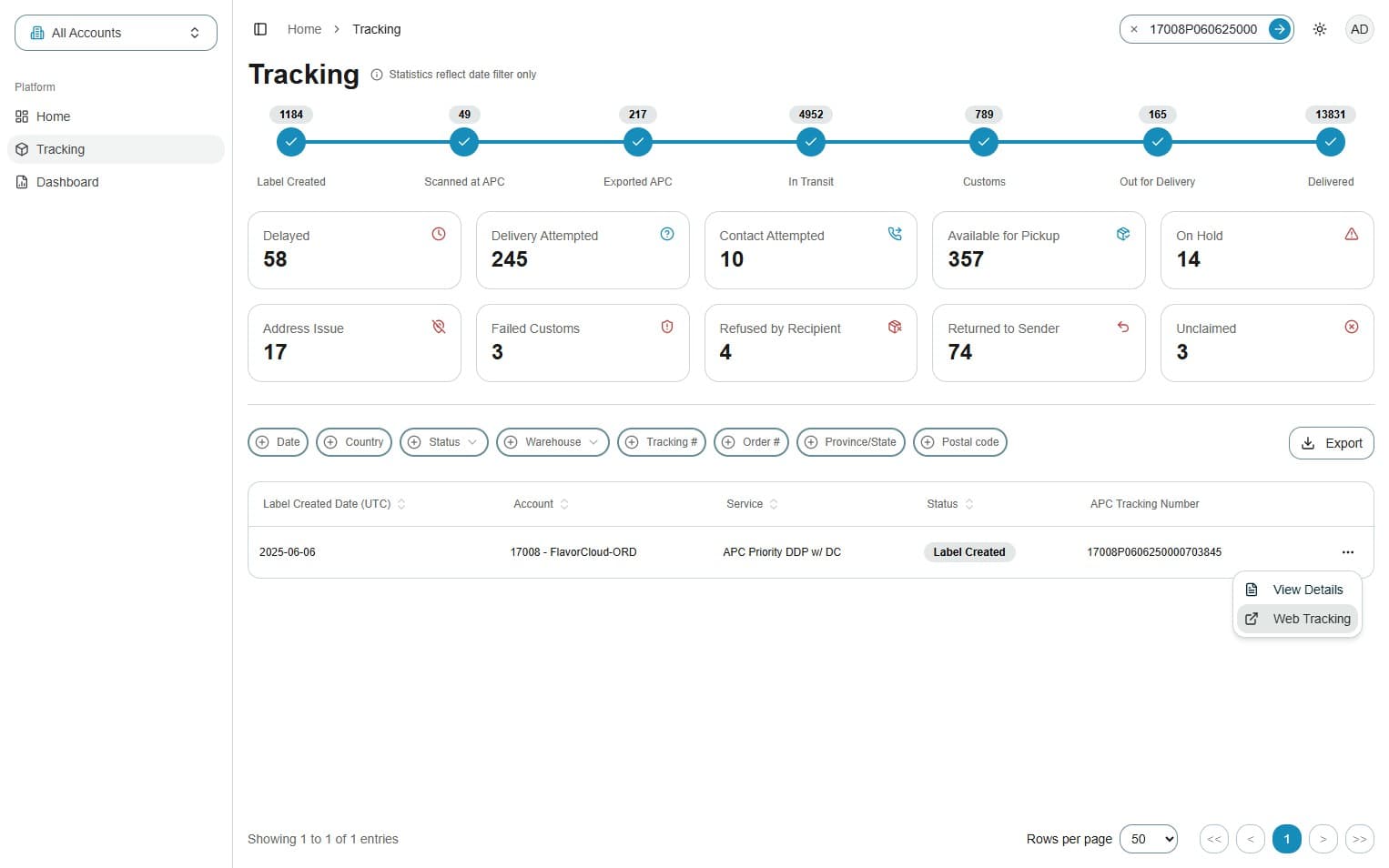
4. Select Web Tracking or View Details
From the tracking results, you can select to "View Details" to see package specific information or "Web Tracking" to be redirected to the APC tracking site.