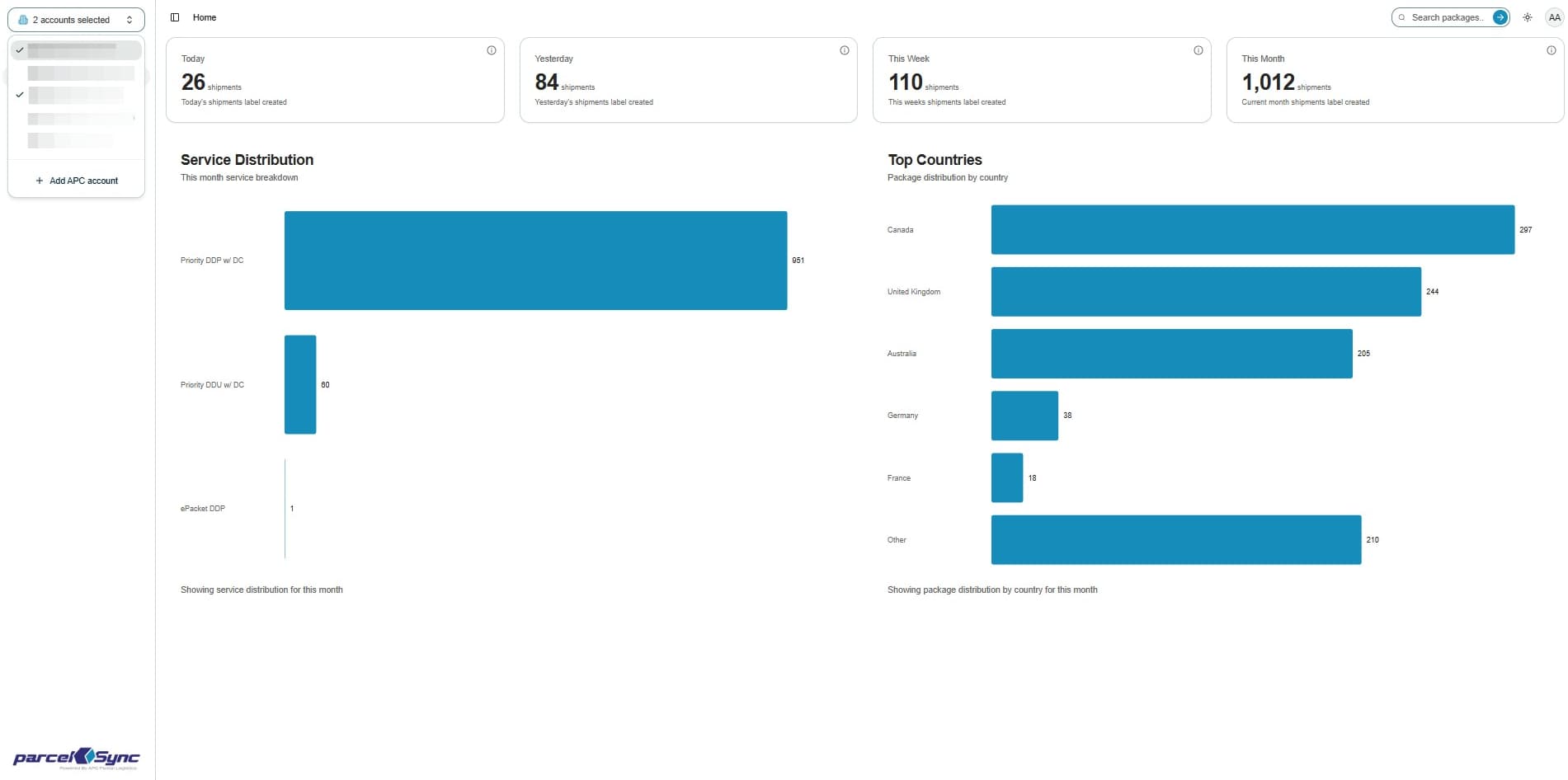
Switching Between Accounts
This guide will walk you through the process of switching your active accounts.
1. Open the menu
On the left-hand sidebar, you'll see the account selection menu. If you manage multiple accounts, click the double-arrow icon to open the dropdown
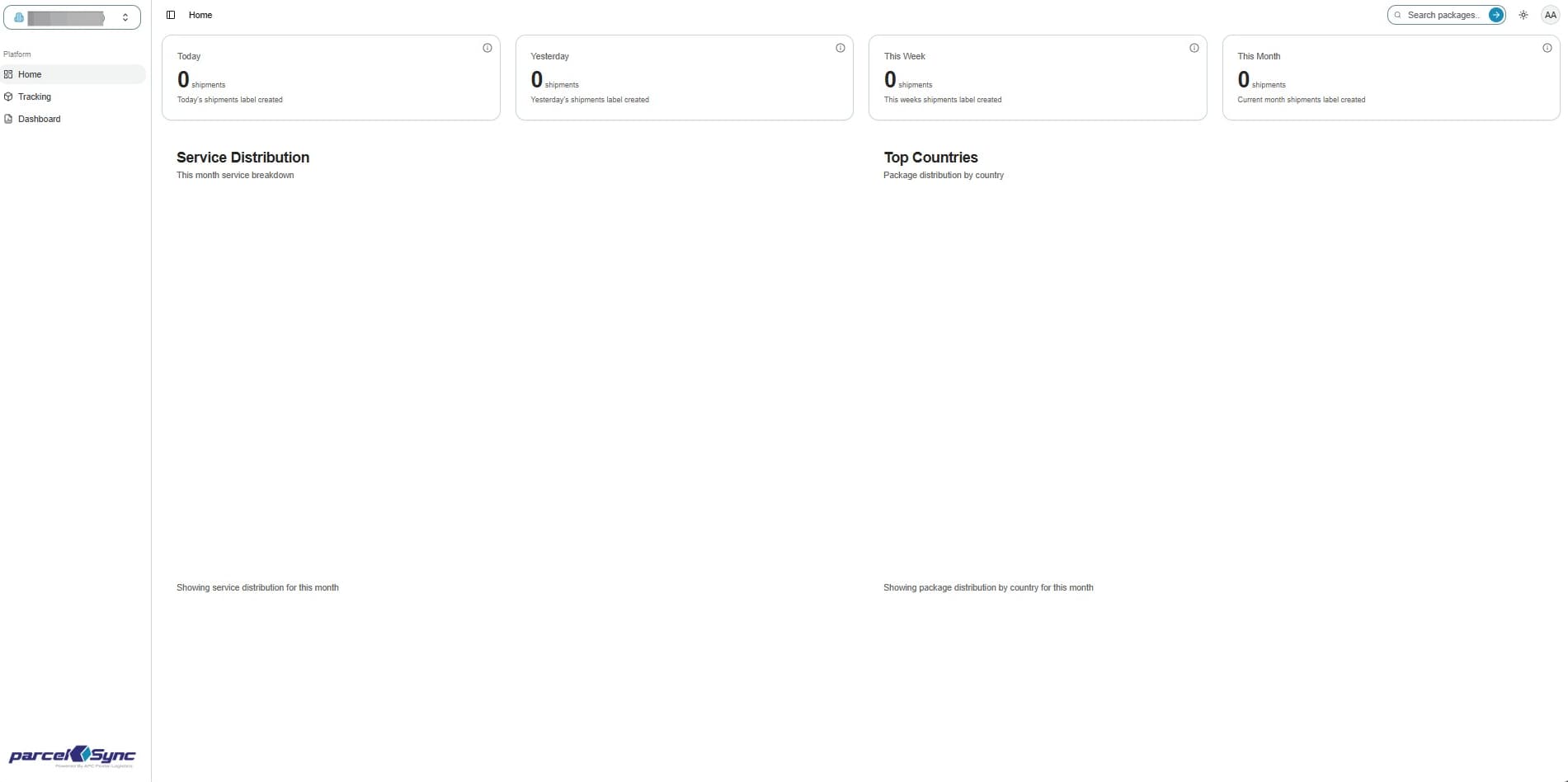
2. Default view
By Default, the Account view shows data for the first account in your list
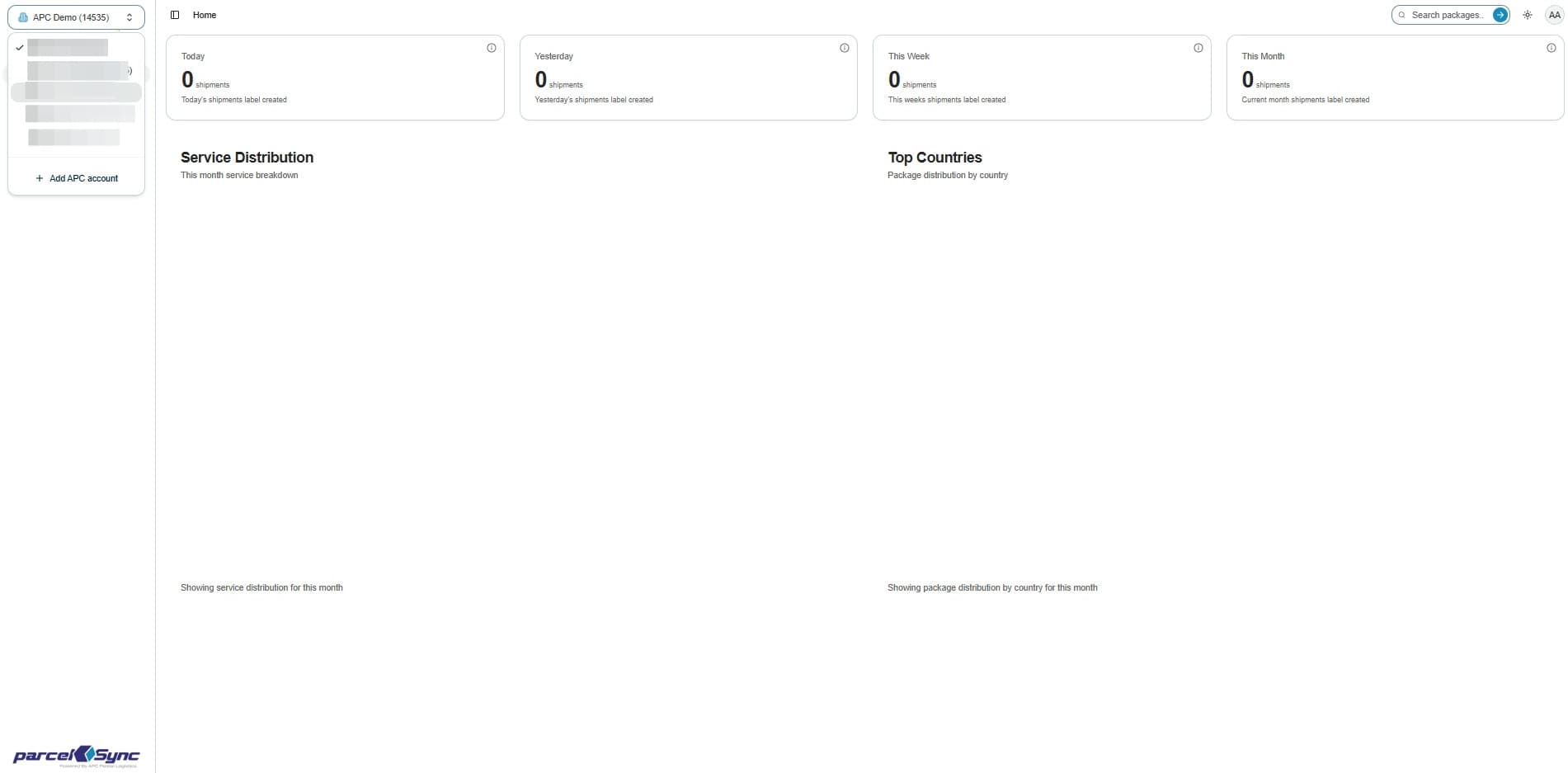
3. Select accounts
To switch accounts, click the account you want to view. Keep multiple accounts selected only if you want to see combined data