What Happens When Login Fails
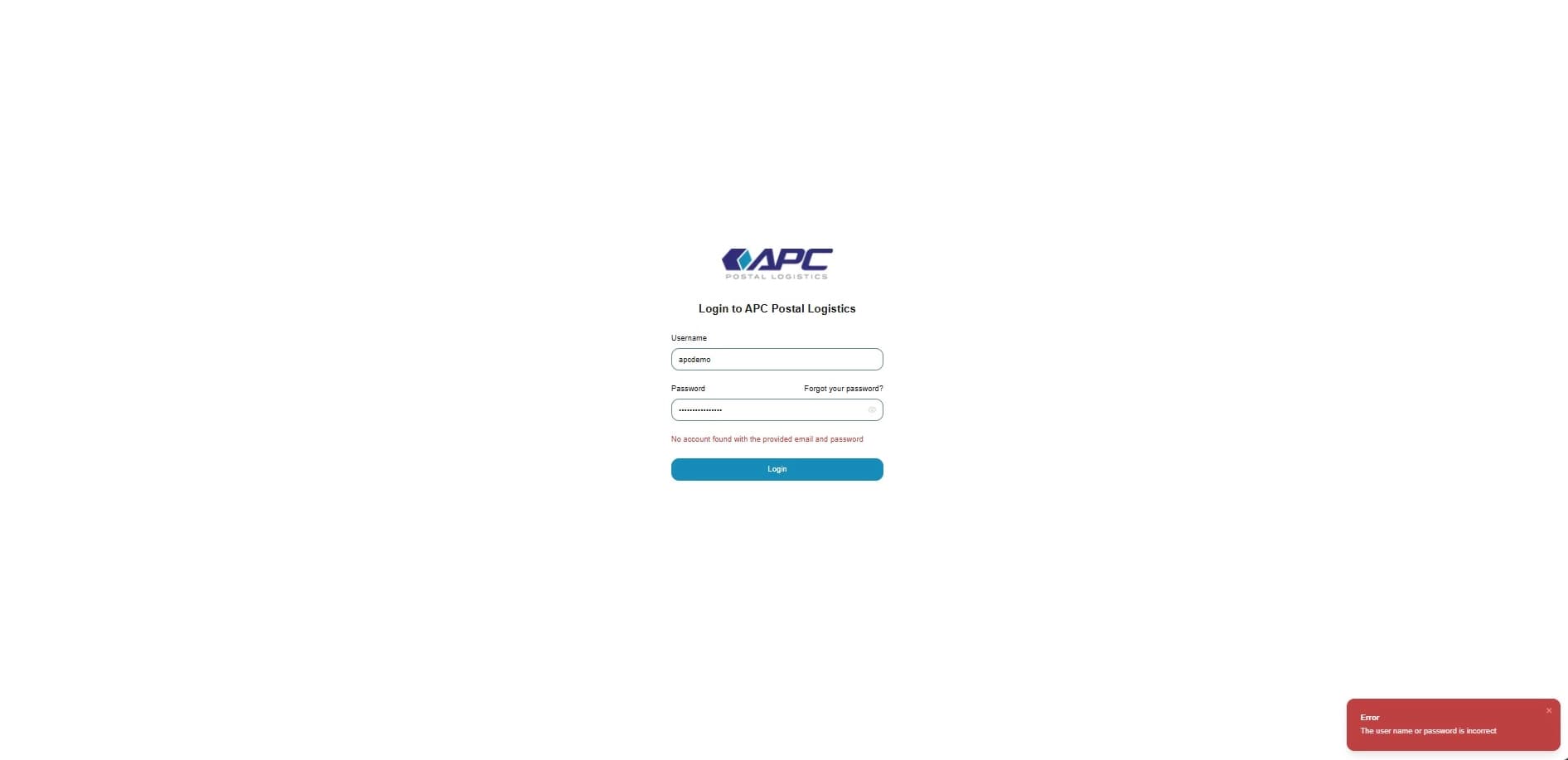
This guide will show you what happens when the login flow fails.
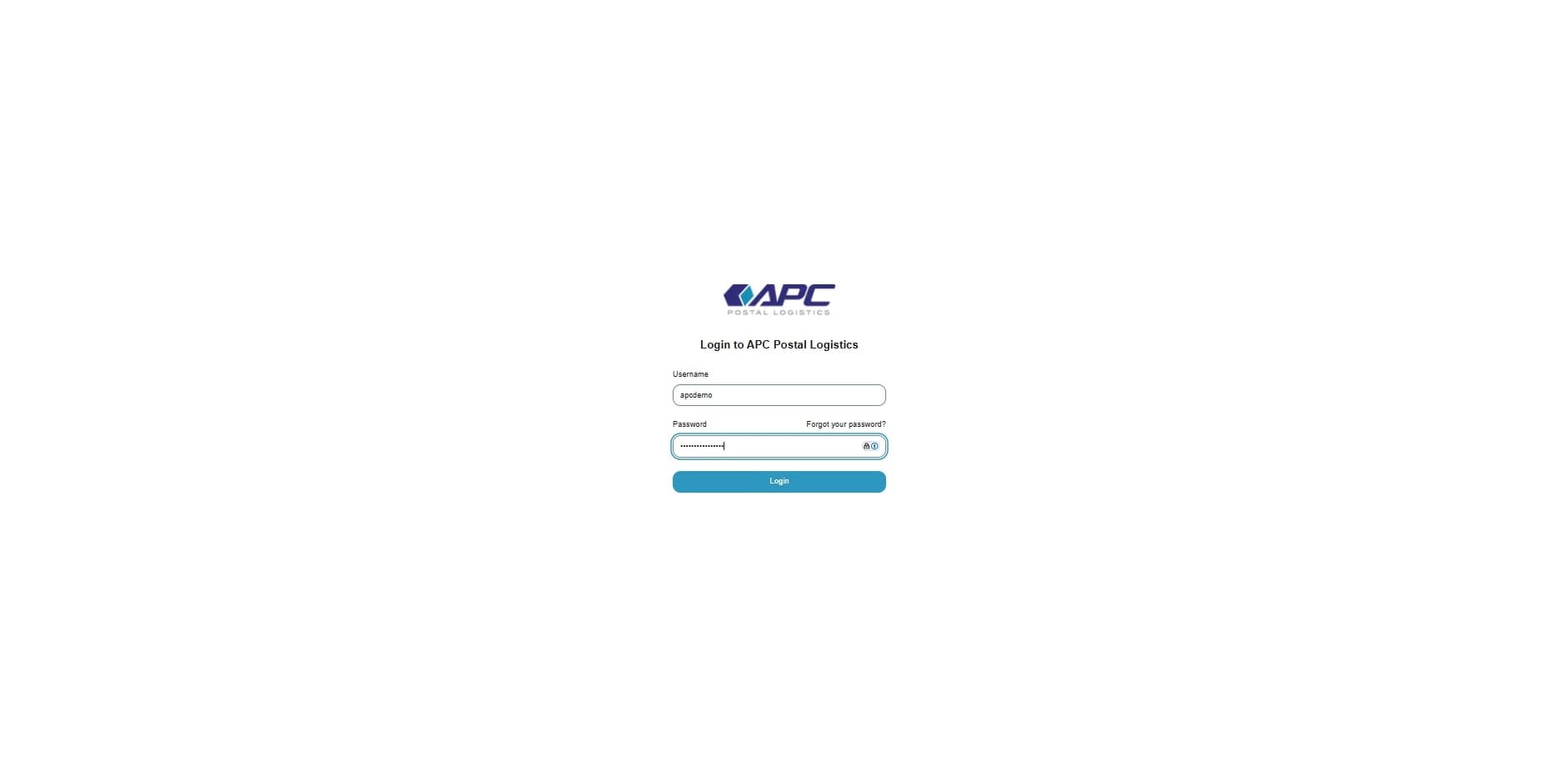
1. Navigate to the login page https://app.apc-pli.com/login
Enter Username and Password then click on "Login"
2. Fail message
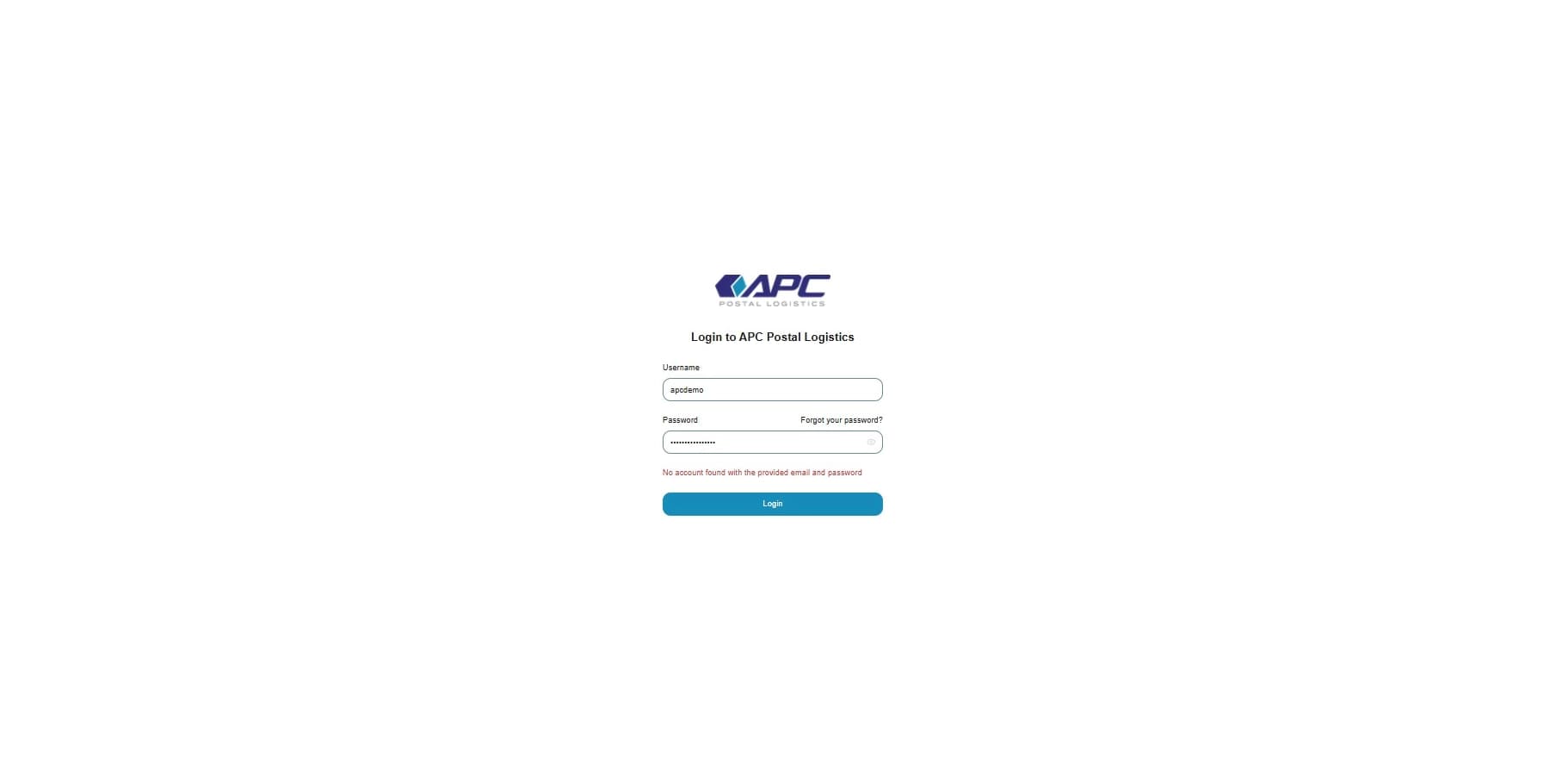
If login fails, the following message appears above the Login button, "No account found with the provided email and password"
3. Fail pop-up
If login fails, the following message will pop-up in the bottom right corner of the Login screen, "No account found with provided email and password"