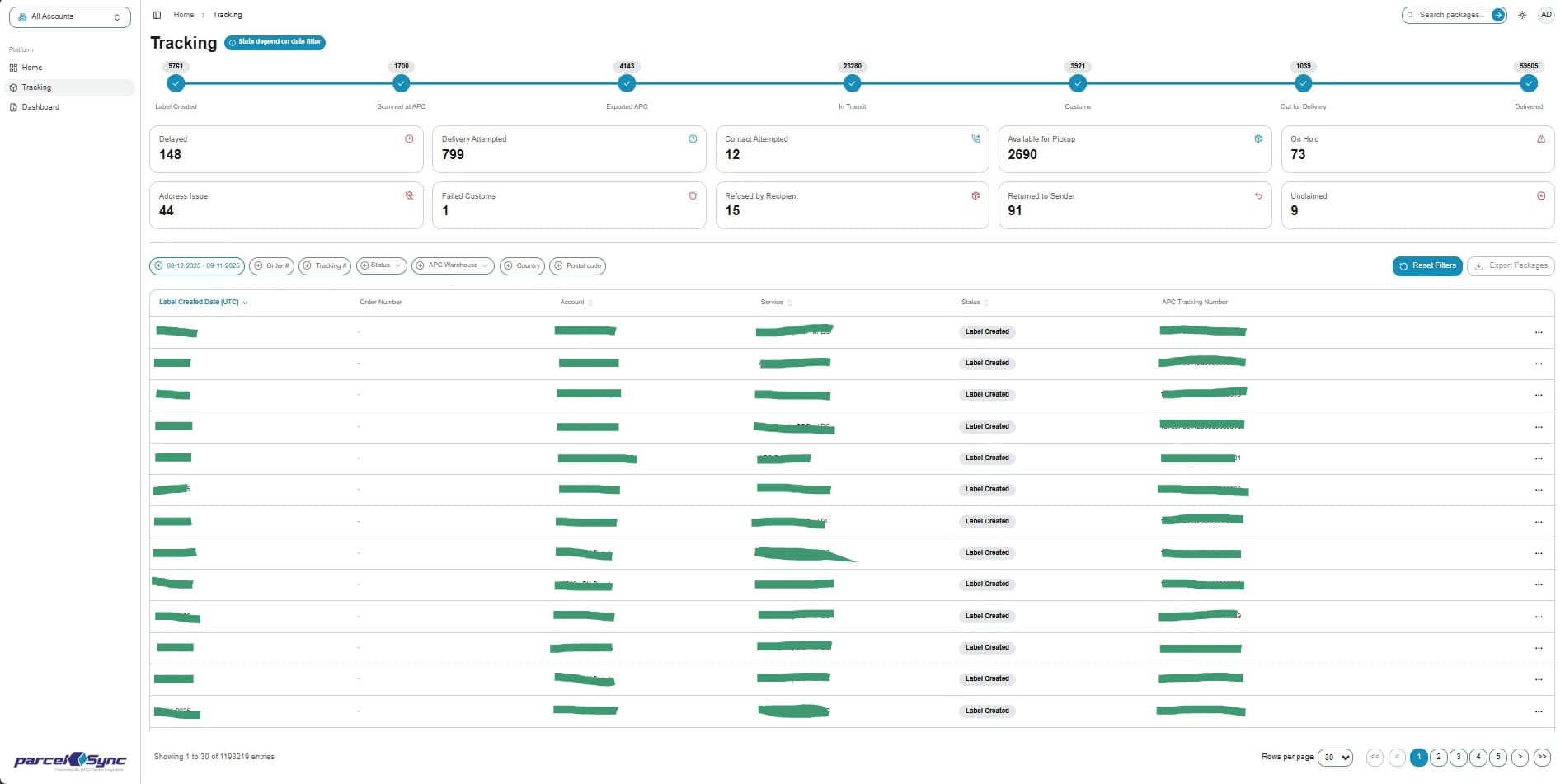
How to Reset All Filters
This guide will show you how to reset the filters on the tracking page.
1. Active filters
Active filters appear on the tracking page with a blue halo above the shipment table
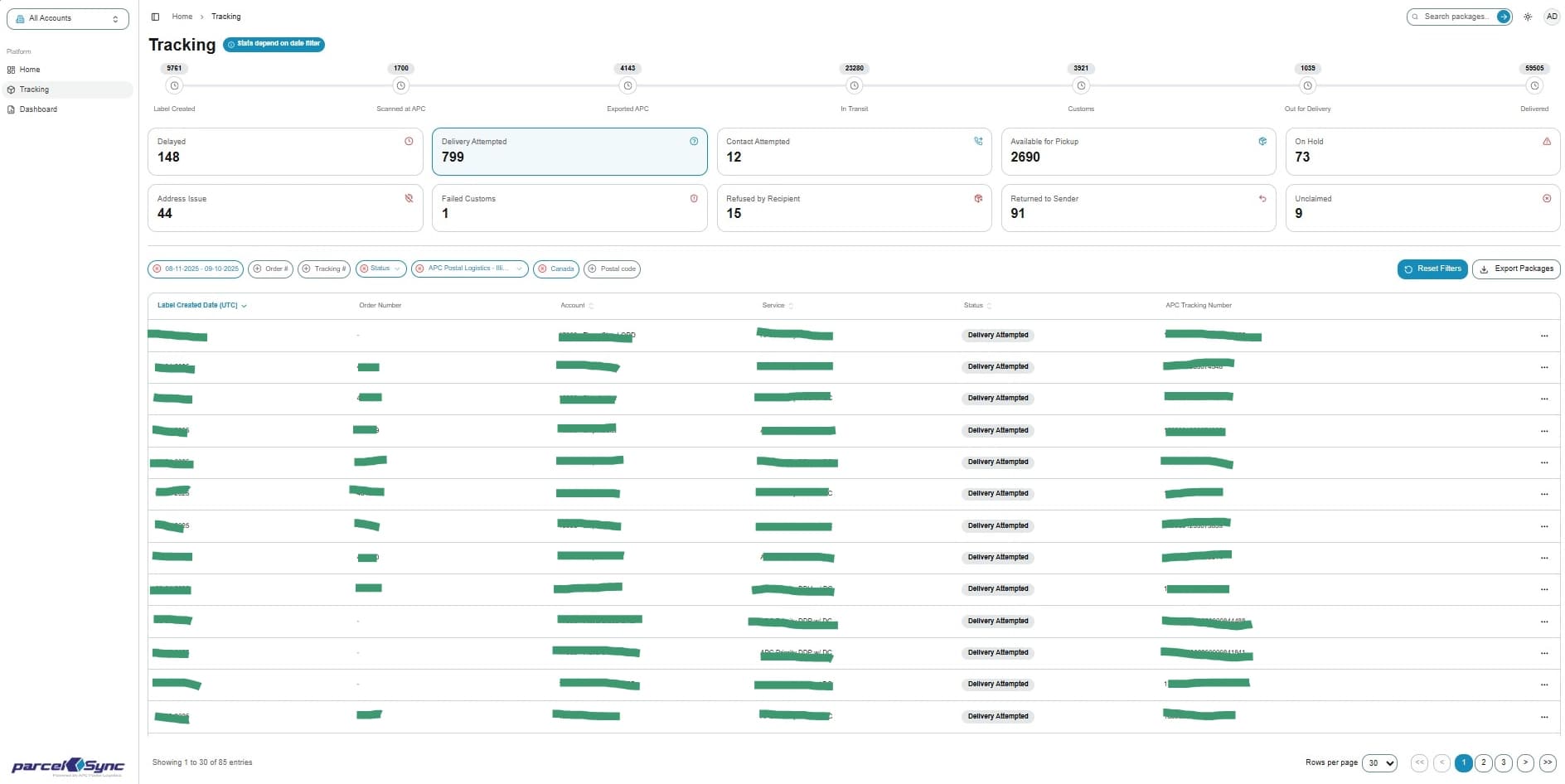
2. Click "Reset Filters" to remove all applied filters
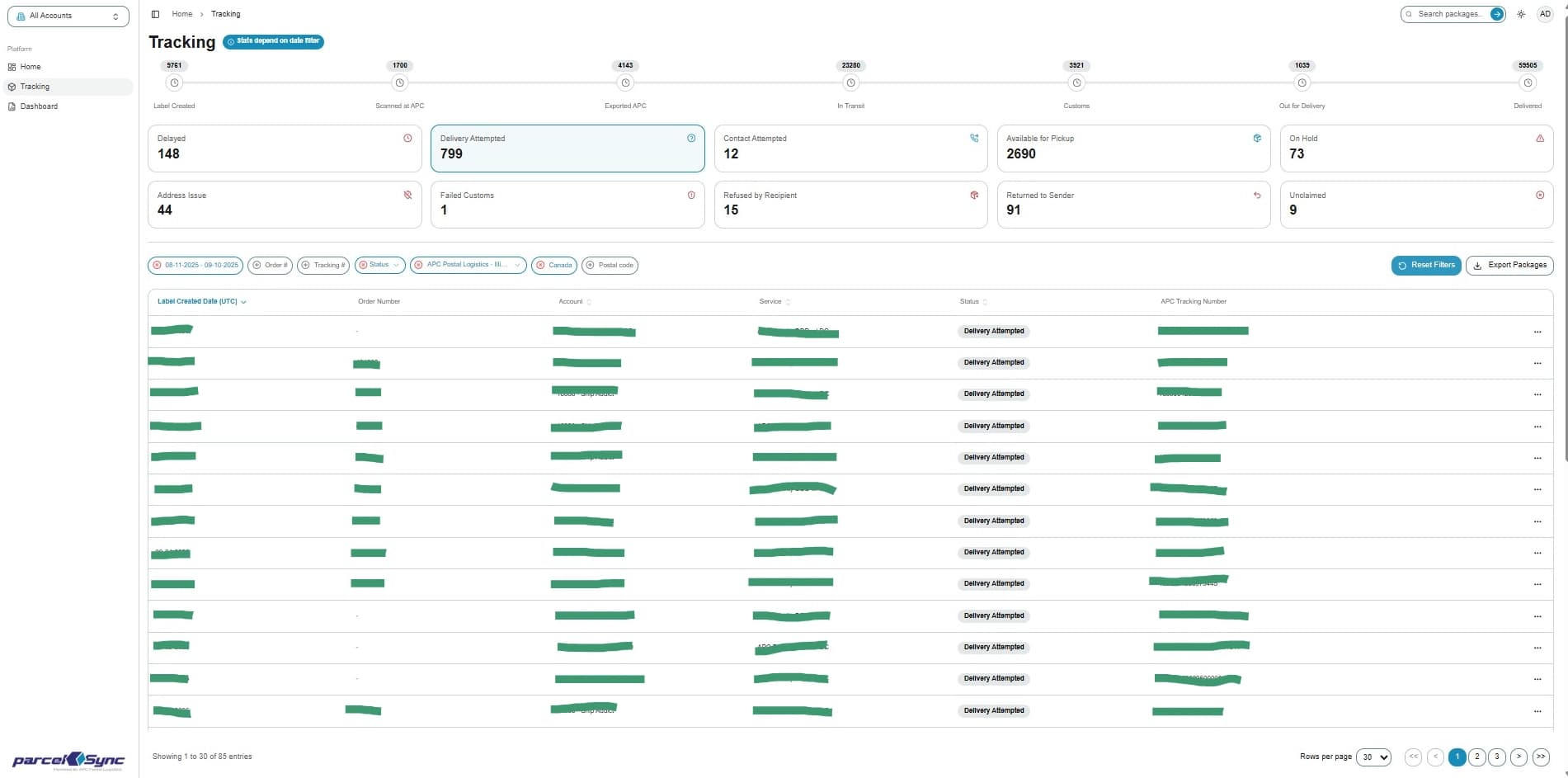
3. Cleared filters
Once filters are cleared, the tracking table resets to the default view showing shipments from the last 30 days