Inviting a New User
This guide will walk you through the process of inviting a new user to your business.
1. Open the initials menu
Log in to parcelSync. Once logged in, click on your user initials in the top right corner of the screen.
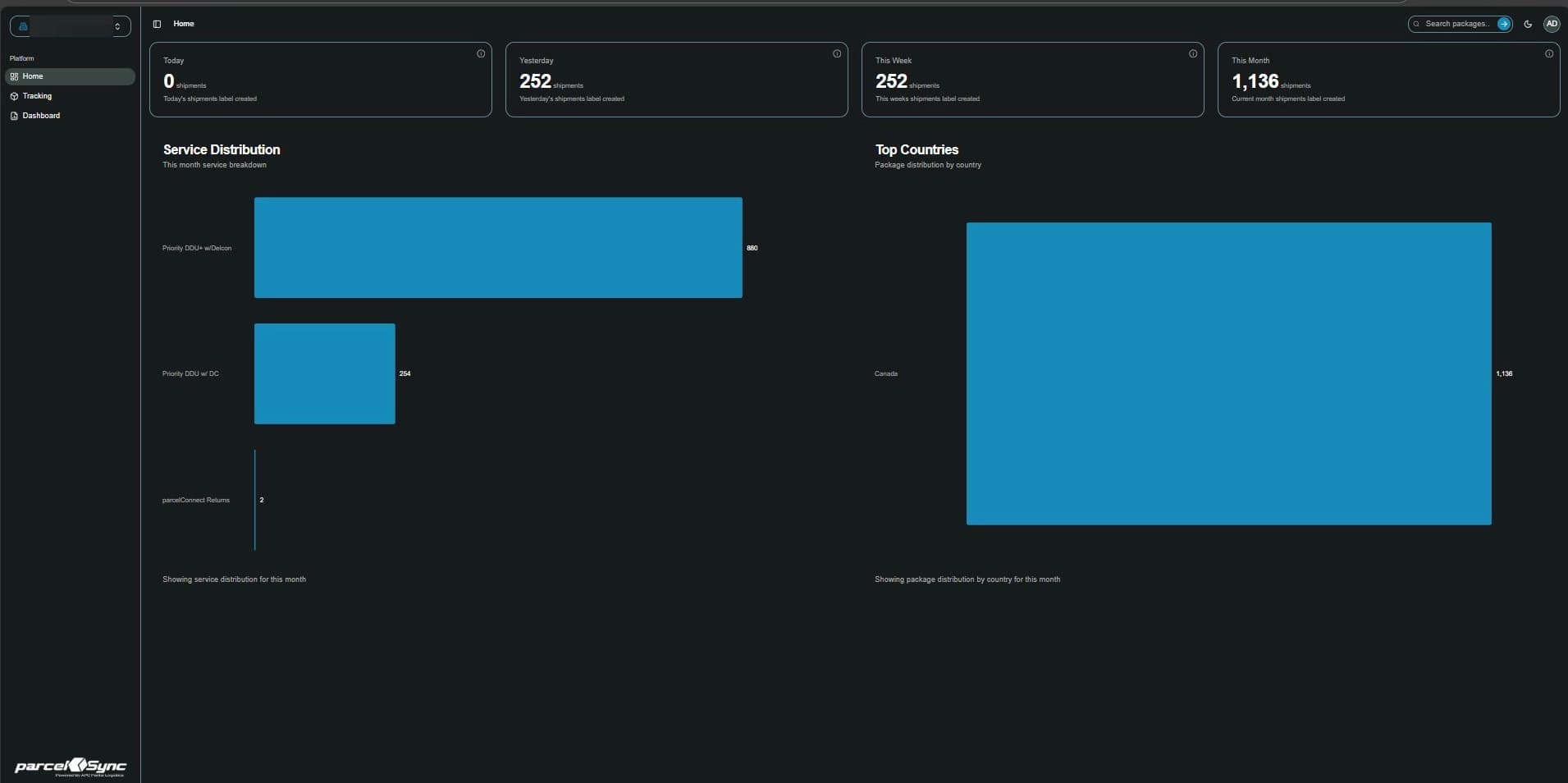
2. From the dropdown menu, select "Settings"
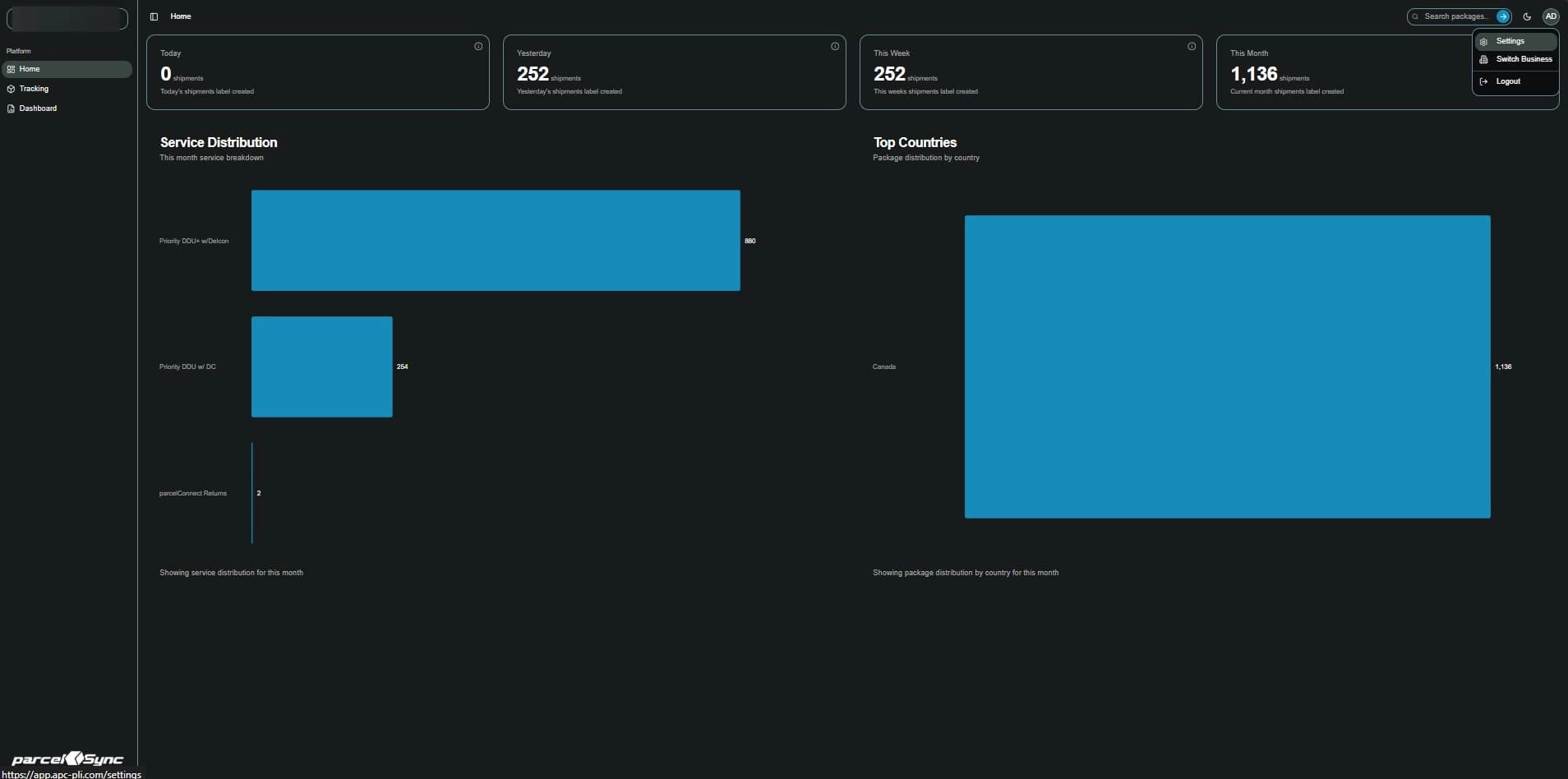
3.In the Settings menu, click "Business Settings"
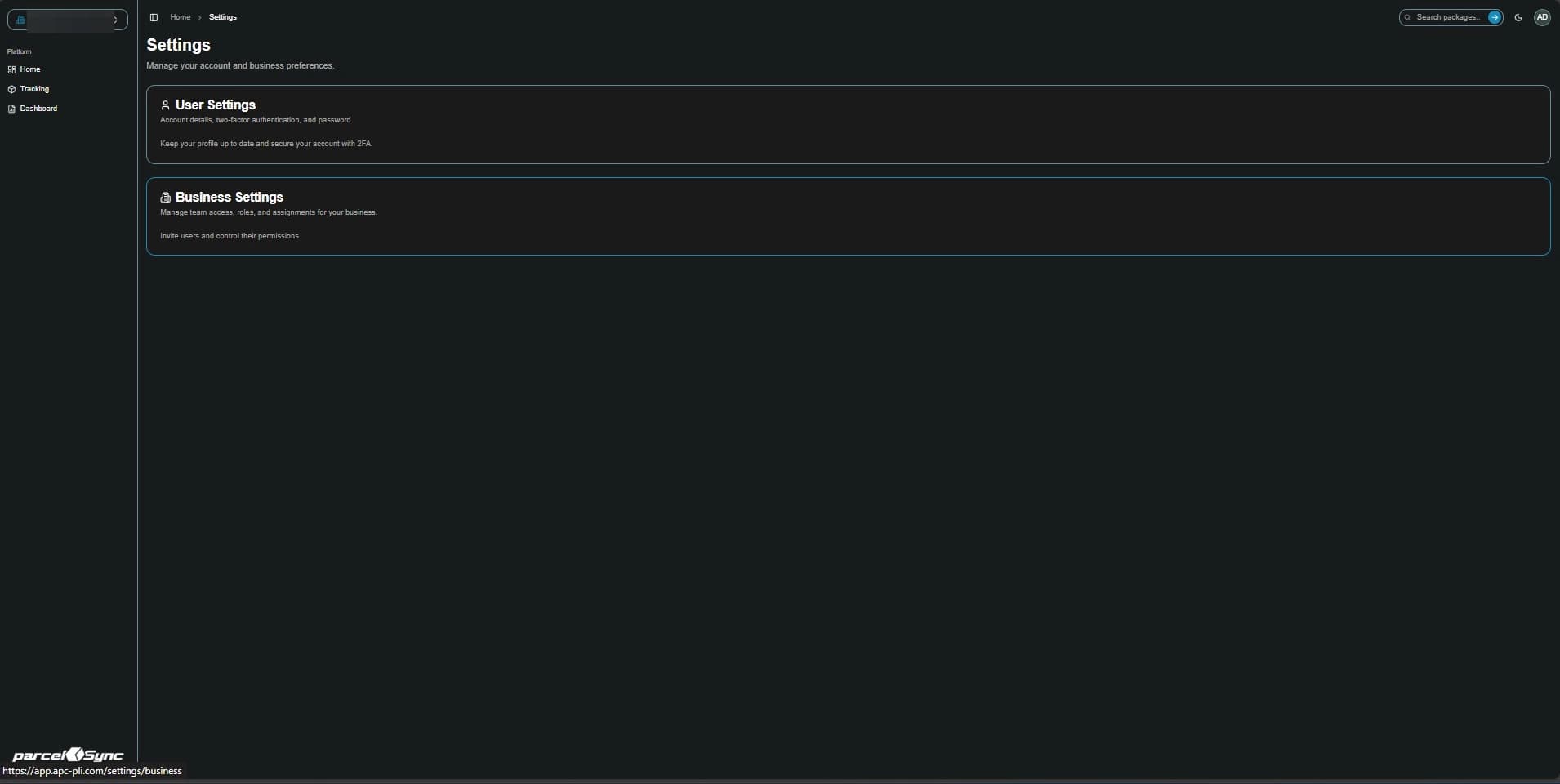
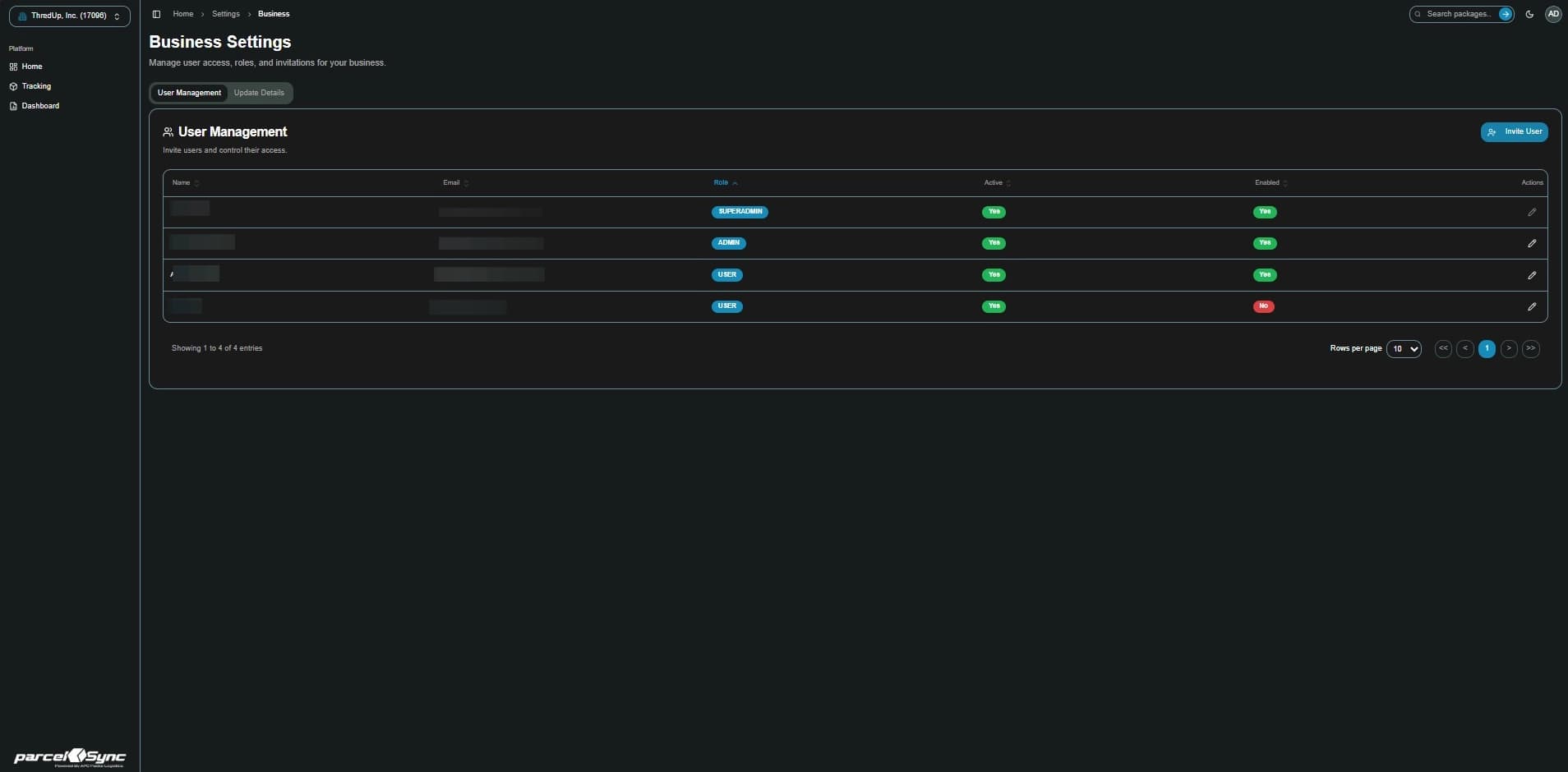
4. Click "Invite User"
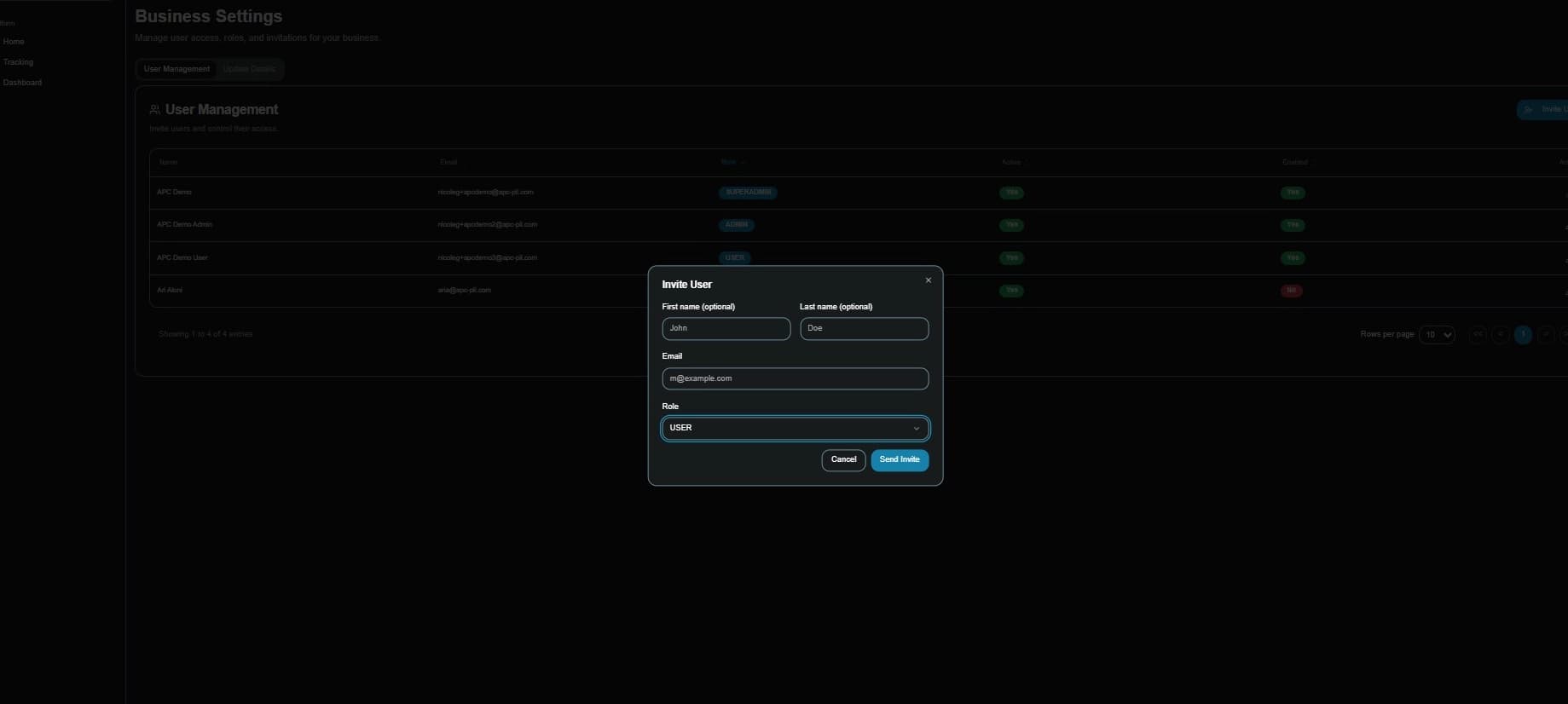
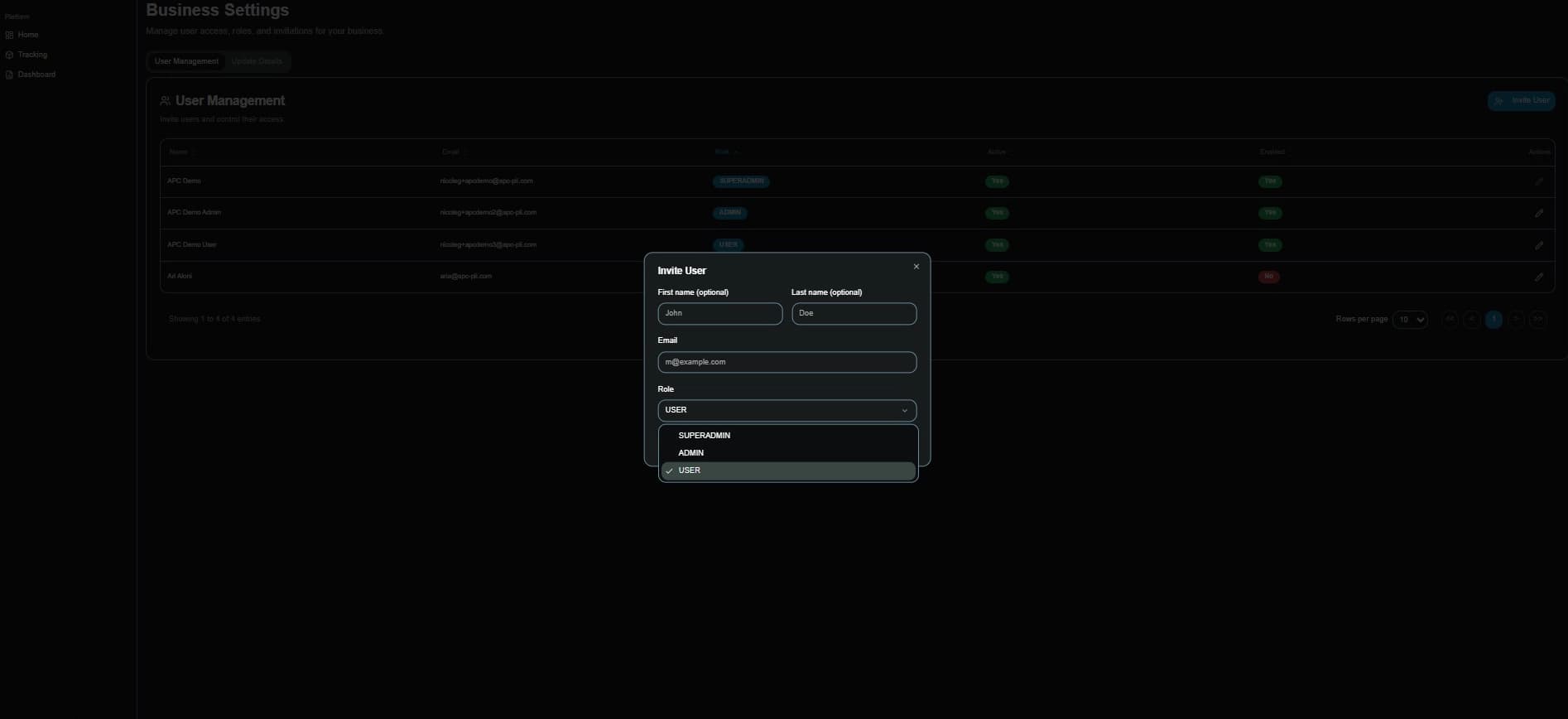
5. Input the user's data
Enter User Details (First & Last Name, Email, and User Type (Super Admin, Admin, & User).
6. Send invite
Click "Send Invite" for the new user to receive an email invitation and activate their account.