How to Toggle Light/Dark Mode
This guide will walk you through the steps to use the light and dark mode toggling feature.
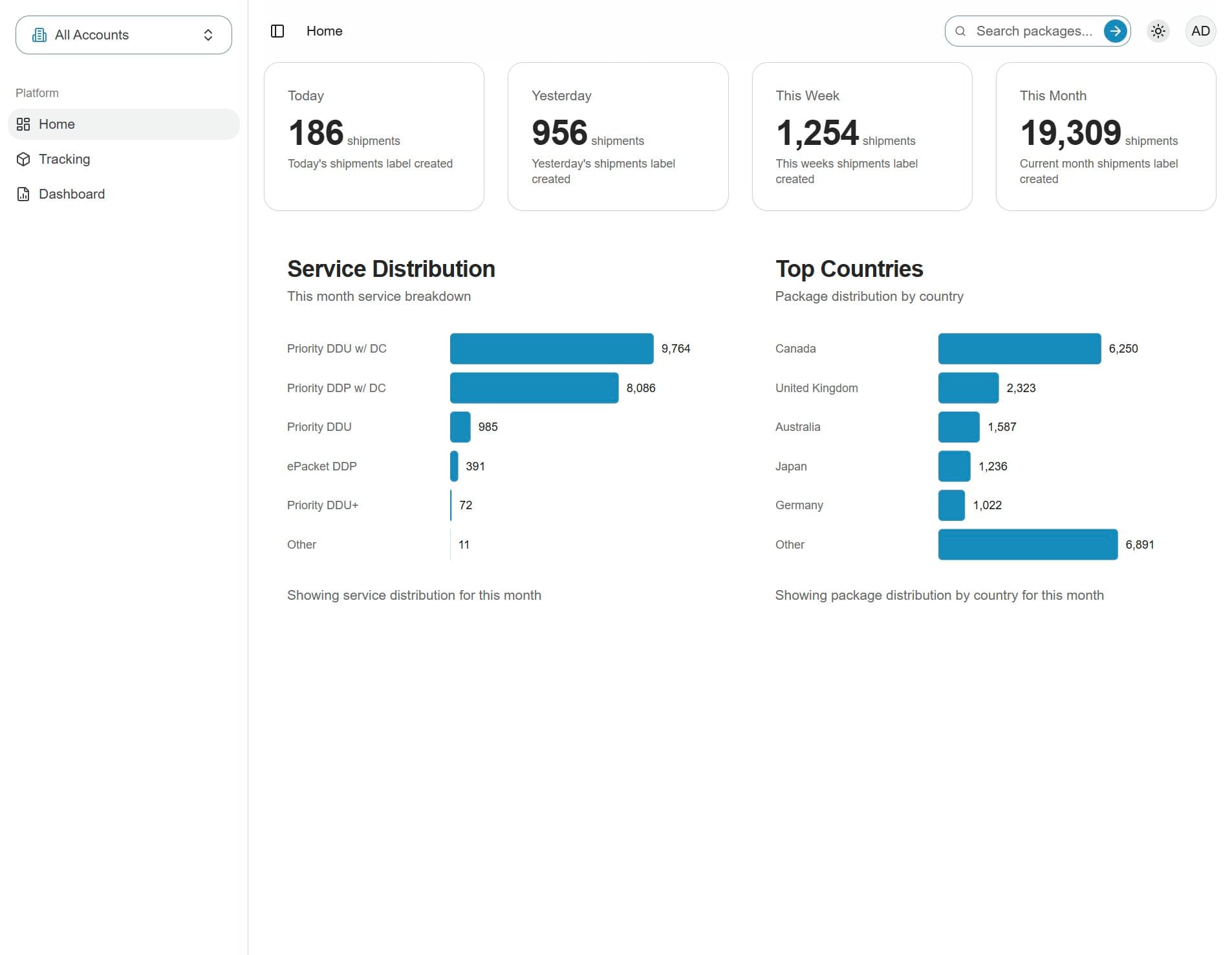
1. Click the toggle button
You can switch between light and dark mode at any time by clicking the toggle button in the top-right corner of the screen.
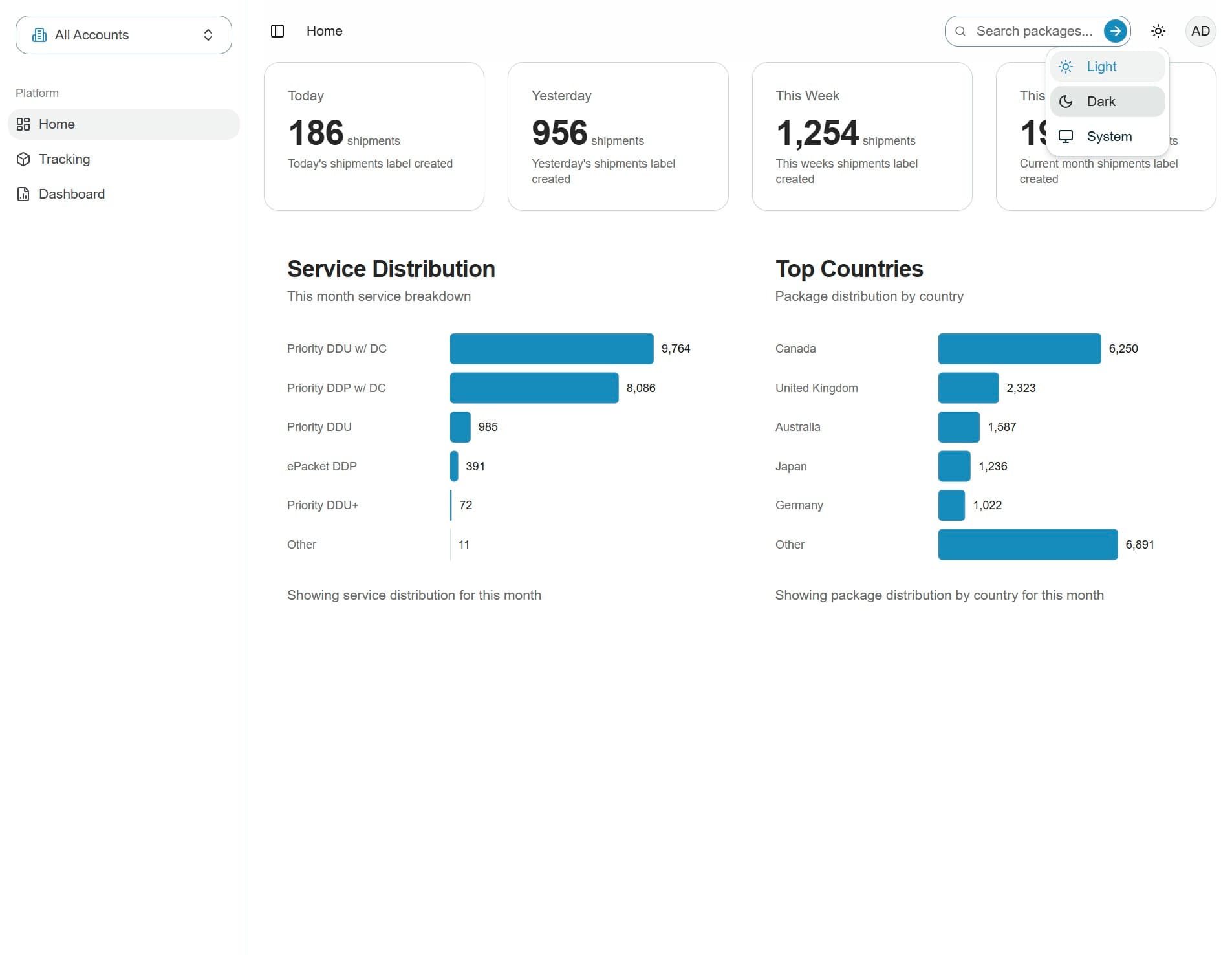
2. Select dark mode from the menu
The light mode is currently enabled. Clicking "Dark" will switch the entire portal interface to dark mode
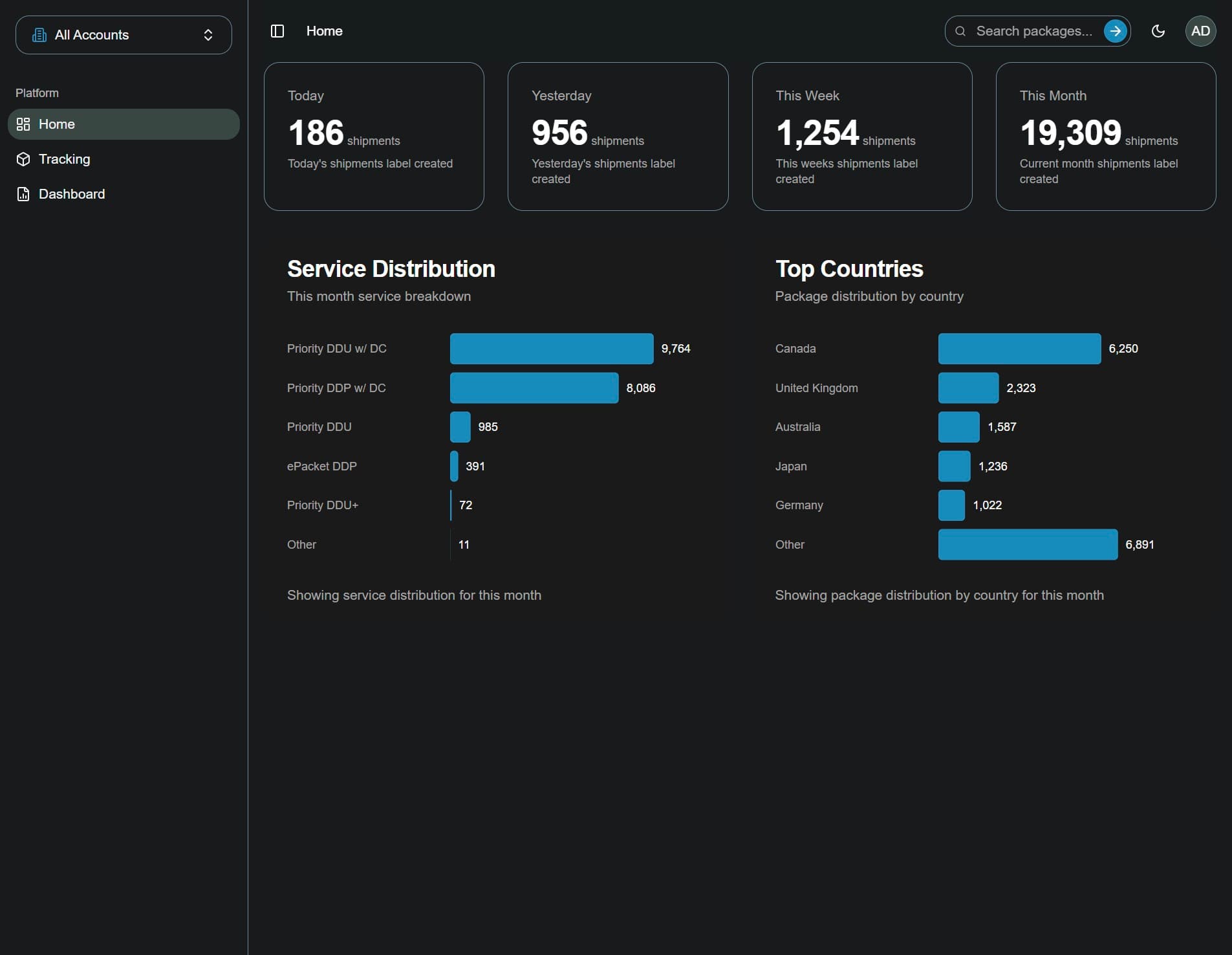
3. The dark mode is now enabled